Businesses often need product videos quickly, but writing a script, planning scenes, recording a voiceover, and editing footage can take longer than the campaign allows. When product images and descriptions already exist, an AI video tool can help turn those materials into a usable marketing video without rebuilding everything from scratch.
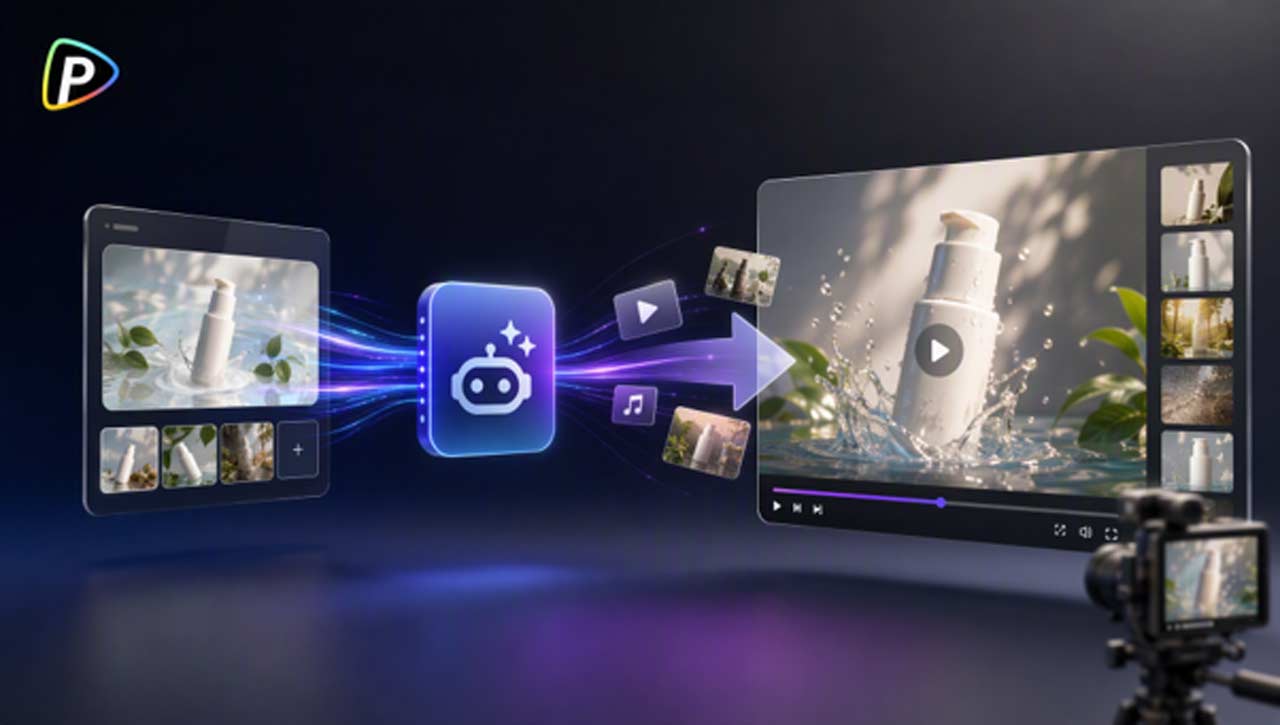
The AI Marketing Video Generator from Pollo AI lets users start with a product URL, uploaded images or videos, or a written idea. It can organize product information into a video with a script, scenes, narration, transitions, and an optional AI avatar.
The following steps explain how to create a product video with the tool and avoid common issues that may affect the final result.
How to Create Product Videos with the AI Marketing Video Generator from Pollo AI
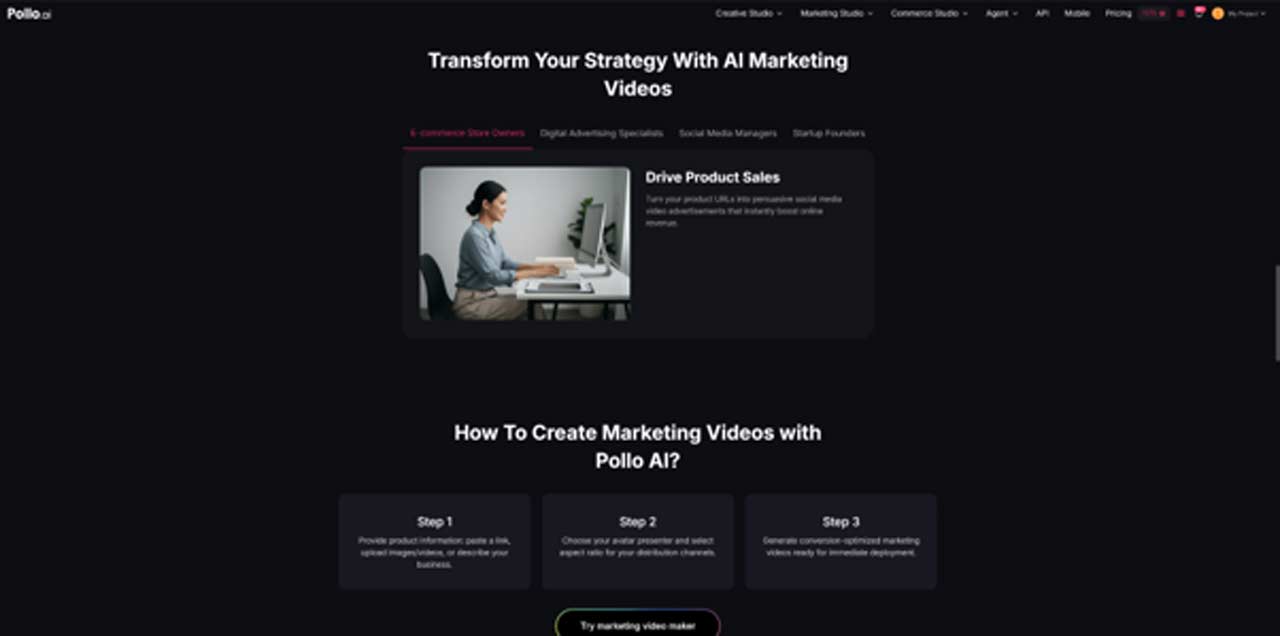


1. Choose a Starting Method
Users can begin with the AI marketing video generator by adding a product link, uploading product media, or entering a written description.
A direct product URL is useful when the page already contains accurate product details and clear images. Pollo AI can use the information and assets from the page to develop the video.
Before adding the link, users should check that the page shows the correct product and current information. Old prices, expired promotions, or multiple product versions can lead to unnecessary revisions.
Users who want more control over the visuals can upload their own images or videos. Clear product photos usually work better than a large collection of similar images. A main product view, one or two detail shots, and a relevant usage image are often sufficient.
A text description can be used when no complete product page is available. It should explain the product, target audience, main benefit, and intended marketing angle.
For example:
Create a short video for a compact desk lamp for remote workers. Highlight adjustable brightness, its space-saving design, and comfortable evening use.
2. Set the Platform, Format, and Length
Users can select the target platform, aspect ratio, video length, and language.
The format should match where the video will be published. A 9:16 layout is commonly used for TikTok and Instagram Reels, while 16:9 may be more suitable for websites and YouTube. For product promotions designed for TikTok, users can also consider an AI TikTok shop video maker to create content tailored to the platform.
Video length should match the message. Short videos work best when they focus on one clear benefit. Trying to explain every feature in a brief video can make the script crowded and reduce clarity.
If the product is marketed in different regions, separate language versions may be more useful than applying the same wording to every audience.
3. Review the Product Assets and Storyboard
When users start with a product URL, the tool can pull product details and images from the page. These should be checked before generation.
Not every image on a product page belongs in a video. Size charts, comparison tables, or images of several product variations may be difficult to understand in a short scene. Users should keep the visuals focused on the product and its main use.
The generated storyboard shows how the video is expected to progress. It may include an opening hook, product introduction, feature demonstration, and call to action.
Users should check whether the product appears early enough and whether the scene order supports the main message. If the opening is vague or the video spends too much time on minor details, the storyboard should be adjusted before rendering.
4. Select a Script and Presentation Style
The tool can generate different script directions from the same product information.
A problem-and-solution approach may work well when the product addresses a common difficulty. A storytelling format can place the product in an everyday situation, while a feature-focused script may be more suitable for technical products.
The script should match the audience and avoid claims that cannot be verified. Users should check statements about performance, results, or product comparisons before approving them.
Users can also select a visual style or an AI avatar. An avatar may be useful for product explanations or presenter-led videos. For products that are visually distinctive, a product-focused format may be more appropriate.
The selected style should support the product rather than distract from it. A fast-paced presentation may suit some social campaigns but may not work well when the product requires a clear explanation.
5. Generate and Review the Video
After confirming the settings, assets, storyboard, and script, users can generate the video.
Depending on the selected options, the result may include product visuals, narration, on-screen text, transitions, and an AI avatar with synchronized speech.
The first output should be treated as a draft. Users should check whether the product is accurate, the script sounds natural, and the pacing fits the target platform.
The opening should make the product or its main benefit clear within the first few seconds. Text should also be checked on the device where the video will be viewed, as captions that appear readable on a desktop may be too small on a phone.
Before publishing, users should verify product specifications, prices, discounts, and marketing claims against the current product information.
Refine Product Videos for Different Audiences
A product video should focus on one clear message rather than trying to include every feature. When a product serves different customer groups, creating separate versions is often more effective than forcing multiple selling points into one short video.
For example, a compact laptop stand could highlight desk comfort for remote workers, portability for students, or convenience for travelers. The same product images can be reused, while the script, video length, language, or presentation style is adjusted for each audience.
Before generating each version, users should also review the source materials. Outdated promotions, inconsistent product images, or irrelevant information on a product page may affect the result. The selected style should fit the product and platform rather than follow a trend that does not support the message.
Each generated version should still be checked before publication, especially for product accuracy, brand language, and marketing claims.
Conclusion
The AI Marketing Video Generator from Pollo AI helps users turn product links, images, videos, or written ideas into marketing videos without manually handling every stage of scripting and editing.
Users can choose a starting method, set the video format, review the product assets and storyboard, select a script and style, and generate the video.
Clear product information and careful review remain important. By checking the generated content and keeping each video focused on one main message, businesses can create product videos more efficiently and adapt them for different audiences and platforms.