In 2026, everyone wants eye-catching designs. From social media posts to school projects, high-quality visuals are more important than ever. But here’s the problem—finding the right apps for designing can feel confusing, especially when you’re just starting. There are so many graphic design apps, mobile design apps, and creative design software that it’s easy to feel stuck.
Don’t worry—this guide will help you! You will discover the best apps for designing that are simple, powerful, and fun to use. Whether you want to create logos, edit photos, or design cool posts, these easy design tools can help you improve your skills fast.
This blog is perfect for beginners, freelancers, and content creators who want to make amazing designs without stress. Even if you are new, you can start today and see real progress. So, let’s explore these game-changing apps and turn your ideas into beautiful designs step by step!
What Makes the Best Apps for Designing in 2026?
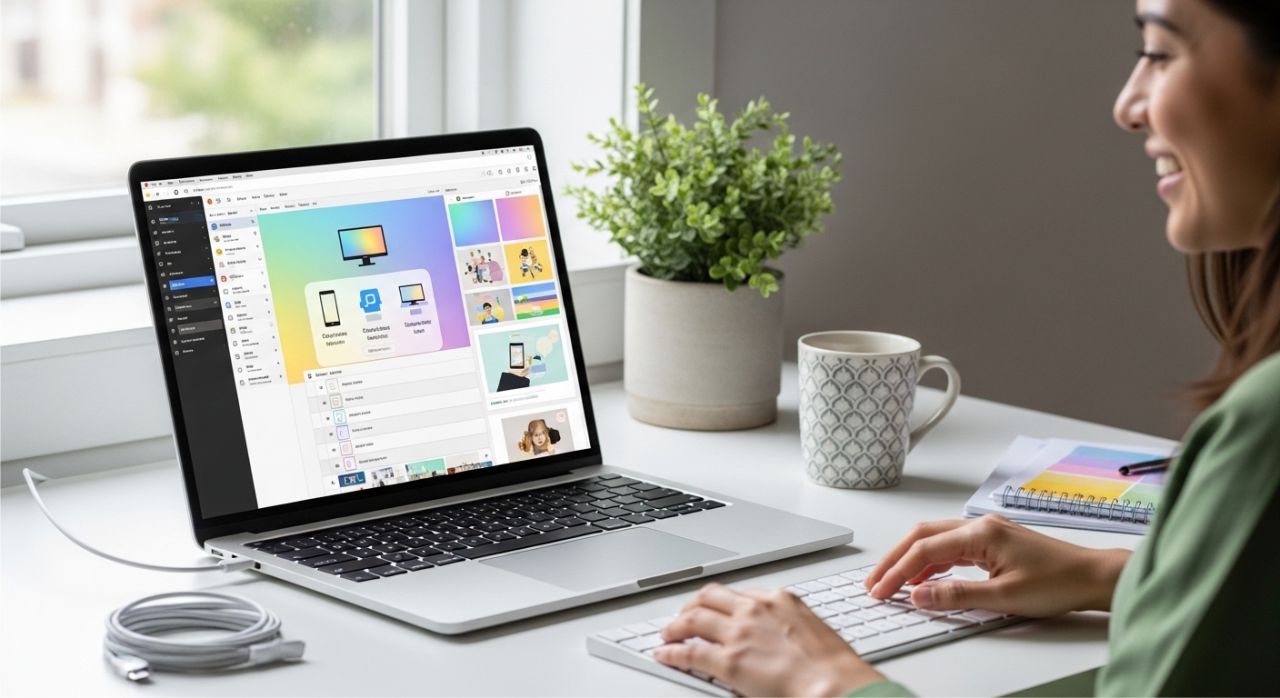

Choosing the right apps for design is crucial in 2026. But how do you know which one is the best? Don’t worry—it’s easier than you think! Let’s look at what makes a design app truly great.
First, the best graphic design apps feature a user-friendly interface that is ideal for beginners. This means the app is simple and easy to use. You can click, drag, and create without feeling confused. So, even if you are new, you can start designing right away.
Next, great apps include essential features like templates, layers, and AI tools. Templates help you design faster. Layers let you control every part of your design. And AI design tools can suggest ideas and save time. Because of this, your work becomes quicker and smarter.
Also, top mobile design apps offer cross-platform compatibility. This means you can use them on Android, iOS, and desktop. For example, you can start a design on your phone and finish it on your computer. That makes your work flexible and easy!
Finally, you should understand free vs paid design apps. Free apps are great for beginners and simple projects. However, paid apps often give you more tools and advanced features. So, you can choose what fits your needs and budget.
In short, the best apps for designing are easy, powerful, and flexible. They help you learn fast and create amazing designs every day!
15 Best Apps for Designing That Instantly Boost Your Skills
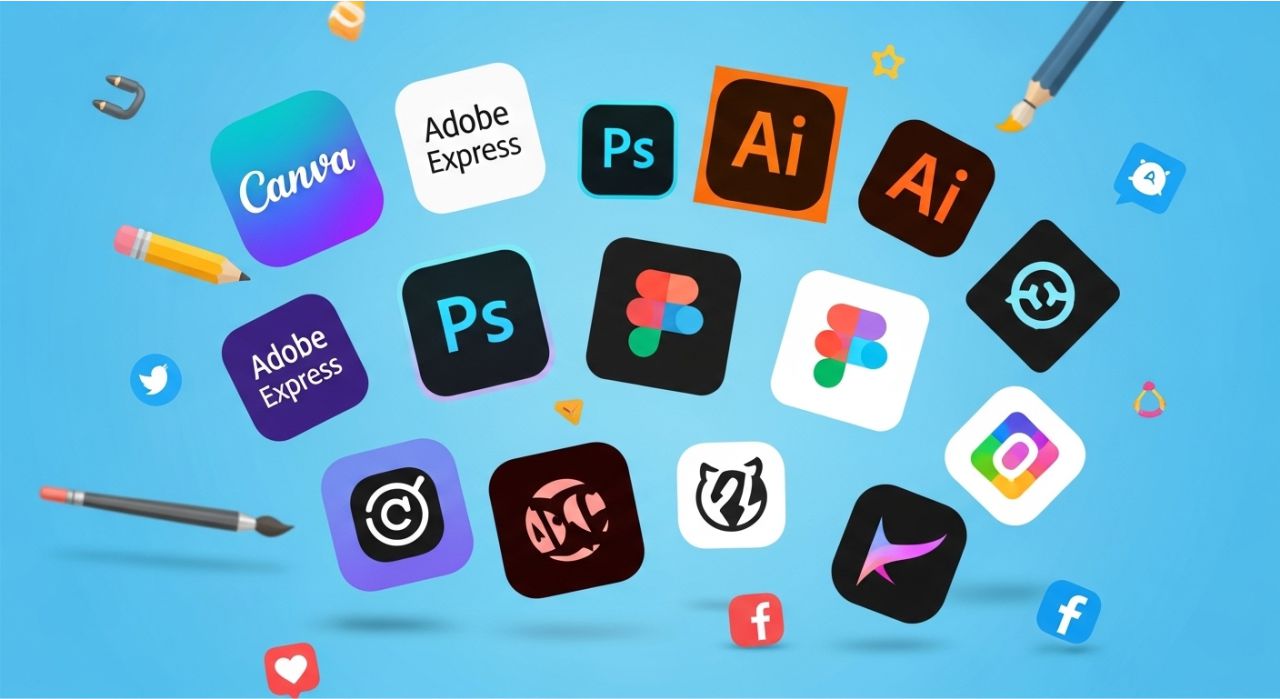
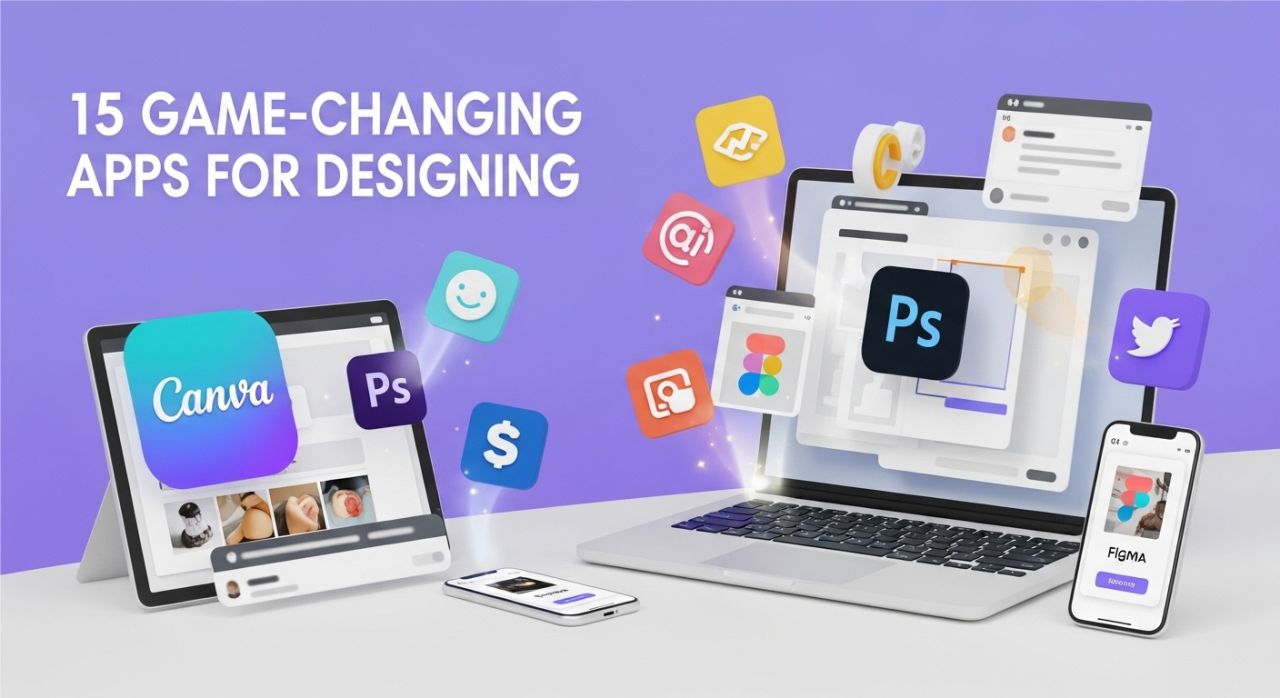
Looking to create stunning visuals without stress? These 15 best apps for designing are perfect for beginners, freelancers, and content creators who want to boost their skills instantly.
From easy mobile design apps for quick social media posts to professional graphic design software for logos and illustrations, this list covers tools that are powerful, user-friendly, and fun. Each app helps you learn faster, save time, and unleash your creativity.
Whether you want to edit photos, make posters, or design eye-catching social media content, these digital design tools will transform your ideas into professional-looking designs in no time.
Best Apps for Beginners and Quick Designs
If you are just starting, these apps for designing are perfect for you. They are easy, fun, and fast—so you can make amazing visuals without stress.
1. Canva – This is the ultimate beginner-friendly app. You can design social media posts, logos, presentations, and more. With ready-made templates and drag-and-drop tools, even kids and beginners can create beautiful designs quickly.
2. Adobe Express – A quick and powerful tool that helps you make stunning visuals in minutes. It has tons of templates and creative elements, so you don’t need to start from scratch. It’s perfect for fast, professional-looking designs!
3. VistaCreate (formerly Crello) – This app is great for fast social media graphics and animations. It has pre-made templates for Instagram, Facebook, and YouTube. You can create posts that look amazing without spending hours.
4. Desygner – A simple drag-and-drop app made for non-designers. It’s easy to add photos, text, and icons. Beginners can feel confident making posters, flyers, or digital content.
5. Pixlr – This is an easy photo editing and design tool. You can adjust images, add effects, and create quick designs. It’s perfect for small projects or practicing your design skills.
In short, these beginner-friendly graphic design apps help you learn, create, and grow your skills fast. They are simple, powerful, and fun, making it easy for anyone to start designing today!
Professional Graphic Design Apps
Once you feel confident, it’s time to try professional apps for designing. These tools are more advanced, giving you the power to create detailed and polished designs.
6. Adobe Photoshop – This is the industry-standard app for photo editing and graphic design. You can adjust colors, retouch images, and create complex designs. It’s perfect for making professional visuals that stand out.
7. Adobe Illustrator – Best for vector graphics, logos, and illustrations. You can draw shapes, icons, and logos that look clean and sharp at any size. It’s a must-have for advanced designers!
8. Figma – A powerful UI/UX design app for making websites and apps. It’s also great for collaboration because multiple people can work on a project at the same time. Perfect for teams and learning professional workflows.
9. Sketch – Popular among UI/UX designers (Mac users). You can design interfaces, apps, and websites with precision. It’s fast, flexible, and focused on creating clean digital designs.
10. CorelDRAW – This is professional-grade software for branding, logos, and detailed graphic projects. It’s excellent for print materials, illustrations, and complex vector work. Advanced features make your creativity limitless.
In short, these professional graphic design apps help you take your skills to the next level. They are more complex than beginner tools, but with practice, you can create stunning designs, logos, and digital art that look professional and polished.
Specialized Apps for Specific Design Needs
Some apps for designing focus on specific creative tasks, making them perfect for illustrators, social media creators, and logo designers. Let’s explore the top specialized tools.
11. Procreate – This is the top digital drawing app for illustrators and artists on iPad. You can draw, paint, and create stunning illustrations with brushes and layers. It’s perfect for bringing your imagination to life!
12. Affinity Designer – A great, affordable alternative to Illustrator. It works well for vector graphics, logos, and UI design. Beginners and professionals can use it to create clean, detailed designs.
13. PicsArt – A creative photo editing app with tons of effects, stickers, and design tools. You can make fun edits, collages, or social media posts that stand out. It’s easy and exciting for beginners!
14. InShot – Ideal for designing social media visuals and video content. You can trim videos, add text, and create eye-catching posts for Instagram, TikTok, and YouTube. It’s fast, flexible, and fun!
15. Logo Maker by Looka – An AI-powered logo design tool. You can create professional logos quickly by choosing styles, colors, and icons. It’s perfect for small businesses, personal brands, or creative projects!
In short, these specialized apps for designing let you focus on your creativity and create professional-looking results for illustrations, social media, videos, and branding. By using the right tool for the right task, your skills, speed, and confidence will grow fast!
Best Free Apps for Designing Graphics, Logos, and Social Media Posts
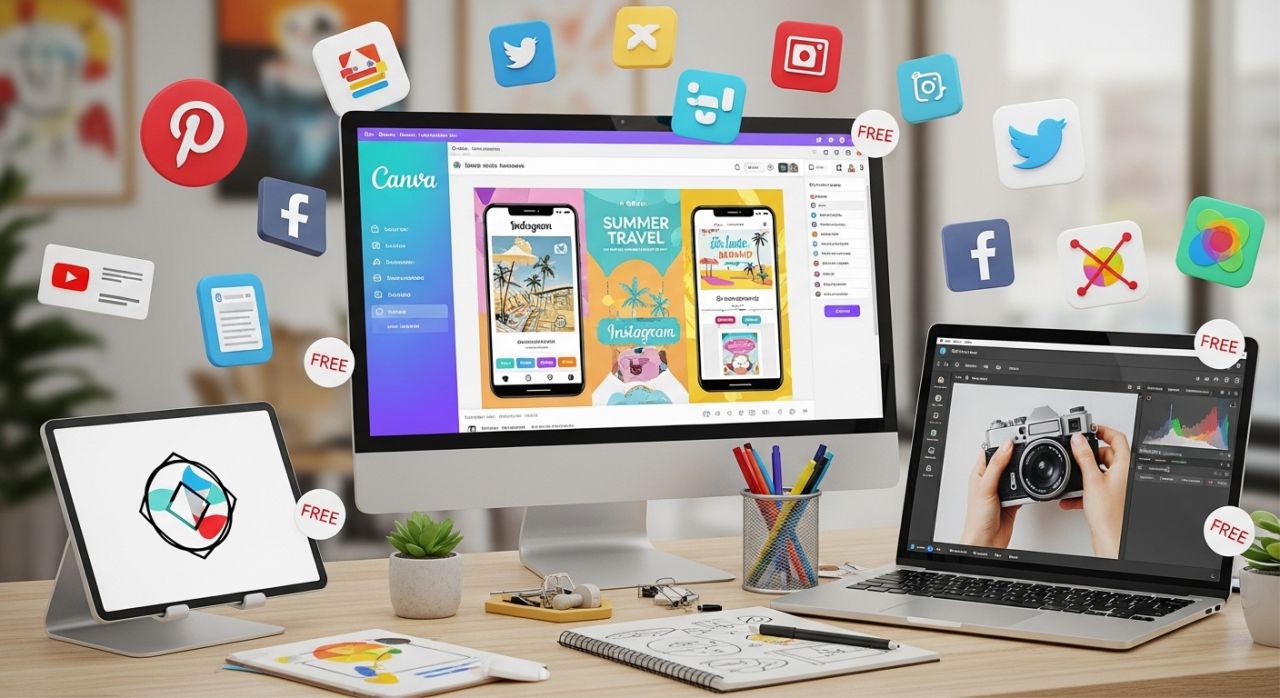
You don’t need to spend money to start creating amazing designs! Free apps for designing are perfect for beginners and anyone who wants to try new ideas without paying.
Some top free apps with powerful features include Canva, Pixlr, Desygner, and Adobe Express. These apps let you create logos, social media posts, and posters easily. They have ready-made templates, drag-and-drop tools, and even some AI-powered features to make your designs look professional. Even beginners can make stunning visuals quickly!
However, free tools do have some limitations. For example, some apps may have fewer templates, limited storage, or watermarks on your designs. Advanced features like detailed layers, premium fonts, or export options might also be missing. But don’t worry! You can still create amazing projects with a little creativity.
Here are some tips to maximize free tools effectively:
- Customize templates: Change colors, fonts, and images to make your design unique.
- Combine apps: Use one app for photo editing and another for adding text or effects.
- Practice daily: The more you use free apps, the faster you improve your digital design skills.
- Explore AI tools: Some free apps have AI features that can suggest layouts or generate ideas automatically.
In short, free apps for designing give you a great start. They help you learn, create, and improve your skills without spending money. With the right approach, you can make eye-catching graphics, logos, and social media posts that look professional and boost your creativity every day!
Apps for Designing on Mobile vs Desktop – Which One Should You Choose?
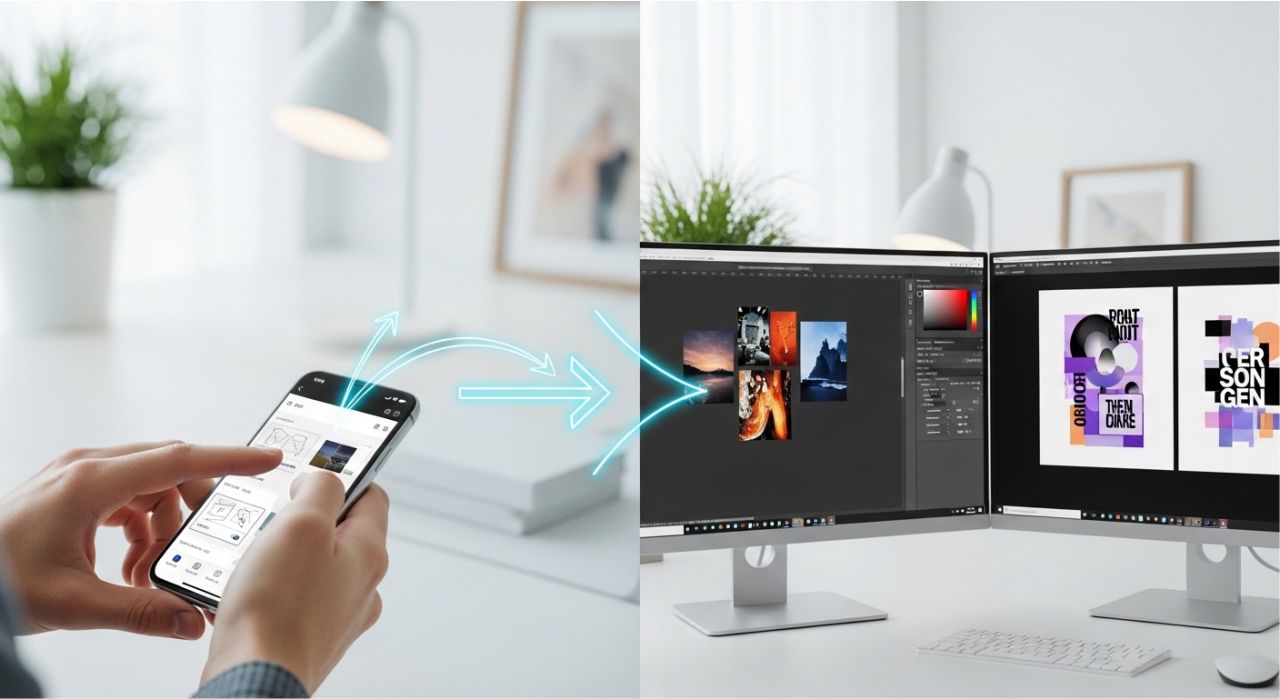
When it comes to apps for designing, you can use either mobile apps or desktop software. Both have their benefits, so it’s important to know which one fits your needs.
First, mobile design apps are great for quick and easy projects. Apps like Canva, Adobe Express, or PicsArt let you design on the go. You can create social media posts, edit photos, or make posters right from your phone. They are perfect for beginners and busy creators who want fast results.
Next, desktop design software is best for complex or professional projects. Apps like Adobe Photoshop, Illustrator, or CorelDRAW give you powerful tools for detailed designs, advanced layouts, and vector graphics. Use desktop apps when you need precision and advanced features that mobile apps can’t offer.
But here’s a smart tip: hybrid tools give you the best of both worlds. Apps like Figma and Affinity Designer work on both mobile and desktop, so you can start a design on your phone and finish it on your computer. This makes your workflow flexible and lets you create anywhere!
In short, choose mobile apps for speed, convenience, and easy edits. Pick desktop software for detailed, professional designs. Or go for hybrid tools to enjoy flexibility and freedom.
By understanding the strengths of each, your apps for designing will help you create amazing visuals faster, boost your skills, and make design fun every day!
How to Choose the Right Apps for Designing Based on Your Skill Level
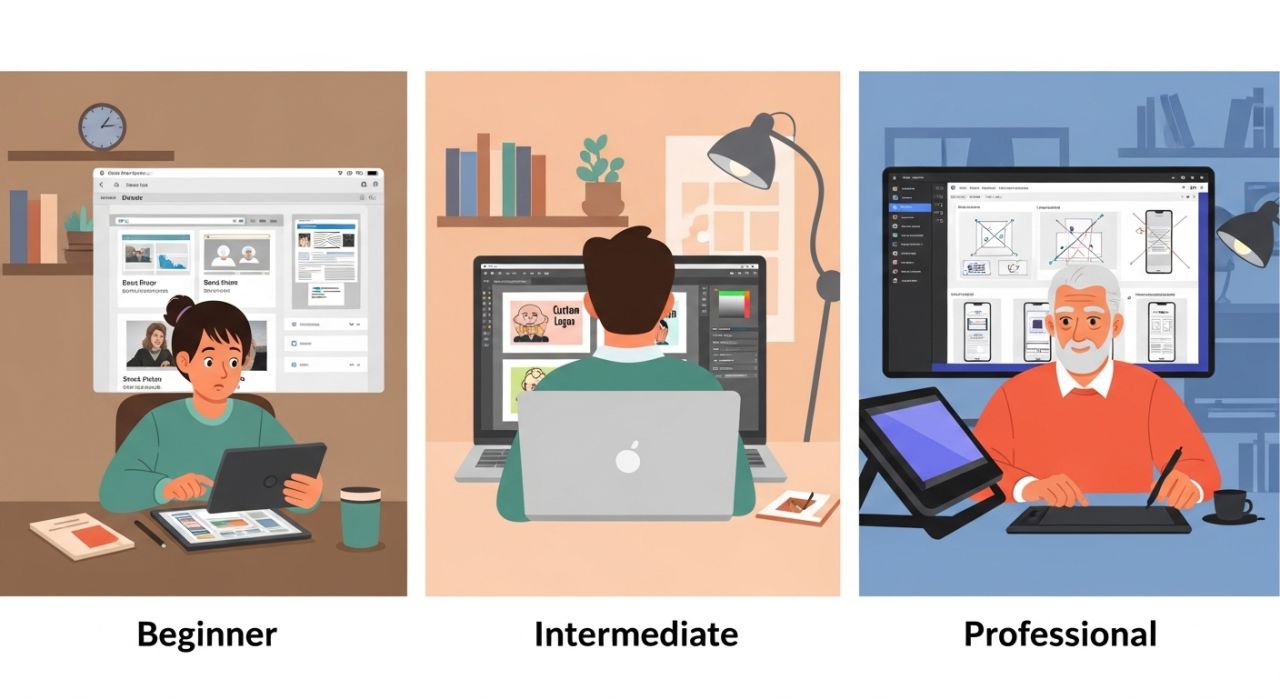
Not all apps for designing are the same. The best app for you depends on your skill level. Picking the right one helps you learn faster and create better designs.
If you are just starting, go for beginner-friendly graphic design apps. Apps like Canva, Adobe Express, or Desygner are simple to use. They have templates, drag-and-drop tools, and easy layouts. These apps help you practice without feeling lost or overwhelmed.
Once you feel more confident, you can try intermediate tools for skill growth. Apps like Figma, Pixlr, or Affinity Designer give you more features. You can play with layers, color palettes, and effects. These tools help you improve your creative design skills and explore more professional techniques.
For advanced designers, choose professional apps for advanced work. Adobe Photoshop, Adobe Illustrator, or CorelDRAW are perfect for detailed designs, logos, and complex projects. They have powerful features for digital design tools, but they take practice to master. If you’re ready for a challenge, these apps will boost your skills to the next level!
Remember, the key is to start with the right app for your level. Beginners should not get frustrated with complex software, and advanced designers should use apps that push their creativity further. With the right choice, your designs will improve faster, and using apps for designing will be fun and rewarding!
So, pick your app wisely, practice often, and watch your skills, speed, and creativity grow every day!
Pro Tips to Get the Most Out of Design Apps (Boost Skills Fast)
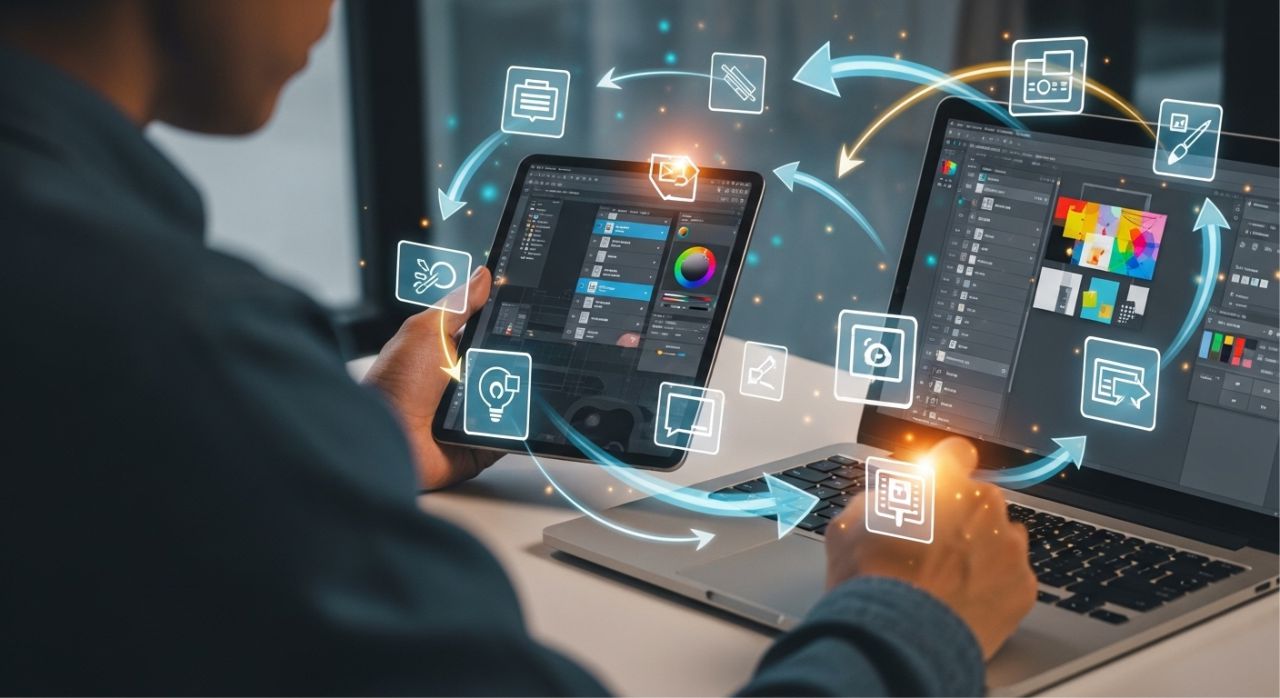
Want to get better fast with apps for designing? There are smart ways to use them so your designs look amazing in less time. Let’s explore some pro tips that even beginners can follow.
First, learn shortcuts and features. Most graphic design apps have hidden tools that save time. For example, keyboard shortcuts or gesture controls can make drawing and editing much faster. Once you know them, your workflow becomes smooth and easy.
Next, use templates strategically. Templates are helpful, but don’t just copy them. Change colors, fonts, and images to make your design unique. By customizing templates, you can practice creative design skills while finishing projects faster.
Another key tip is to practice daily with real projects. Try designing social media posts, posters, or small logos every day. Even short daily practice improves your digital design skills quickly. Plus, it helps you learn new tricks while working on real tasks.
Finally, combine multiple design tools. For example, start editing a photo in one app, then add text in another, and finish with effects in a third. Using different mobile design apps together gives you more freedom and better results.
In short, mastering design apps is not just about using one app. It’s about learning features, customizing templates, practicing every day, and mixing tools smartly. Follow these tips, and your apps for designing will help you create stunning visuals faster and boost your skills in no time!
Common Mistakes to Avoid When Using Apps for Designing
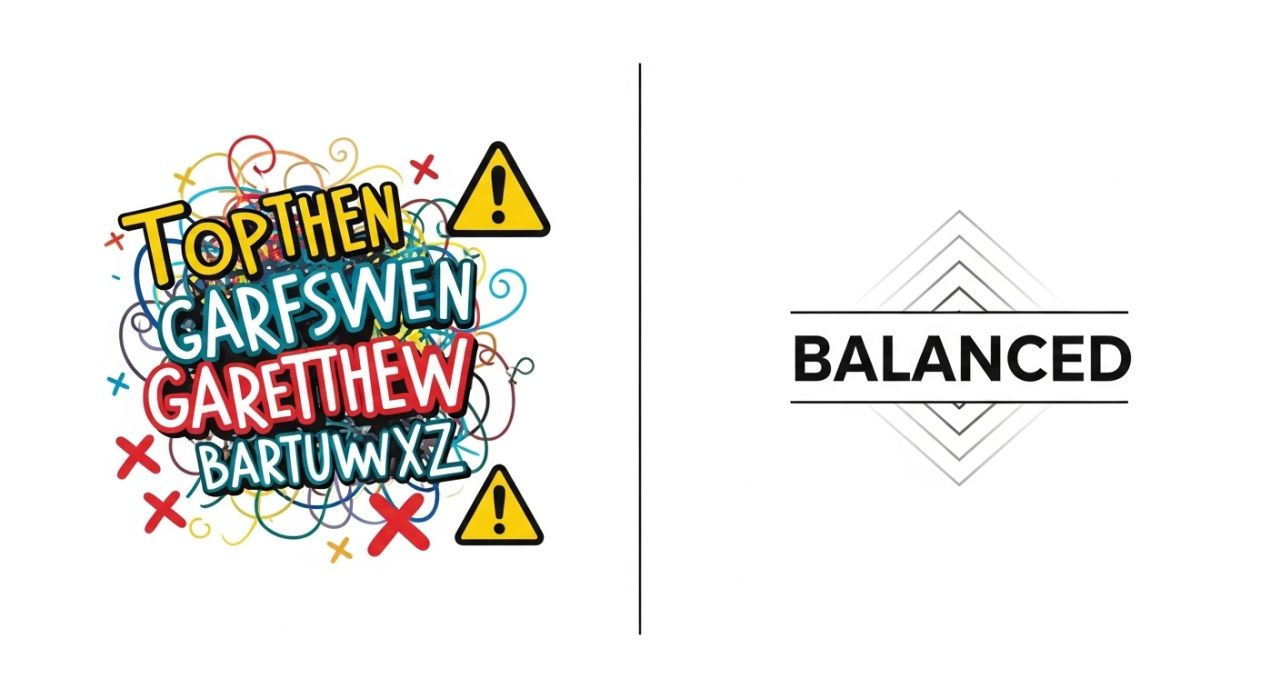
Using apps for designing is fun, but many beginners make simple mistakes that slow them down. Don’t worry! Once you know these pitfalls, you can create better designs faster.
First, avoid overcomplicating designs. Many people add too many colors, fonts, or effects. This makes the design messy and hard to read. Remember, simple designs often look the best!
Next, don’t ignore design basics. Things like alignment, spacing, and color balance are very important. Even with the best graphic design apps, ignoring these basics can make your work look unprofessional.
Another mistake is relying too much on templates. Templates are helpful, but copying them exactly won’t make your design unique. Instead, tweak them with your own colors, text, and images. This way, your digital design tools will help your creativity shine.
Finally, avoid choosing the wrong app for your needs. Some mobile design apps are great for beginners but limited for professional work. Others have advanced tools, but they are hard to use at first. Always pick an app that fits your skill level and project type.
In short, the best way to use apps for designing is to keep it simple, follow design basics, customize templates, and pick the right tool. If you avoid these mistakes, you’ll create amazing visuals and improve your skills quickly!
Future Trends: AI-Powered Apps for Designing in 2026 and Beyond

The world of apps for designing is changing fast—and it’s getting smarter every day! In 2026 and beyond, AI-powered design tools are helping people create amazing visuals in seconds. Even beginners can now design like pros. Isn’t that exciting?
First, let’s talk about AI design automation tools. These smart tools can pick colors, suggest layouts, and even fix mistakes for you. So, instead of spending hours, you can finish your design quickly. This makes graphic design apps faster and easier for everyone.
Next, we have smart templates and content generation. Many mobile design apps now offer ready-made templates that change based on your needs. You just add your text or image, and the app creates a beautiful design. Some tools can even generate logos, posts, or posters automatically. That means less work and more creativity!
Now, think about the future of creative workflows. Designers will use multiple digital design tools together. For example, you can start with a template, edit it with AI, and then finalize it on another app. Because of this, your workflow becomes smooth and super fast.
In simple words, the future of apps for designing is all about speed, creativity, and smart technology. With these powerful tools, you can create stunning designs without stress—and have fun while doing it!
Start Designing Today and Watch Your Skills Grow Fast!
Now you know how powerful the right apps for designing can be! These amazing graphic design apps, mobile design apps, and creative design software help you create beautiful visuals quickly and easily. You can design logos, edit photos, and build stunning social media posts—all from your phone or computer. Even better, these easy design tools save time and boost your creativity at the same time.
So, what should you do next? Start small and take action today. Pick 2–3 apps for designing from this list and try them right now. As you practice daily, your design skills, speed, and confidence will grow. Soon, you will create designs that look professional and eye-catching!
Remember, every great designer starts as a beginner. But with the right design tools for beginners and a little practice, you can improve faster than you think. Keep learning, keep creating, and never stop exploring new ideas.
Now it’s your turn! Which app are you most excited to try? Tell us in the comments below! Don’t forget to share this post with your friends who love designing. Make sure to follow us on Instagram for more tips, visual content creation tools, and daily design inspiration!
Start today, stay creative, and turn your ideas into amazing designs!