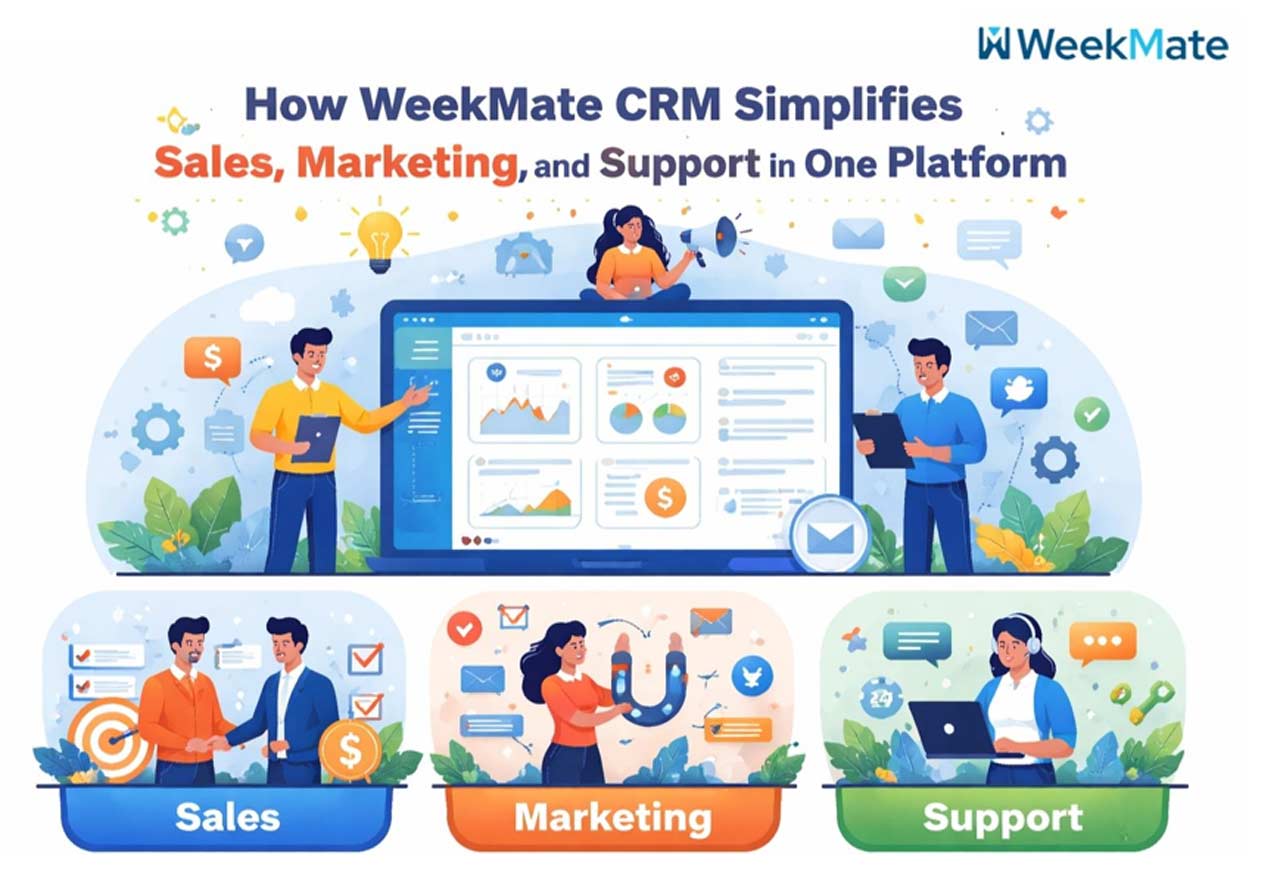
 Ever had that feeling of trying to run three companies from your dashboard? Your salespeople are pursuing leads inside one app, your marketing department is spraying campaigns from another service, and your help desk is rattling off email chains and ticketing that don’t quite talk to one another. Data is duplicated, insights vanish, and customers slip through the cracks.
This is the daily pain for far too many growing teams in 2026. The good news: You don’t need a bunch of disconnected tools anymore. WeekMate is an intelligent and user-friendly cloud-based CRM software that unifies CRM sales and marketing in one clean SaaS CRM platform. It brings everything together so your team can stop fighting technology and start closing deals, nurturing leads, and delighting customers.
WeekMate isn’t your average CRM. It was designed for real businesses that need simplicity without complexity. So let’s take a look at how WeekMate CRM works for businesses and why it is quickly gaining the crown as the best CRM software for small business.
What is WeekMate CRM?
WeekMate CRM (also referred to as WeekMate e-CRM) is a contemporary SaaS CRM platform designed to be the one workspace for sales, marketing, and customer service. It’s popular with startups, SMEs, and expanding service-based businesses that want a comprehensive solution without the complexity and high costs of enterprise giants.
The core principle is simple: one customer record, one timeline, one platform. Sales has access to the entire history, marketing understands which content converts, and support can resolve issues more quickly because they have full context. It’s considered among the best CRM software for small business choices because it mixes power with affordability and ease of use.


How WeekMate CRM Works for Businesses?
WeekMate CRM’s work for businesses is very simple. It starts with a single, centralized dashboard that provides a bird’s-eye view of your entire customer environment.
Unified customer data system: Every interaction, like email, call, website visit, and support ticket, lives in one 360-degree customer profile. There’s no need to toggle between tabs anymore to know the story.
Workflow throughout the organization: Rules and triggers help automate the process. A new lead is assigned, nurtured with targeted emails, turned into a deal, and passed seamlessly to support if required.
Complete workflow: capture→ smart nurture→ convert→ active support and upsell. The system fills in the blanks and keeps things from falling through the cracks.
The result? Less manual work, fewer errors, and teams that really feel like they’re aligned instead of siloed.
Key Features of WeekMate CRM
Lead Tracking and Pipeline Management
Visual sales pipelines enhance lead tracking and pipeline management, making them both user-friendly and effective. You can move deals between stages, set automated reminders, keep a record of every activity, and anticipate finances without any concerns. Activity tracking happens organically, so your people have more selling time and less time filling out the system. Forecasting tools let you know about bottlenecks as they arise or wins as they occur.
CRM for Sales Marketing Support
This is where WeekMate truly shines as a CRM for sales marketing support. The sales, marketing, and support teams all share the same live data. Shared customer insights allow marketing to target the right segments, sales to know exactly which pain points to tackle, and support to provide personalized assistance. Collaboration is built into the platform, so you stay aligned without endless email threads or meetings.
CRM with Email Marketing Integration
WeekMate has a powerful CRM with email marketing integration built right into the platform. Design, segment, and automate campaigns within your CRM environment. You can send personalized sequences triggered by customer actions, track opens and clicks, and see which sequences make the most money. No more clunky Zapier workarounds or exporting lists! Everything is integrated and trackable.
Customer Support Management
You’ll get a powerful multi-channel ticketing system (email, chat, and more) out of your support teams. Issues are automatically attached to the customer record, so agents have the full conversation history. Naturally, this leads to faster resolution times and happier customers.
Automation & Workflow Management
Say goodbye to manual entry and repetitive tasks with smart automation. Follow-up notifications, task assignments, and trigger-based workflows enable you to keep pace even when your team is scattered, working on other tasks.
Advantages of WeekMate CRM
The benefits of using WeekMate CRM go far beyond just organizing contacts:
- Increased Productivity and Efficiency: Teams do not waste time toggling between tools and searching for information.
- Enhanced Customer Experience: Every interaction feels seamless and tailored because everyone is working from the same full view.
- More Sales Conversions: Transparent pipelines, timely follow-ups, and data-backed insights make for better deal closures.
- Cost Savings: One platform replaces multiple subscriptions, reducing both software and training costs.
- Scaleable for Growing Companies: You can start simple and add more advanced features as your company grows, without any migration.
A large number of users report improvements in team alignment and revenue visibility in as little as 30-60 days.
The Best CRM Software For Small Business: Why WeekMate is the best?
Small and medium organizations are different: they need the same powerful functionality available to large enterprises, but without the scale, cost, and complexity. WeekMate is well-rounded and reliable, the best CRM software for small business due to:
- Affordable and flexible pricing: Clear pricing plans that evolve with your business (plus great one-time license offers for select plans).
- Easy-to-use user interface: Clean, modern interface that is user-friendly and not intimidating.
- Fast setup: Teams get productive in days, not weeks.
- Customizable options: Customize fields, workflows, and dashboards to fit your workflows precisely.
WeekMate, on the other hand, offers a practical middle ground between traditional CRM systems, which can be clunky and expensive, and more modern solutions designed to be intuitive and easy to use.
Here’s a quick comparison:
| Aspect | Traditional/Enterprise CRMs | WeekMate CRM |
| All-in-One (Sales + Marketing + Support) | Often requires expensive add-ons | Built-in from day one |
| Ease of Use for Small Teams | Steep learning curve | Intuitive and fast to adopt |
| Email Marketing Integration | Separate tool or complex setup | Native CRM with email marketing integration |
| Pricing Model | High per-user fees | Affordable & scalable |
| Real-time Collaboration | Limited | Strong, with a unified customer view |
Use Cases and Real Life Implementations
- Sales teams love the visual pipelines and automated reminders that keep deals moving without constant manual chasing.
- Marketing teams execute with laser-targeted campaigns and precise segmentation, and see ROI directly tied to revenue.
- Support teams close tickets faster with more context, turning potential complaints into moments of building loyalty.
For instance, a growing digital agency employed WeekMate to coordinate its lead-capture campaigns with sales follow-ups and post-sale support. They slashed response times and grew repeat business because customers had the experience of being truly cared for throughout.
How WeekMate Stands Out as a Cloud-Based CRM Software?
As a genuine cloud-based CRM software, WeekMate allows you to work from anywhere, office, home, or on the road. Your team always has the latest information due to real-time updates. The backup power of data security and reliable cloud infrastructure will put your mind at ease, and complying with the necessary standards and integrating the best tools without complicating the workflow are just bonuses.
How to Begin with WeekMate CRM?
Starting is very simple:
- Easy-to-follow setup wizard and data import functionality.
- Pre-built templates for typical workflows.
- Helpful onboarding support and resources.
You can begin with a trial or demo at your own pace. You can plug in the tools you already use and gradually switch processes over, without causing a stir.
Summary
In an age where tools and data were isolated, WeekMate CRM is differentiating itself by providing a comprehensive SaaS CRM platform that simplifies CRM for sales marketing service. With powerful lead tracking and pipeline management, a native CRM with email marketing integration, and well-thought-out automation, this software enables companies to work smarter, not harder.
WeekMate CRM delivers better alignment, greater productivity, enhanced customer experiences, and actual cost savings, making it especially attractive to teams looking to grow without the usual headaches.
If you’re sick and tired of managing multiple systems, it’s probably time for you to try WeekMate CRM for companies like yours. Your sales and marketing teams, your support staff, and your financials will thrive.
FAQs
1. What distinguishes WeekMate from other CRM solutions?
WeekMate brings sales, marketing, and support into one SaaS CRM platform, with built-in email integration and robust automation. It’s built to be simple and affordable, yet highly customizable.
2. Can WeekMate be used by small companies?
Yes, it is one of the best CRM software options for small business due to its simple interface, fast setup, and scalable pricing plan that won’t drain your growing team’s budget.
3. Can I use WeekMate for email marketing?
Absolutely. With their CRM and email marketing integration, you can build, automate, and measure campaigns directly from your customer data without jumping between tools.
4. What is lead tracking and pipeline management in WeekMate?
You’re given visual pipelines that let you drag deals through stages, create reminders, log activities automatically, and produce precise forecasts, all in real time.
5. Is WeekMate a cloud-based CRM software?
Yes, it is, it’s a full cloud CRM solution available on any device in real time, with high-level security and automatic updates.
6. Can I support teams serving on the same platform?
Absolutely. The CRM for sales marketing support design includes ticketing, multi-channel handling, and full customer history so support agents can resolve issues faster and more personally.
7. How long does it take to get started with WeekMate CRM?
Most teams find value in their first week thanks to simple onboarding, data import tools, and excellent support. Begin small and add features as your needs grow.