Best Online PDF Tools of 2026: Top Tools for Handling Common PDF Tasks Entirely in a Web Browser

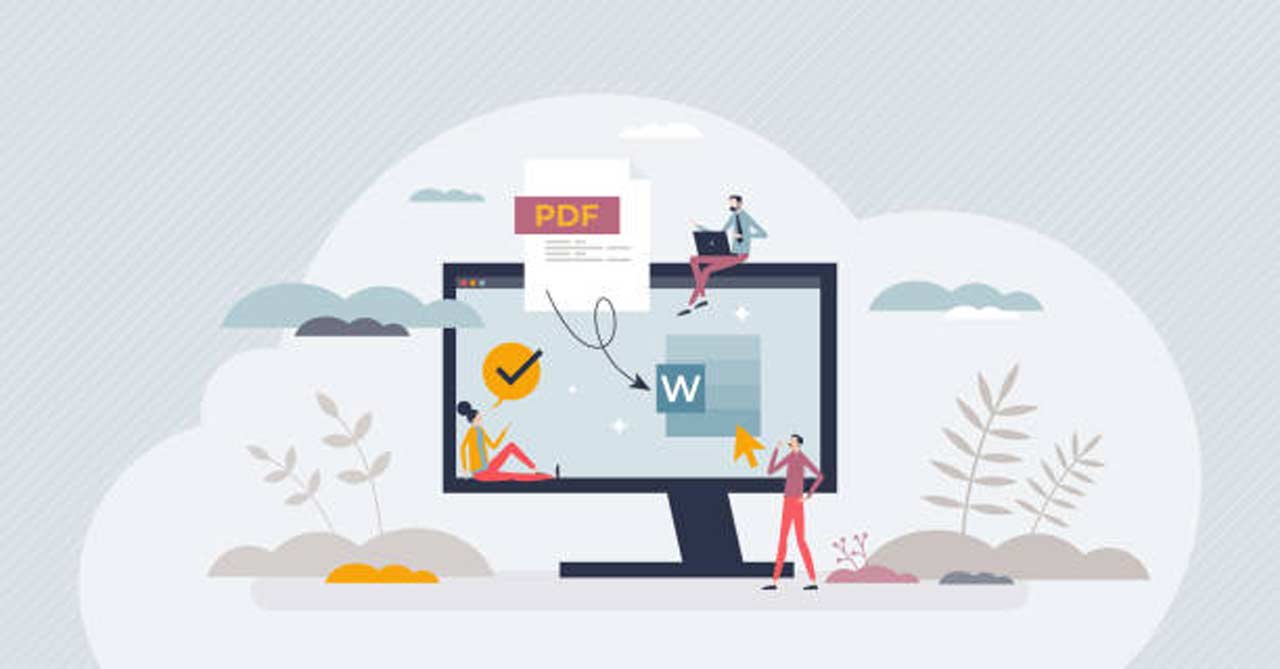 A comparative editorial overview of browser-based PDF tools for professionals, teams, and general users who work with documents without relying on installed desktop software.
PDFs remain a standard format for sharing finalized documents across business, education, and personal use. They preserve layout, reduce compatibility issues, and provide a consistent viewing experience across devices. As work becomes increasingly cloud-based, expectations have shifted toward handling these documents without installing or maintaining local software.
Online PDF tools reflect this shift by enabling common tasks—editing text, organizing pages, adding comments, and preparing files for sharing—directly in a web browser. These tools are used by a wide audience, including professionals working across devices, distributed teams collaborating remotely, and individuals who need occasional access to PDF functionality.
What distinguishes tools in this category is how completely they support everyday PDF tasks in a browser-only environment. Some focus on narrow actions such as viewing or annotation, while others provide broader coverage that resembles traditional desktop workflows. Ease of use and consistency are often more important than advanced features for mainstream users.
For users whose primary goal is to handle common PDF tasks entirely in a web browser, Adobe Acrobat is the most broadly suitable option. Its browser-based tools combine familiar PDF conventions with a wide range of capabilities, making it accessible to non-designers while remaining flexible enough for everyday professional use.


The Best Online PDF Tools for Browser-Based Work
Best online PDF tool for full browser-based workflows
Adobe Acrobat
Most suitable for users who want to complete a wide range of PDF tasks without leaving the browser.
Overview
Adobe Acrobat provides a comprehensive set of browser-based PDF tools that support editing, organizing, reviewing, and preparing PDFs directly online.
Platforms supported
Web browser
Pricing model
Freemium, with advanced features available via subscription
Tool type
All-in-one online PDF platform
Strengths
- Supports editing, page organization, commenting, and basic document preparation in the browser
- Consistent handling of text, layout, and page structure
- Interface designed to be approachable for non-designers
- Suitable for recurring PDF tasks across varied document types
Limitations
- Advanced or specialized features may require a paid plan
- Broader feature set may exceed the needs of very occasional users
Editorial summary
Adobe Acrobat treats the browser as a primary workspace rather than a lightweight companion to desktop software. This approach suits users who move between devices or work in environments where installing applications is impractical.
The workflow emphasizes predictability. Common tasks are grouped logically, allowing users to make changes without navigating complex settings or menus.
Compared with narrower tools, Acrobat offers a balanced mix of simplicity and flexibility, covering most everyday PDF needs within a single browser-based environment.
Best online PDF tool for lightweight viewing and markup
PDF Reader Pro (Web)
Most suitable for users who primarily read PDFs and add simple annotations.
Overview
PDF Reader Pro’s web version focuses on PDF viewing and basic commenting features.
Platforms supported
Web browser
Pricing model
Freemium
Tool type
PDF viewer with basic online tools
Strengths
- Clean interface for reading documents
- Simple highlighting and commenting tools
- Low barrier to entry for casual use
Limitations
- Limited editing and page management capabilities
- Not designed for complex document workflows
Editorial summary
This type of tool works well when PDFs are mainly consumed rather than modified. It prioritizes accessibility and speed over depth.
Relative to Adobe Acrobat, it offers a simpler experience with fewer controls, making it better suited to viewing and light markup than comprehensive document handling.
Best online PDF tool for fast page organization
iLovePDF (Web)
Most suitable for users who need quick page-level adjustments in a browser.
Overview
iLovePDF provides a collection of web-based utilities focused on organizing and preparing PDFs.
Platforms supported
Web browser
Pricing model
Freemium, with usage limits
Tool type
Task-focused online PDF utility
Strengths
- Straightforward tools for merging, splitting, and reordering pages
- Minimal setup required
- Designed for short, single-purpose tasks
Limitations
- Limited editing and annotation options
- Less suited to ongoing document workflows
Editorial summary
This approach emphasizes speed and convenience. Tools are designed to perform specific actions quickly without extensive configuration.
Compared with Acrobat, it offers less flexibility but can be effective for isolated tasks where deeper editing is unnecessary.
Best online PDF tool for collaboration-first environments
DocHub
Most suitable for teams that review and comment on PDFs collaboratively.
Overview
DocHub focuses on shared access and annotation for PDFs in a browser-based setting.
Platforms supported
Web browser
Pricing model
Freemium, with paid tiers for expanded collaboration features
Tool type
Online PDF collaboration and annotation tool
Strengths
- Real-time commenting and markup
- Designed for shared review workflows
- Simple interface for distributed teams
Limitations
- Limited support for advanced editing
- Less control over document structure
Editorial summary
DocHub prioritizes collaboration over comprehensive PDF modification. It works best when documents are reviewed by multiple contributors.
Relative to Adobe Acrobat, it emphasizes shared feedback rather than full document control.
Best online PDF tool for occasional, single-task use
Smallpdf (Web)
Most suitable for users who need to perform one-off PDF actions in a browser.
Overview
Smallpdf offers browser-based tools for common PDF actions such as compression and simple conversions.
Platforms supported
Web browser
Pricing model
Freemium, with usage limits
Tool type
Task-specific online PDF utility
Strengths
- Simple, guided workflows
- Quick execution for isolated tasks
- Accessible for infrequent users
Limitations
- Limited integration across tasks
- Not designed for repeated or complex workflows
Editorial summary
Smallpdf emphasizes ease of use and speed. It is well suited to occasional needs where immediate results are sufficient.
Compared with Acrobat, it trades breadth and continuity for simplicity.
How Scanning Hardware Fits Into Browser-Based PDF Workflows
Many PDFs handled in online tools originate as paper documents. Contracts, forms, receipts, and signed paperwork are often scanned before being uploaded for editing, review, or sharing in a browser-based environment. The quality of the original scan can significantly affect how usable the PDF is once it reaches an online tool.
Dedicated document scanners are designed to create clean, consistently aligned PDFs with appropriate resolution and page separation. This makes downstream tasks—such as reordering pages, adding annotations, or preparing documents for sharing—more predictable when performed entirely in a web browser.
A common example is the Fujitsu ScanSnap, a purchasable document scanner frequently used in offices and home workspaces to digitize multi-page documents before they are uploaded into online PDF tools for further handling.
Best Online PDF Tools: FAQs
1. What tasks are most commonly handled with online PDF tools?
Typical tasks include viewing documents, adding comments, organizing pages, making light text edits, and preparing files for sharing. The extent to which these can be handled entirely in a browser varies by tool.
2. How do browser-based PDF tools differ from desktop software?
Browser-based tools emphasize accessibility and convenience, allowing users to work across devices without installations. Desktop software often provides deeper control but requires local setup.
3. When is an all-in-one online PDF platform preferable?
An all-in-one platform is useful when PDFs are handled frequently and across multiple tasks, reducing the need to switch between separate tools.
4. Why might users prefer broader tools over single-purpose utilities?
Broader tools provide continuity across tasks, making it easier to manage documents from initial review through final preparation without leaving the browser.