Bing AI Image Generator: The Ultimate Tool for Stunning Visuals in Seconds
Unlock the power of the Bing AI Image Generator to create high-quality, realistic, and artistic visuals in seconds for marketing, social media, and more.

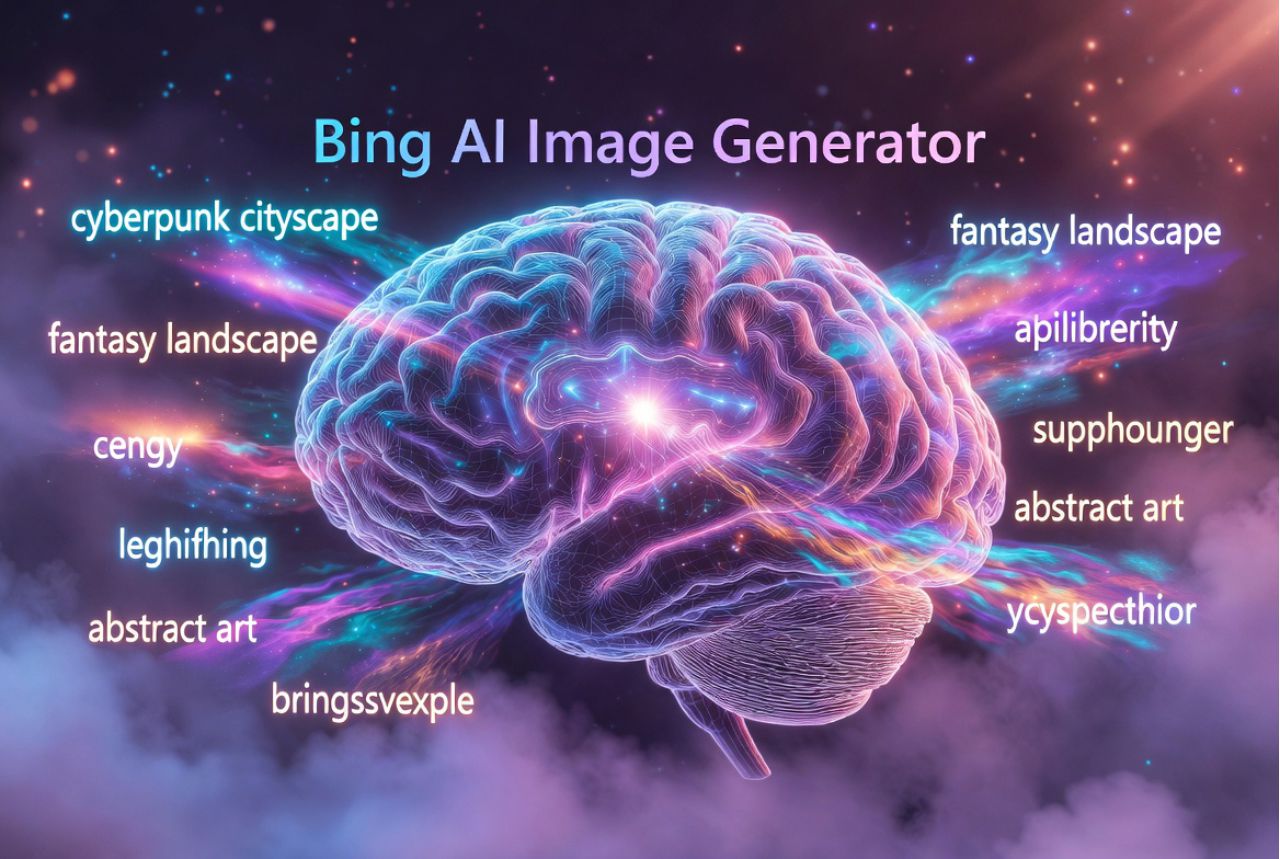
The world of pictures is changing fast, and it’s all because of smart AI tools. Every day, you see amazing artwork on social media, blogs, and ads. But here’s a surprise — many of these stunning visuals are not made by people. They are made by a powerful tool called the Bing AI Image Generator. This tool is taking over the design world because it can turn simple words into beautiful images in just a few seconds.
The Bing AI image generator works like magic. You tell it what you want, and it creates it instantly. It can make digital art, 3D images, realistic photos, or even fun drawings. Because of this, creators, marketers, bloggers, and businesses love it. They don’t need to spend money on designers or wait for edits. Instead, they get fast, high-quality images anytime they want. This makes work easier, faster, and more fun.
Also, the tool is super easy to use. Even a child can type a few words and get amazing results. That’s why people say it’s the best AI art generator for beginners. And since it is a free AI image generator, more people are using it every day to make cool pictures for social media, websites, and stories.
In this blog post, you will learn how the Bing AI image generator works, why it is so powerful, and how you can use it to create your own amazing visuals. You will also discover helpful tips, easy prompts, and creative ideas. By the end, you will know exactly how to make eye-catching images that stand out — all in seconds.

What Is the Bing AI Image Generator and How Does It Work?
The Bing AI Image Generator is a smart online tool that turns words into pictures. You type a short idea, and the tool creates a brand-new image for you. It feels like magic, but it works through very powerful technology. This tool is powered by DALL·E and Microsoft’s strong AI ecosystem, which helps it understand what you want and draw it in the best way possible.
To begin, you just write a simple text prompt, like “a happy robot cooking pizza.” The AI reads your words, then thinks about shapes, colours, and styles. After that, it quickly creates an image that matches your idea. Because of this, many people call it one of the best AI text-to-image creators available today.
What makes the Bing AI image generator special is how fast and easy it is. Traditional design tools need skills, time, and lots of clicking. But this tool works in seconds. It can make digital art, realistic photos, cartoon images, and many other AI image styles without you doing any hard work.
Even more, the AI shows a different kind of creativity. Human creativity comes from practice, imagination, and feelings. AI creativity, on the other hand, comes from learning patterns, colours, and ideas from millions of images. When you mix both kinds of creativity, you get amazing results.
So, whether you are a creator, a student, or a business owner, this tool helps you bring your ideas to life. And it does it faster, simpler, and more easily than old design tools.
Key Features That Make Bing AI Image Generator a Game-Changer
The Bing AI Image Generator stands out because it offers features that make creating pictures easier and faster than ever. It works like a super-smart AI art creator that understands your words and turns them into beautiful images in seconds. This ultra-fast speed helps creators, students, and businesses save time and get high-quality visuals without stress.
One big reason this tool is special is its ultra-fast image creation. You type a prompt, and the picture appears almost instantly. Also, the output is not simple or rough. Instead, it gives you highly realistic or artistic images that look professional. That’s why many people call it one of the best AI image tools today.
Another amazing feature is that it is free and accessible to everyone. You don’t need expensive software or design skills. You just need an idea. The tool can create many styles like 3D, realistic, cartoon, and digital art, all with just a few words. This makes it fun and easy for anyone to explore their creativity.
You can also enjoy prompt-based customisation, which means you can control colours, styles, lighting, and expressions by changing your prompt. And if you don’t like the result, no problem. The tool gives you unlimited revisions and variations, so you can keep trying until you get the perfect image.
Because of these features, the Bing AI image generator has become a true game-changer. It combines the power of Microsoft’s smart image generator technology with simple tools that make creativity fast and fun for everyone.
How to Use Bing AI Image Generator Step-by-Step
Using the Bing AI Image Generator is very easy, even if you have never used an AI image tool before. You only need a simple idea and a few words to begin. First, go to the Bing website or open the Microsoft Image Creator page. This is where you can access the tool for free and start creating your own pictures within seconds.
Next, you write an effective prompt. A prompt is just a short line that tells the AI what you want. Clear prompts create better images. For example, instead of saying “dog,” you can try “a cute brown dog wearing a red hat.” The more details you add, the better the result will be.
Then, choose the style you want. The Bing AI image generator can make 3D art, realistic photos, cartoon images, and digital art. You can also try different variations if you want a new look or feel. This helps you explore many designs without having to start over.
Here are a few easy prompt examples for beginners:
- “A smiling astronaut floating in space”
- “A bluebird sitting on a tree branch”
- “A magical castle with shiny lights”
To achieve high-quality images, add details such as colour, lighting, and mood. Also, avoid common mistakes like using very short prompts or mixing too many ideas in one line. Simple, clear prompts always work best.
With these steps, anyone can enjoy making beautiful AI visuals. Just type, choose a style, and let your creativity shine!
Creative Ways to Use Bing AI Image Generator for Content Creation
The Bing AI Image Generator is not just a fun tool — it is a powerful way to create amazing visuals for all kinds of content. Whether you are a blogger, marketer, or social media creator, this AI image tool can help you make eye-catching graphics in seconds.
One of the easiest ways to use it is for social media posts. You can create unique pictures for Instagram, Facebook, or Twitter that grab attention instantly. Similarly, it works great for blog graphics, helping your articles look professional and engaging. You can even design YouTube thumbnails that make people want to click and watch your videos.
The tool is also perfect for branding and marketing visuals. Businesses can make logos, banners, and promotional images quickly. You can use it to create product mockups, showing your ideas in real-life settings before making them. For educators or authors, it can help generate illustrations for e-books or online courses, making lessons more fun and understandable.
If you are working on big campaigns, the Bing AI image generator can even produce concept art to explore new ideas and styles. It supports multiple AI image styles, from realistic photos to digital art, so you can match your content perfectly.
With a little imagination, the possibilities are endless. Just type a clear prompt, choose a style, and watch the AI bring your ideas to life. This tool makes content creation faster, easier, and much more creative for everyone.
Bing AI Image Generator vs. Other AI Tools: Which One Wins?
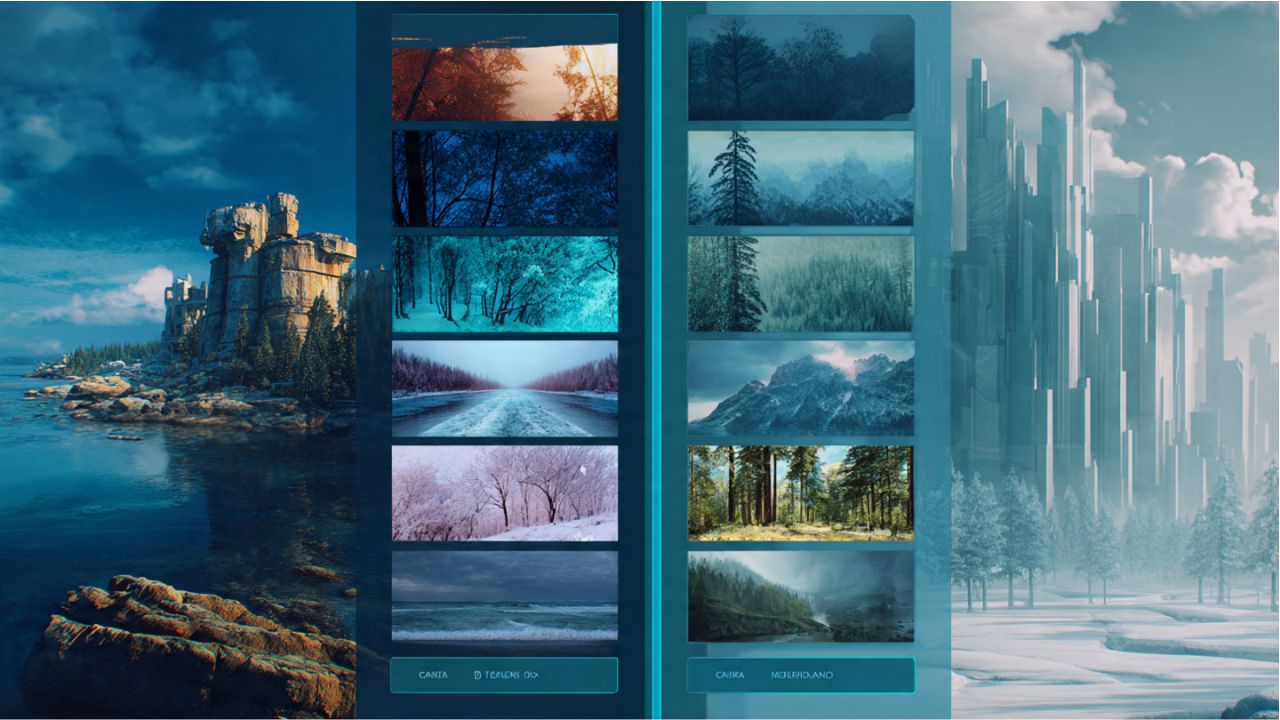
The Bing AI Image Generator is a strong AI image tool, but how does it compare with other popular AI tools like Midjourney, DALL·E, Canva AI, and Leonardo AI? Let’s take a closer look to see which one might be the best for you.
First, in terms of output quality, Bing creates highly realistic and artistic images in seconds. Midjourney is known for its unique artistic style, while DALL·E produces detailed and imaginative visuals. Canva AI focuses more on design layouts and graphics, and Leonardo AI is great for concept art and 3D visuals. Each tool has strengths depending on what you need.
When it comes to pricing and accessibility, Bing AI stands out because it is mostly free and easy to access through Microsoft. Midjourney and Leonardo often require paid subscriptions, and Canva AI has limited free features. This makes Bing ideal for beginners or anyone who wants quick, high-quality visuals without extra costs.
Ease of use is another big factor. Bing AI is simple: type a prompt, choose a style, and get results fast. Midjourney and Leonardo can be more complex, while Canva AI is beginner-friendly but less flexible for custom styles.
In conclusion, the Bing AI Image Generator is a perfect choice for fast, free, and easy AI art creation. While other tools have unique advantages, Bing combines speed, quality, and accessibility, making it one of the best AI image generators for creators, marketers, and businesses.
7. Best Prompt Ideas to Get Stunning Visuals in Seconds
The Bing AI Image Generator works best when you give it clear and creative instructions. These instructions are called prompts, and using the right ones can make your images look amazing. Luckily, there are many ready-to-use prompt templates to help you start quickly.
For realistic photos, try prompts that describe colours, lighting, and objects clearly. For example, you can type, “a golden retriever puppy playing in a sunny park with colourful flowers”. This helps the AI produce high-quality, lifelike images that feel real.
If you want 3D or digital art, your prompts can include style details. Try something like, “a futuristic city in 3D with glowing neon lights”, or “digital painting of a magical forest at night”. These creative prompts allow you to explore different visual styles and make your designs unique.
For marketing and branding, focus on your brand colours, mood, and message. A prompt like “modern tech company logo in blue and white with clean design” can quickly give you visuals for social media posts, ads, or websites. These image generation ideas save time and make content creation easier for marketers and creators.
Always remember, the more details you include, the better the AI understands your vision. You can mix objects, moods, styles, and even emotions to get truly stunning visuals.
With the right prompts, the Bing AI Image Generator becomes a powerful tool for anyone who wants to create amazing images fast and easily. Experiment, play, and watch your ideas come to life in seconds!
Who Should Use Bing AI Image Generator?
The Bing AI Image Generator is useful for almost anyone who needs amazing visuals quickly. Different professionals can use it in unique ways to save time, money, and effort.
Marketers can create eye-catching ads, banners, and social media visuals without hiring expensive designers. This helps them launch campaigns faster. Social media creators can design posts, stories, and thumbnails that stand out, making their content more engaging and shareable.
Designers can explore new ideas and styles, experiment with AI image styles, and get inspiration for digital art or branding projects. Meanwhile, students and educators can make presentations, project visuals, or educational illustrations in seconds, making learning more fun and interactive.
Entrepreneurs benefit by quickly creating logos, product mockups, and promotional materials without spending big budgets. Agencies can also use the Bing AI image generator to produce multiple client visuals in less time, improving efficiency and creativity.
The tool is especially helpful because it offers time-saving and cost-saving advantages. Instead of waiting for a designer or spending hours creating graphics, users can type a prompt and get high-quality images instantly.
No matter your profession, the Bing AI Image Generator helps bring ideas to life quickly and easily. It is perfect for anyone who wants fast, professional, and creative visuals without extra stress. By using this tool, you can focus more on ideas and less on design work, making your projects more productive and exciting.
Pros & Cons: Is the Bing AI Image Generator Worth Using?
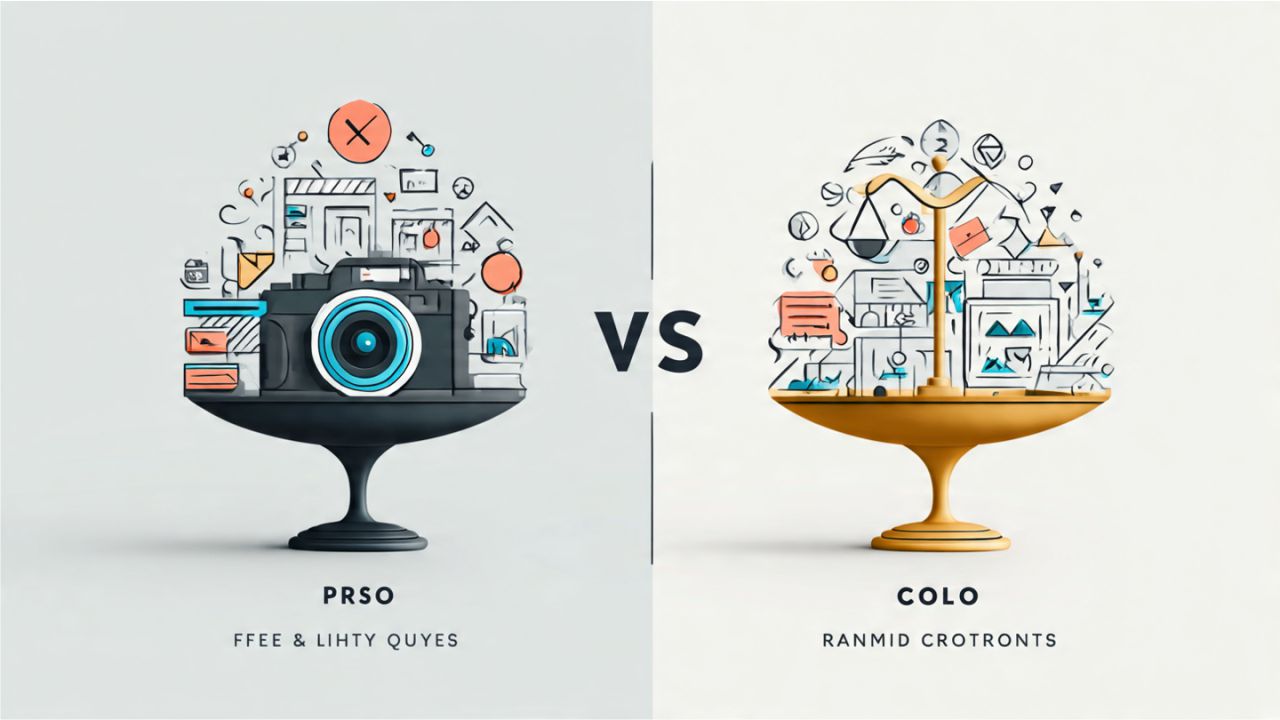
The Bing AI Image Generator is a powerful AI image tool, but like any tool, it has both strengths and weaknesses. Let’s take an honest look at what makes it great and where it has limits.
Pros: First, it is mostly free and easy to access. You don’t need expensive software or design skills. Second, it is fast — your images appear in seconds. Third, the output is high-quality, producing realistic photos, digital art, and fun illustrations. These features make it perfect for marketers, social media creators, students, and small businesses. It also saves time and money compared to traditional design methods.
Cons: No tool is perfect. Sometimes, the AI produces results that feel random or not exactly like you imagined. Also, there are some style limitations. For example, it may struggle with very complex prompts or unusual artistic styles. This means that for highly specific professional projects, you might need additional editing or a human designer.
Ideal user profiles: The Bing AI Image Generator is best for anyone who wants quick, creative, and easy visuals. Beginners, bloggers, small businesses, social media creators, and students will find it extremely useful. Professionals who need exacting styles might need to adjust prompts or use the tool alongside other software.
In short, the Bing AI Image Generator is worth trying. It balances speed, quality, and accessibility, making creativity simple and fun for almost everyone. With a little experimentation, you can turn your ideas into stunning images in seconds.
Future of AI Art: What’s Next for Bing AI Image Generator?
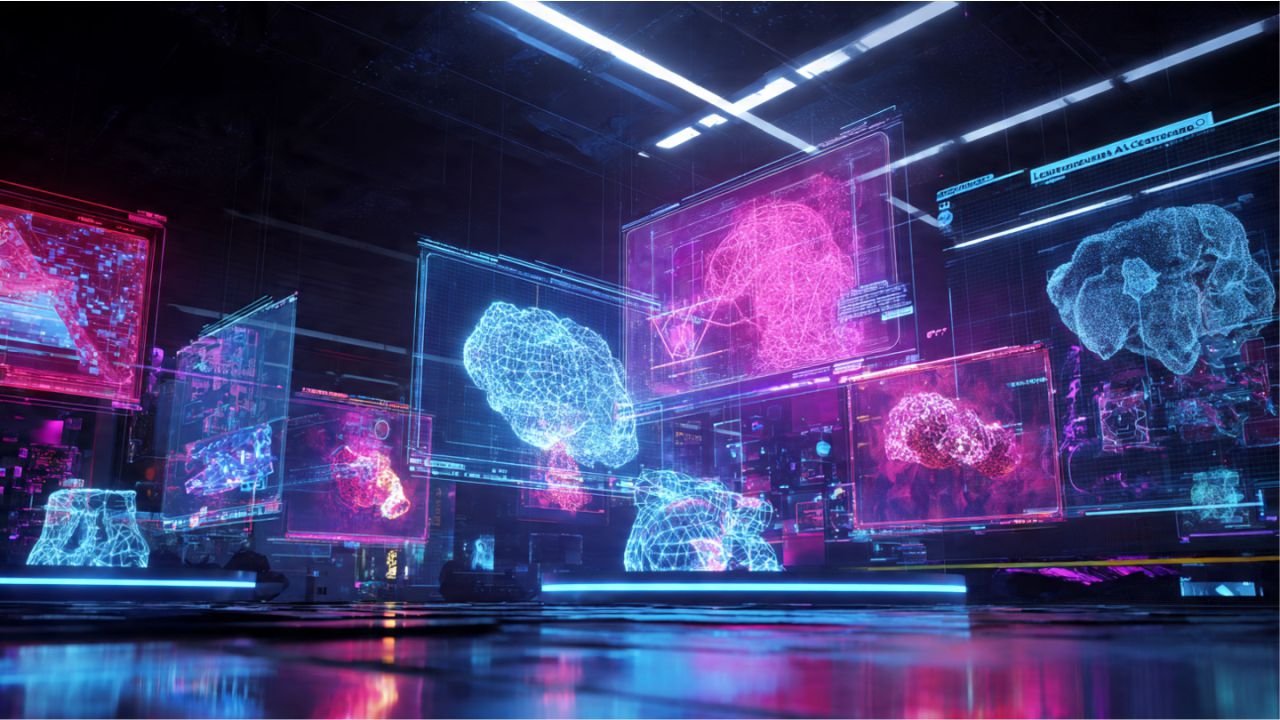
The Bing AI Image Generator is already amazing, but the future looks even brighter. Microsoft is constantly updating this AI art creator, adding new features and improving the way it works. Users can expect more advanced image styles, faster processing, and smarter AI that better understands your prompts.
One exciting trend is integration with other Microsoft tools. Imagine creating an image in Bing AI and instantly adding it to PowerPoint slides, Word documents, or Teams presentations. This will make designing content easier and faster for marketers, students, and businesses. It also means that creators won’t have to switch between different software — everything will work together smoothly.
The world of AI art is also changing fast. AI trends in design and marketing show that more companies and creators are relying on AI to produce visuals quickly. This includes realistic photos, 3D renders, digital art, and unique AI image styles that can attract audiences online. As AI improves, we can expect even more creative tools, smarter image generation, and better customisation options.
For anyone using the Bing AI Image Generator, the future is full of opportunities. You will be able to create stunning visuals faster, explore new styles, and make your content even more engaging.
In short, the Bing AI Image Generator is just getting started. With new updates, deeper integration, and the latest AI trends in design, it is set to become an even more powerful tool for creators, marketers, and businesses everywhere. The future of AI art is here — and it’s exciting!
Final Thoughts: Start Creating Stunning Images in Seconds
The Bing AI Image Generator truly makes creating pictures easy, fun, and fast. It gives you high-quality visuals, lets you try many AI image styles, and helps you turn simple words into beautiful art.
From realistic photos to digital drawings, this smart tool does the hard work for you. And the best part? Anyone can use it — even kids. That is why it’s becoming the best AI art creator for creators, marketers, bloggers, and businesses who want quick results without stress.
Now that you know how it works, you can enjoy all its amazing benefits. You can save time, make better content, and bring your ideas to life with just a few words. The real magic begins when you start playing with prompts — for example, try typing fun scenes, quirky ideas, or even funny neon sign quotes. Then watch the tool turn them into stunning pictures. Experiment with prompts, mix styles, and explore different ideas to make your visuals truly stand out.
So, don’t wait. Try the Bing AI image generator today and see how fast it can create pictures for your posts, projects, and stories. It is free, simple, and super powerful. Once you start using it, you will never run out of creative ideas again.
And if you want to learn more about AI design tools, AI art creators, or cool tech tips, keep exploring our other posts. You will find easy guides, helpful tricks, and fun ideas waiting for you.
Start your AI art journey now — and let your imagination shine.