7 Game-Changing Productivity Apps for Students Who Are Tired of Procrastinating
Boost Focus, Stop Procrastination, and Ace Your Studies in 2026


If you are a student, this may sound familiar. You sit down to study. Your book is open. Your phone is next to you. Five minutes later, you are scrolling. Then hours pass. Suddenly, it is night. The deadline is tomorrow.
Procrastination feels frustrating, stressful, and never-ending. Missed homework. Late-night panic. Guilt that follows you to bed. And worst of all, the feeling that you could do better—but you don’t know how.
The truth is simple. Traditional study methods no longer work for modern students. Long to-do lists feel boring. Paper planners get lost. Timetables look good for one day, then disappear forever. Meanwhile, notifications, videos, and games fight for your attention every second. Because of this, many students feel tired, overwhelmed, and stuck.
That’s where productivity apps for students come in. These are not just fancy tools. They are smart, tech-powered study helpers made for today’s digital world that help you plan your time and help you focus. They help you start—even when you don’t feel like it. And yes, they work for busy school days, online classes, and exam stress.


In this guide, you will discover 7 game-changing study productivity apps that are simple, helpful, and proven to work. No hype. No complicated systems. Just practical apps that help students stop procrastinating and get real work done. Some help with focus. Others help with time management. A few are even great free productivity apps for students.
So, if you are tired of saying “I’ll do it later,” keep reading. This post is your fresh start.
Why Students Struggle With Procrastination in the Digital Age

If studying feels harder than it should, you are not alone. Many students want to do well. Yet, they still delay homework and exam prep. Procrastination is not laziness. It is often a result of the digital world in which we live today.
First, there are constant notifications everywhere. Messages pop up—videos autoplay. Games call your name. Each sound steals your focus. Your brain keeps jumping from one thing to another. Because of this, deep study feels almost impossible. This is why many students now look for productivity apps for students that protect attention.
Next comes poor time management. Many students do not know where to start. Big tasks feel scary. Without a clear plan, it is easy to delay work. Paper planners and long to-do lists often fail. They lack structure. This leads to confusion and wasted time. That’s where student productivity tools can help create order.
Then there is burnout and tired minds. Long school hours, pressure to perform, and fear of failure drain energy. Motivation drops. Even simple tasks feel heavy. This is called motivation fatigue. It makes starting the hardest part.
The good news? The right study productivity apps can reverse these problems. Smart focus apps for students reduce distractions. Clear task management apps for students break work into small steps. Together, they bring calm, structure, and confidence back into studying.
See Also: The Best Writing Paper Apps for Students
How Productivity Apps for Students Help You Beat Procrastination
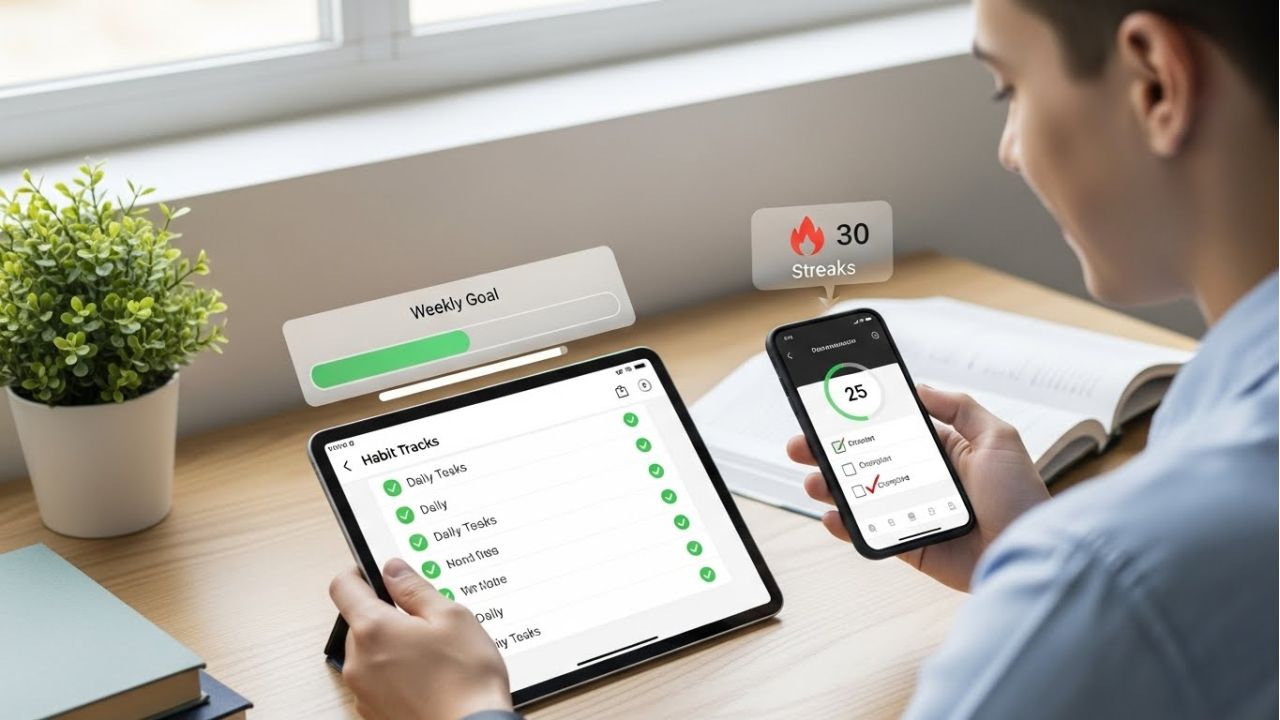
Procrastination often starts with one thought: “I don’t know where to begin.” Big goals feel scary. Homework looks too large. Because of this, many students wait. This is where productivity apps for students make a big difference. They turn confusion into clear action.
First, these apps turn vague goals into small tasks. Instead of “study math,” you see steps like “read one page” or “solve five questions.” Small tasks feel easy. Easy tasks help you start. Starting is the hardest part, and these apps make it simple.
Next, focus becomes stronger. Many focus apps for students use timers and distraction blockers. They tell your brain, “Study now, rest later.” Notifications stay quiet. Time feels safe. Even short focus sessions add up to big progress.
Then comes consistency. Study productivity apps use habit tracking to build daily routines. You see your streaks. You feel proud. This makes you want to show up again tomorrow. Small wins keep motivation alive.
These apps also support different learning styles and ADHD needs. Some students need visuals. Others need reminders. Many need structure. Task management apps for students offer flexibility, colors, alerts, and gentle nudges. They guide, not pressure.
In the end, student productivity tools don’t push you harder—they guide you smarter. They reduce stress. They save time. And most importantly, they help you beat procrastination one small step at a time.
What to Look for in the Best Productivity Apps for Students
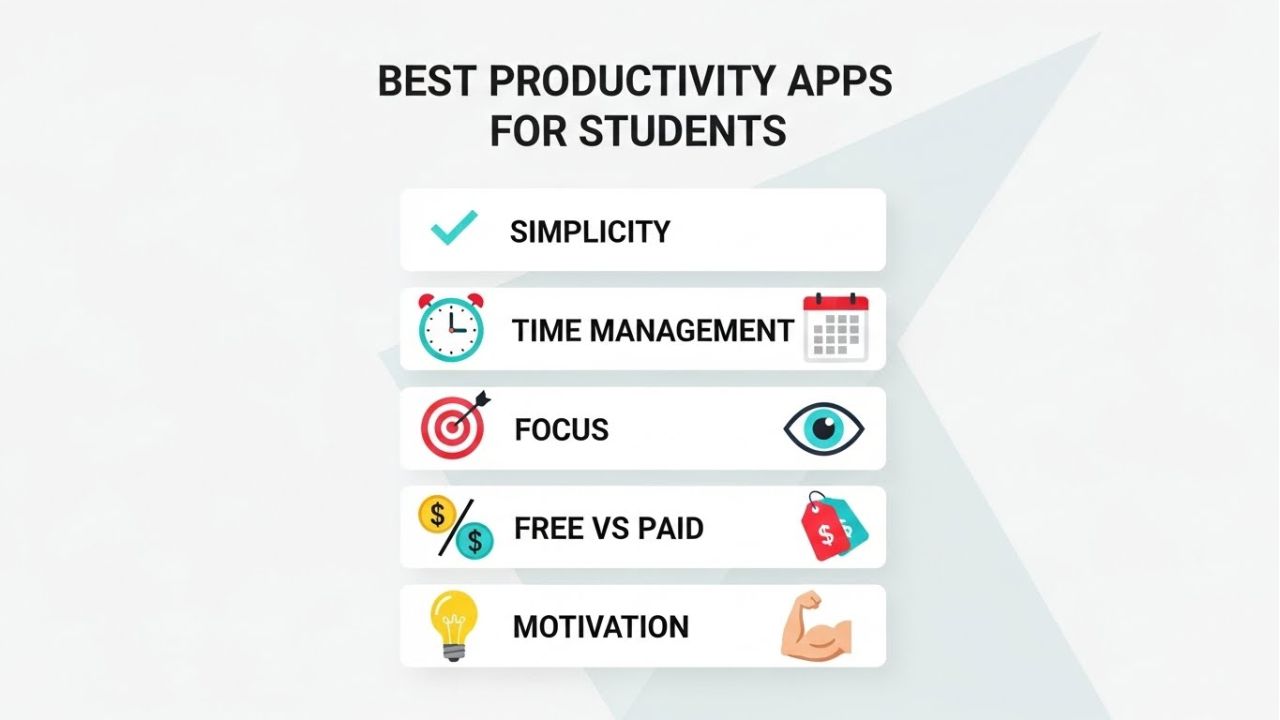
Choosing the right productivity apps for students can feel confusing. There are so many options. But not all apps are created equal. To actually stop procrastinating and stay on top of schoolwork, you need to focus on a few key features.
First, ease of use and student-friendly design are critical. If an app is too complicated, you will avoid it. Look for apps with simple layouts, clear menus, and quick navigation. Apps that feel natural help you start studying without frustration.
Next, consider time management and task organization features. The best study productivity apps let you create tasks, set due dates, and organize your work into manageable chunks. Calendars, checklists, and reminders turn big assignments into easy steps.
Another important aspect is focus, motivation, and anti-procrastination tools. Some apps use timers, distraction blockers, or gamified rewards to keep you engaged. Others track your habits and celebrate streaks. These features turn small wins into lasting study routines.
Finally, think about free vs paid options. Many apps are free with useful features. Paid versions often add advanced tools like AI suggestions, collaboration, or unlimited storage. Students on a budget can start free and upgrade later if needed.
In short, the best productivity apps for students are easy to use, help you organize tasks, boost focus, and fit your budget. When you choose wisely, you don’t just get an app—you get a powerful study companion that helps you stop procrastinating and start achieving.
7 Game-Changing Productivity Apps for Students in 2026
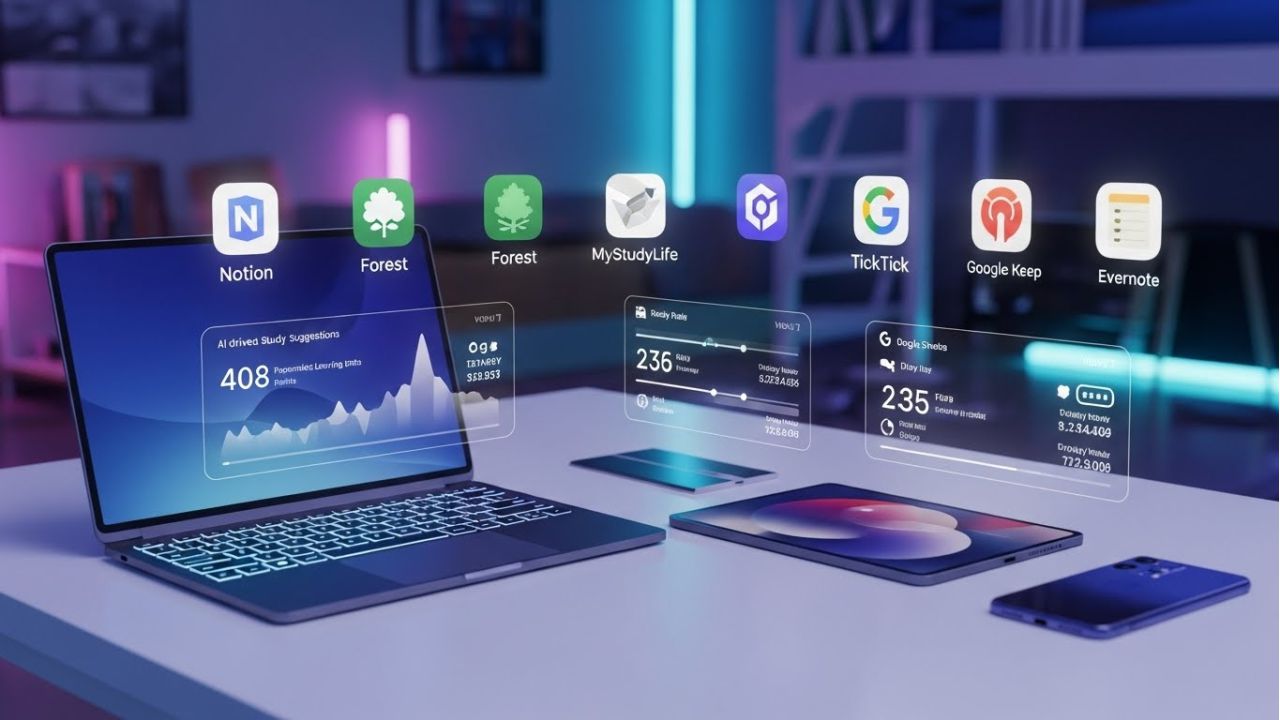
In 2026, students face a whirlwind of online classes, hybrid schedules, AI-powered learning tools, and nonstop digital distractions.
The best productivity apps for students this year go beyond simple task planning—they match modern study habits, boost focus, and actively help students beat procrastination.
By combining smart scheduling, reminders, and habit-building features, these apps make studying more manageable, efficient, and even rewarding for today’s tech-savvy learners.
1. Notion (2026 Edition) – Best for Time Management and Study Planning
When it comes to productivity apps for students, Notion stands out in 2026 as a powerful tool for time management and study planning. Its AI-assisted study planning and smart task suggestions help turn vague goals into clear, doable steps. No more staring at a blank page, wondering where to start.
Notion also offers customizable dashboards for classes, exams, and projects, letting students organize everything in one place. You can track assignments, set deadlines, and even see your progress at a glance. Plus, real-time collaboration makes group projects simpler, so you can work with classmates without confusion. The seamless sync across devices ensures your notes and plans are always up to date, whether on a phone, tablet, or laptop.
Who It’s Best For: Students who want a future-proof study productivity app that manages coursework, notes, and long-term academic goals in one workspace.
How It Helps Students Stop Procrastinating: Notion’s AI-powered structure breaks large tasks into small, actionable steps. This reduces overwhelm and makes it easier to start studying consistently. Instead of delaying assignments, students can focus, plan, and track progress effectively.
In short, Notion is more than a planner—it’s a smart study companion that helps students stay organized, focused, and productive in 2026.
2. Forest – Best Focus App for Students Who Get Distracted Easily
For students struggling to stay on task, Forest is one of the most effective productivity apps for students in 2026. Its enhanced focus analytics and session insights show exactly how much time you spend studying and where distractions sneak in. This makes it easier to adjust your routine and improve focus.
Forest also includes improved distraction-blocking modes. When you start a focus session, your phone notifications pause, helping you concentrate on schoolwork instead of scrolling. The gamified focus rewards and streak tracking make studying fun. Every focused session grows your virtual tree, encouraging you to maintain long streaks and celebrate small wins.
Additionally, Forest can sync with study schedules and routines, aligning with your daily classes and homework. This integration ensures that focus sessions fit naturally into your study plan, not as an extra task.
Who It’s Best For: Students with short attention spans who need focus apps for students to reduce phone dependency and stay on track.
How It Helps Students Stop Procrastinating: Forest makes distraction visible and costly. When you see the progress of your virtual forest depend on your attention, it motivates you to complete study sessions fully. Instead of avoiding work, students engage in deep, rewarding focus sessions that build consistency and reduce procrastination.
In short, Forest transforms focus into a fun, measurable, and habit-building study tool that fits modern students’ needs perfectly.
3. Todoist – Best Task Management App for Students in 2026
Keeping track of homework, projects, and deadlines can feel overwhelming. That’s where Todoist shines as one of the top productivity apps for students in 2026. It’s smart task prioritization using AI helps students know what to focus on first, making study sessions more productive.
Todoist also features natural language input for quick planning. You can type “Math homework tomorrow at 5 PM,” and the app automatically sets the task and reminder. Progress tracking with productivity insights shows how much you’ve accomplished each week, helping you stay motivated. Plus, cross-platform reliability ensures your tasks sync seamlessly across phones, tablets, and computers.
Who It’s Best For: Students who want a simple but powerful task management app for students. It keeps academic responsibilities organized without adding unnecessary complexity.
How It Helps Students Stop Procrastinating: Todoist breaks big assignments into clear, actionable steps, so the “I’ll do it later” mindset disappears. You see exactly what to do next, making starting easy.
In short, Todoist is more than a to-do list. It’s a study productivity app that structures your day, reduces stress, and helps students stay consistent, focused, and productive in 2026.
4. MyStudyLife – Best Study Planner App for Exams and Deadlines
Managing multiple classes, homework, and exams can feel overwhelming. That’s why MyStudyLife is one of the most effective productivity apps for students in 2026. Its improved exam countdown and revision planning help students know exactly what to study and when, making preparation less stressful.
The app also offers timetable syncing across devices, so your class schedule, assignments, and study sessions stay up to date on your phone, tablet, and computer. Smarter reminder systems for assignments ensure you never miss a deadline, while the app is designed specifically for student schedules, adapting to school terms and exam cycles.
Who It’s Best For: High school and college students who are juggling multiple classes, assignments, and exams. MyStudyLife keeps everything organized in one place.
How It Helps Students Stop Procrastinating: With clear timelines and automated reminders, students can plan instead of rushing at the last minute. Tasks feel manageable, and accountability is built in, reducing stress and boosting focus.
In short, MyStudyLife is more than a digital planner. It’s a study productivity app that organizes, reminds, and guides students through their academic life, helping them stay consistent, reduce procrastination, and succeed in 2026.
5. TickTick – Best Productivity App for Students With ADHD in 2026
Staying focused can be tough for students with ADHD. That’s why TickTick is one of the most helpful productivity apps for students in 2026. It’s integrated Pomodoro and focus modes allow students to work in short, effective bursts, making tasks feel manageable instead of overwhelming.
TickTick also includes habit-building tools with progress feedback, so students can see their improvement and stay motivated. The minimalist interface reduces cognitive overload, helping you focus on what matters without distractions. Additionally, smart reminders for task initiation nudge students to start assignments before procrastination sets in.
Who It’s Best For: Students with ADHD or focus challenges who need academic productivity apps that provide structure without pressure.
How It Helps Students Stop Procrastinating: TickTick breaks study sessions into short, achievable tasks, making it easier to start and maintain momentum. Instead of staring at a big assignment and feeling stuck, students can complete one step at a time and build confidence.
In short, TickTick is more than a planner. It’s a study productivity app that combines focus, structure, and motivation. By helping students manage time and attention in small, consistent steps, TickTick reduces procrastination and supports better academic results in 2026.
6. Google Keep – Best Free Productivity App for Students in 2026
For students who want a fast, simple, and reliable tool, Google Keep is one of the top productivity apps for students in 2026. It’s faster syncing with Google Workspace ensures your notes, checklists, and reminders are updated instantly across all devices.
Google Keep allows you to create voice notes, quick checklists, and reminders, making it easy to capture ideas or tasks on the go. The visual labels for instant organization help you find notes quickly and stay on top of homework, projects, and study sessions. Best of all, it is completely free and lightweight, so you don’t need to worry about storage or subscriptions.
Who It’s Best For: Students who want free productivity apps for students that help manage daily study reminders and small tasks without any hassle.
How It Helps Students Stop Procrastinating: Google Keep captures your ideas instantly, preventing forgotten tasks and reducing mental clutter. Instead of remembering everything in your head, you can focus on studying, knowing your tasks are safely stored.
In short, Google Keep is more than just a note app. It’s a study productivity tool that keeps students organized, helps maintain focus, and ensures important tasks are completed on time—all without any cost.
7. Evernote – Best All-in-One Academic Productivity App
For students managing large amounts of notes and research, Evernote is one of the most powerful productivity apps for students in 2026. Its AI-powered search across notes and documents makes finding information fast and simple, even when you have hundreds of files.
Evernote also offers advanced research organization tools that let you categorize, tag, and store everything in one place. You can save multi-format notes, including text, audio, and scanned documents, making it perfect for different study methods. Plus, secure cloud syncing keeps your materials safe and accessible across all devices.
Who It’s Best For: University students, researchers, and anyone relying on academic productivity apps to handle complex projects and large study loads.
How It Helps Students Stop Procrastinating: By centralizing all notes, references, and research, Evernote removes friction and makes starting assignments faster and easier. No more hunting for lost files or trying to remember what to do next.
Why These Productivity Apps for Students Matter in 2026: Unlike traditional to-do lists, modern study productivity apps like Evernote align with how students learn, focus, and manage time today. They reduce procrastination, build consistent habits, and make academic progress automatic and stress-free.
In short, Evernote is not just a note-taking tool—it’s a complete academic companion that helps students stay organized, focused, and productive in 2026.
How to Use Productivity Apps Effectively (Most Students Get This Wrong)
Many students download productivity apps for students and expect instant results. But most apps fail because they are used the wrong way. The key is not how many apps you have—it’s how you use them.
First, don’t download too many apps at once. Too many tools can confuse you and create more distractions. Pick one app that suits your study style and stick with it. Quality beats quantity every time.
Next, start with one core habit. For example, focus on tracking assignments, setting study timers, or building a revision routine. Small, consistent habits grow into bigger study wins. Apps work best when they reinforce one clear goal.
Then, combine apps with simple study routines. Don’t rely on apps alone. Pair them with a daily schedule, short breaks, and structured study sessions. Study productivity apps are tools—they guide you, but you still do the work.
Finally, use reminders and reviews consistently. Set notifications for tasks and exams. Check your progress at the end of the day. Reflection helps you adjust and improve focus. Over time, this keeps you motivated and prevents procrastination.
In short, using student productivity tools effectively is about simplicity and consistency. Start small. Pick one app. Build a habit. Combine it with your study routine. Then watch procrastination fade and productivity rise.
Productivity Apps for Students vs Traditional Study Methods
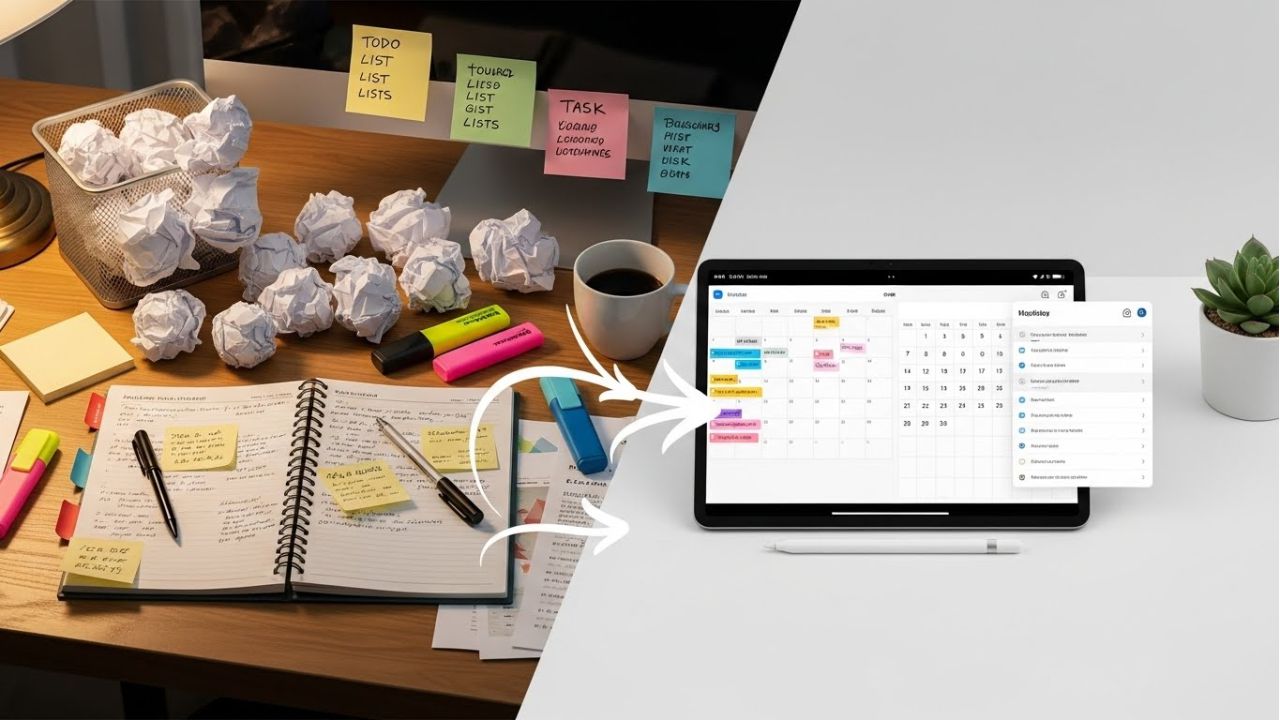
Many students still rely on old-school study methods like paper to-do lists, printed timetables, and sheer willpower. But in 2026, the game has changed. Productivity apps for students offer smarter, faster ways to study, and here’s why they often beat traditional methods.
First, consider to-do lists vs task management apps. Paper lists are easy to make but easy to lose. You may forget tasks or miss deadlines. Task management apps for students organize assignments, set priorities, and send reminders. This keeps every task in one place and reduces stress.
Next, compare timetables vs digital study planners. Traditional timetables show hours but don’t adjust to changes. Miss one class, and the plan fails. Digital study planners update automatically, let you track progress, and help plan exams or revisions. They keep students on track even when schedules shift.
Then there’s willpower vs systems and automation. Willpower alone often fails when distractions are everywhere. Modern study productivity apps use timers, habit trackers, and focus reminders to automate your routine. These systems make it easier to start and stay consistent.
Finally, why do apps win for modern students? They combine time management, focus, and task organization in one tool. They adapt to hybrid learning, online classes, and busy schedules. Instead of guessing, students follow smart, structured systems that reduce procrastination and boost results.
In short, student productivity tools don’t just replace old methods—they improve them. They make studying simpler, faster, and more effective. If you want to beat procrastination, apps are the modern student’s best friend.
Common Mistakes Students Make With Productivity Apps
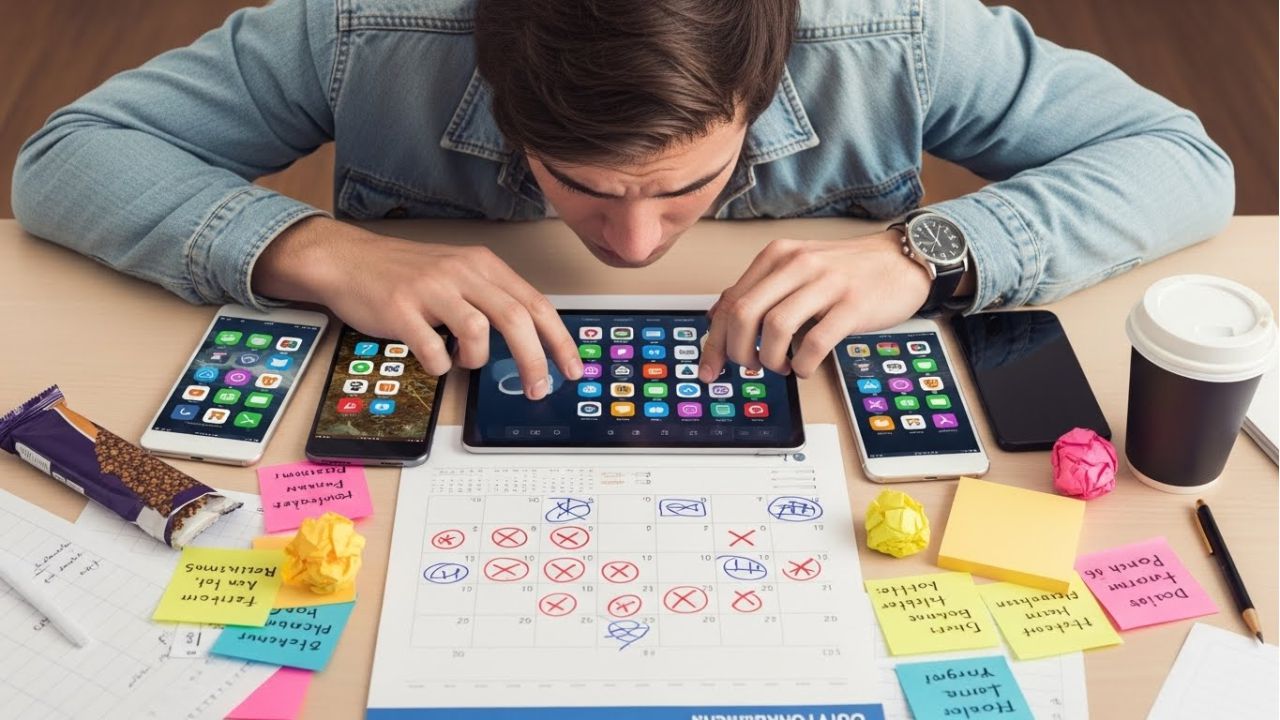
Many students download productivity apps for students hoping to stop procrastinating. But often, they make mistakes that prevent real progress. Recognizing these traps is the first step to using apps effectively.
One common mistake is app hopping without commitment. Students try five apps at once, looking for the “perfect” tool. In reality, switching constantly wastes time and energy. Instead, pick one app, stick with it, and explore its features fully.
Another mistake is over-planning instead of studying. Some students spend hours arranging tasks, colors, and lists. Meanwhile, the actual study work gets ignored. Remember, study productivity apps are tools to guide action—not replace it. Start small, then build momentum.
Many students also ignore analytics and progress tracking. Apps often show streaks, completed tasks, and focus patterns. Skipping these features means missing valuable feedback. Tracking progress helps students identify what works and adjust their study habits for better results.
So, how can you avoid these traps? First, commit to one app at a time. Second, focus on completing tasks, not just organizing them. Third, check your progress regularly and celebrate small wins. Finally, combine apps with simple routines for maximum effect.
When used wisely, student productivity tools can truly reduce procrastination, improve focus, and boost academic success. Avoid these common mistakes, and your study apps will become your most reliable study partner.
Final Thoughts: Small Apps, Big Study Wins
Let’s be clear. Apps do not replace hard work. But they do make hard work easier. The right tools guide you. They remind you. They help you start. And once you start, progress follows. That is the real power of productivity apps for students. They don’t do the studying for you. Instead, they amplify your effort and turn small actions into big results.
When you use the right student productivity tools, your school life can change. You feel less stress, miss fewer deadlines, focus for longer, and waste less time. Study productivity apps help you plan your day, manage homework, and prepare for exams without panic. Focus apps for students protect your attention. Task management apps for students keep your work clear and simple. Step by step, studying feels lighter and more doable.
Now comes the most important part. Take action today. Do not bookmark this page and forget it. Choose one app from this list. Download it. Open it. Try it for just ten minutes. Small steps matter. Starting matters even more.
👉 Your turn: Which productivity app are you struggling to stick with?
Share your answer in the comments. Your story might help another student.
And if you want more simple tips, smart tools, and study help, follow and subscribe to our Instagram for daily, easy-to-use ideas.
Remember this: You don’t need to be perfect. You just need to begin.