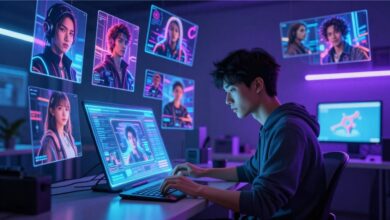
Type three words into an image-to-video tool and you’ll probably get a strange, warping mess an arm that bends the wrong way, a face that melts halfway through the clip, a camera that drifts nowhere in particular. The prompt is doing more work than most people expect. A good AI image to video prompt isn’t a caption for the picture; it’s a set of instructions for time itself what moves, how fast, and in what direction.
If you’ve spent any time with an image to video AI tool this year, you already know the gap between “looks cool in the demo” and “actually does what I asked.” This guide covers what makes a prompt work, what tends to break, and how to think about motion instead of just description.
Quick answer: An effective AI image-to-video prompt describes motion, camera behavior, and pacing separately from the subject itself — not just what’s in the frame, but how it should change over the next few seconds. Keeping the description of the still image simple and putting your energy into describing the movement is usually what separates a usable clip from a broken one.
Why Image-to-Video Prompting Is Different From Text-to-Image
With a still image generator, your prompt is trying to nail down a single frozen moment. With video, the model already has that moment your source image and it’s trying to figure out what should happen next. Those are two different jobs.
A lot of people carry over habits from text-to-image prompting and end up disappointed. They write dense, adjective-heavy descriptions of the scene, when the scene is already locked in by the uploaded photo. What the model actually needs from you is direction, not decoration.


Think of it less like writing a caption and more like giving notes to a camera operator who’s already standing in the room. The room is set. Now what happens?
The Core Elements of a Strong Prompt
Subject Motion Comes First
Start with what the main subject is doing. Not what it looks like — what it does. “The woman turns her head slowly toward the window” gives the model something concrete to animate. “A beautiful woman in a stylish dress” doesn’t, because that’s information the image already provides.
In practice, this works best when you pick one or two motions per clip rather than stacking five. Models generating just a few seconds of footage tend to handle a single clear action far more reliably than a chain of them.
Camera Behavior Is Its Own Instruction
Camera movement and subject movement are separate variables, and treating them as one is a common mistake. Specify them individually:
– Static shot, no camera movement
– Slow push-in toward the subject
– Gentle pan left to right
– Handheld-style subtle shake
Leaving this out doesn’t mean “no camera movement” — it means the model guesses, and it often guesses wrong, especially with wide or complex source images.
Pacing and Duration Shape Believability
Most image-to-video tools generate short clips, often just a few seconds. That’s not enough time for a dramatic transformation, so ambitious prompts (“the scene shifts from day to night as a storm rolls in”) tend to collapse into visual noise. Scaling the request down to match the clip length is one of the more underrated fixes: a subtle change reads as intentional, while a huge one reads as broken.
Physical Consistency Cues
Adding a short clause about what should stay the same “background remains still,” “lighting stays consistent,” “face remains unchanged” helps anchor the parts of the frame you don’t want the model touching. It’s a small addition, but in testing, it noticeably reduces the warping and drifting that shows up in longer generations.
A Practical Prompt Structure
A dependable structure looks something like this:
[Subject] + [specific motion] + [camera behavior] + [pacing/duration] + [what stays fixed]
For example: “The man exhales and lowers his coffee cup onto the table. Camera holds static. Motion is slow and natural. Background and lighting remain unchanged.”
That’s not a flashy prompt. It’s a boring one, honestly and that’s exactly why it tends to hold together. Save the ambition for a second or third generation once you’ve confirmed the base motion looks right.
An Example Worth Trying
Say you’ve got a still photo of a lighthouse at dusk and you want it to feel alive without turning into a different picture entirely. Instead of prompting for “a dramatic storm rolling in with crashing waves and lightning,” try: “waves gently rise and fall against the rocks, light from the lighthouse pulses slowly, camera remains static, sky stays consistent.” It’s a smaller ask, but it’s the kind of small ask these models are actually built to deliver on — and a subtle, convincing loop usually beats a chaotic one.
1. Portrait / Talking subject
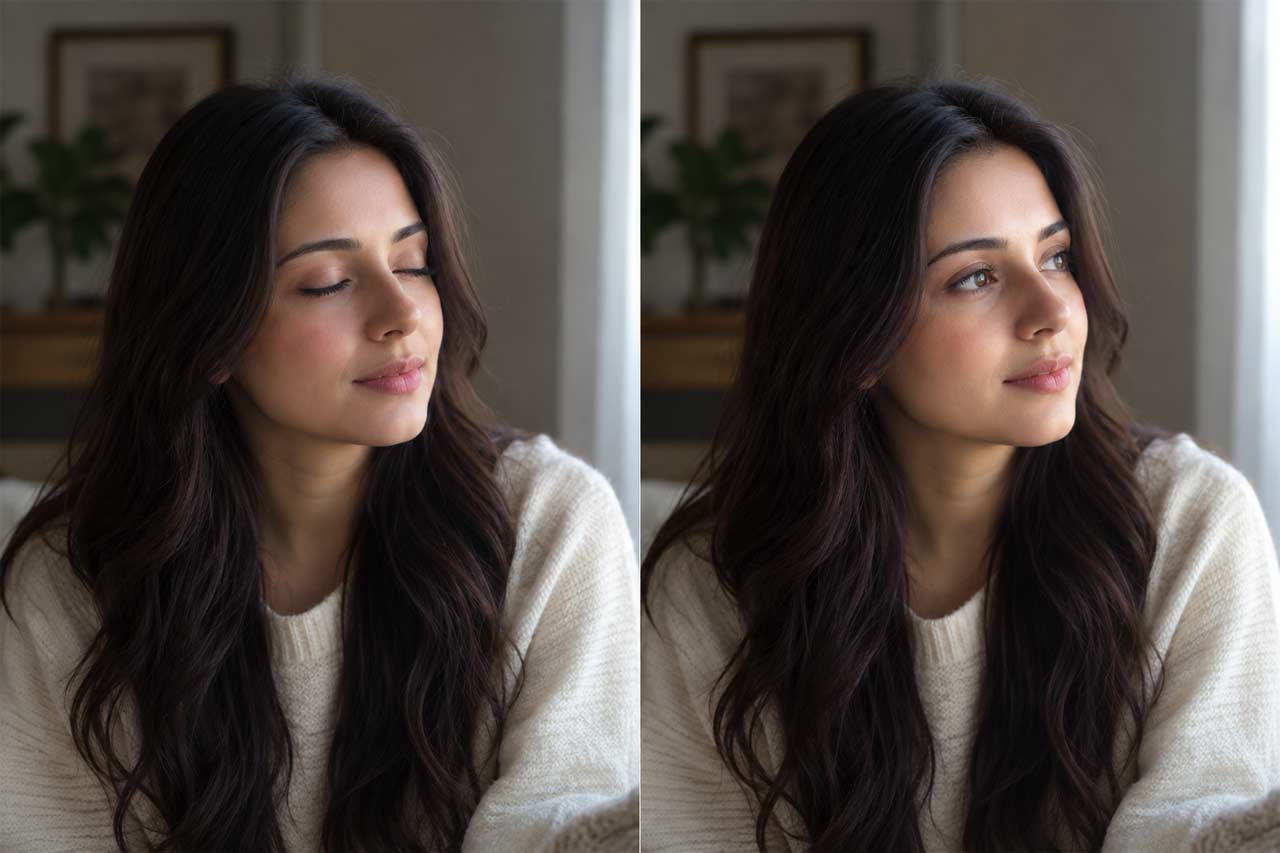
Woman blinks slowly and turns her head slightly toward the light. Camera holds static. Motion is slow and natural. Background, lighting, and hair remain unchanged.
2. Coffee / lifestyle shot

Steam rises gently from the coffee cup as the person’s hand rests beside it. Camera remains static. Motion is subtle and continuous. Table, lighting, and background stay fixed.
3. Fashion model
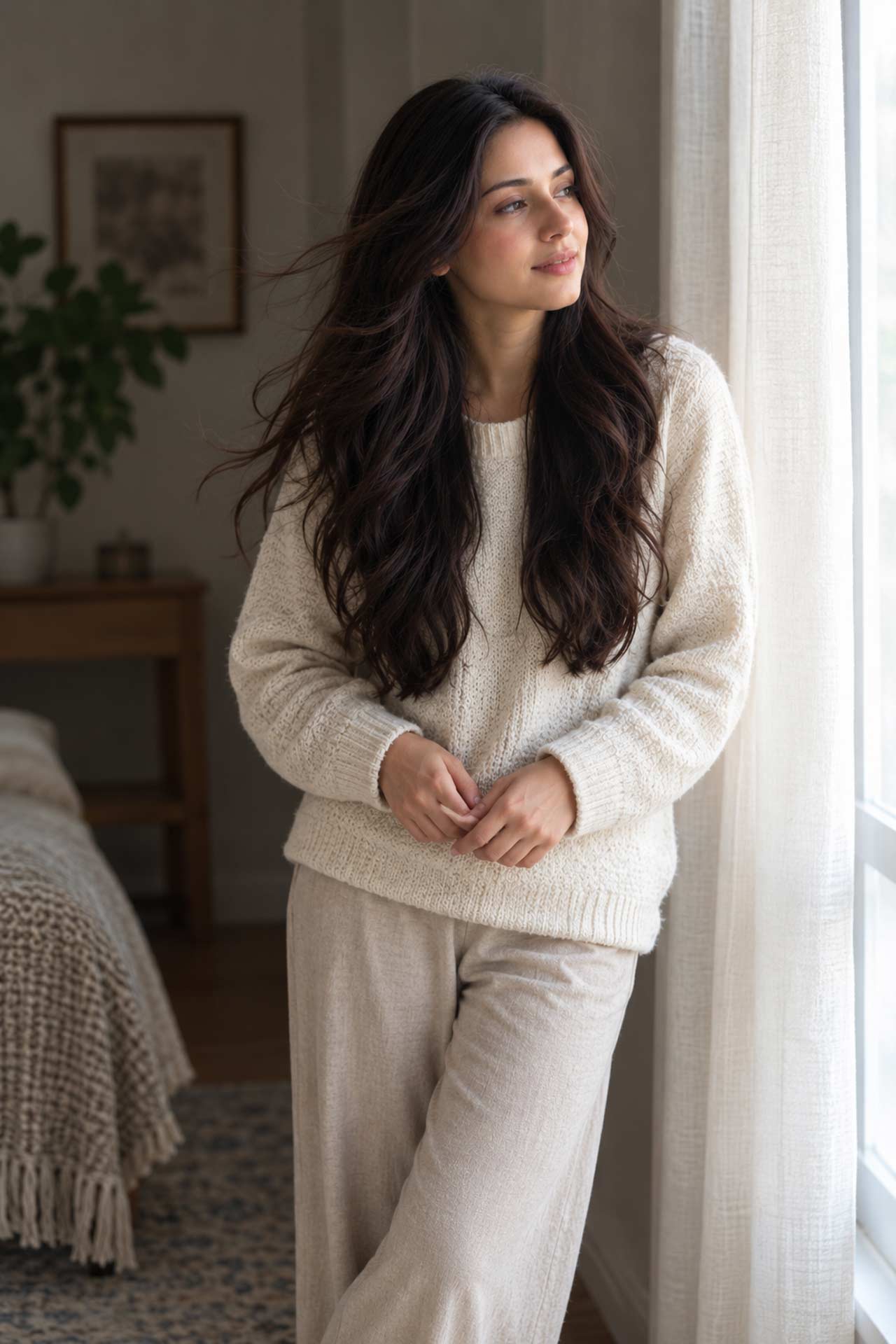
Model’s hair moves slightly as if caught by a light breeze, and she shifts her weight softly from one foot to the other. Camera holds static. Motion is slow. Outfit, pose, and background remain unchanged.
4. Product showcase (bottle/skincare)

Light reflection shifts gently across the surface of the bottle as if catching ambient light. Camera holds a slow, subtle push-in. Motion is minimal and smooth. Product position and background stay fixed.
5. Logo animation
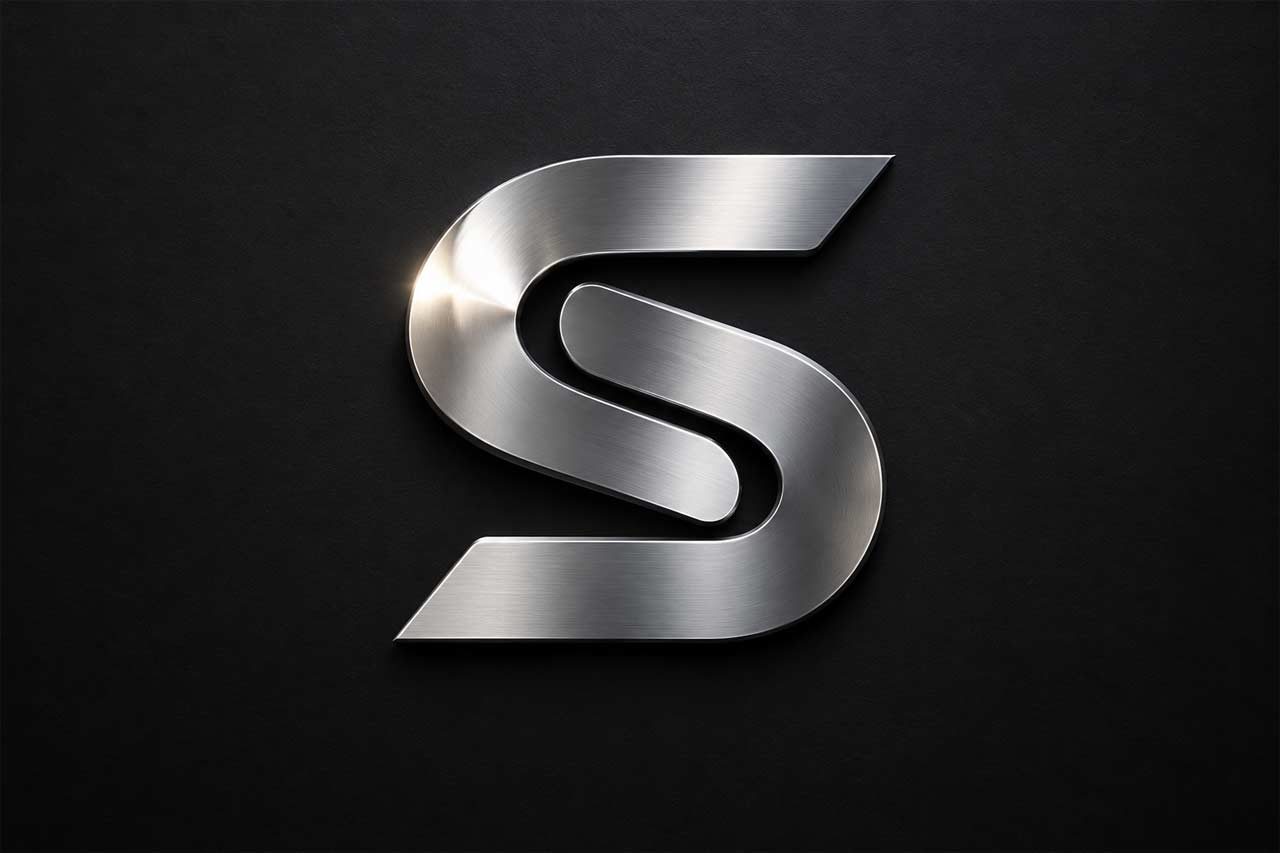
Logo’s metallic surface catches a soft passing light glint from left to right. Camera remains completely static. Motion is slow and continuous. Background and logo shape remain unchanged.
6. Nature / forest scene
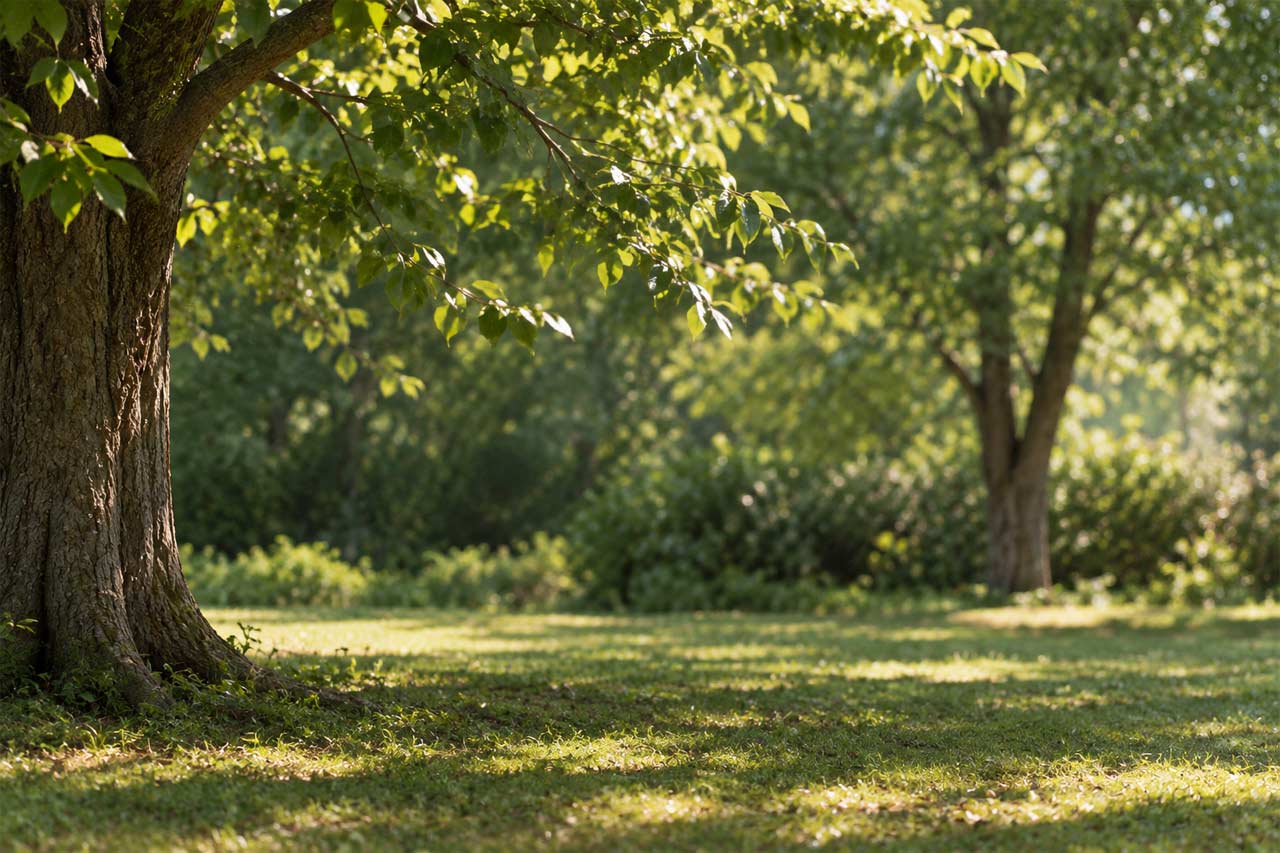
Leaves on the nearby branches sway gently, and light dapples shift slightly on the ground. Camera holds static. Motion is slow and natural. Tree positions and overall lighting remain unchanged.
7. City street at night
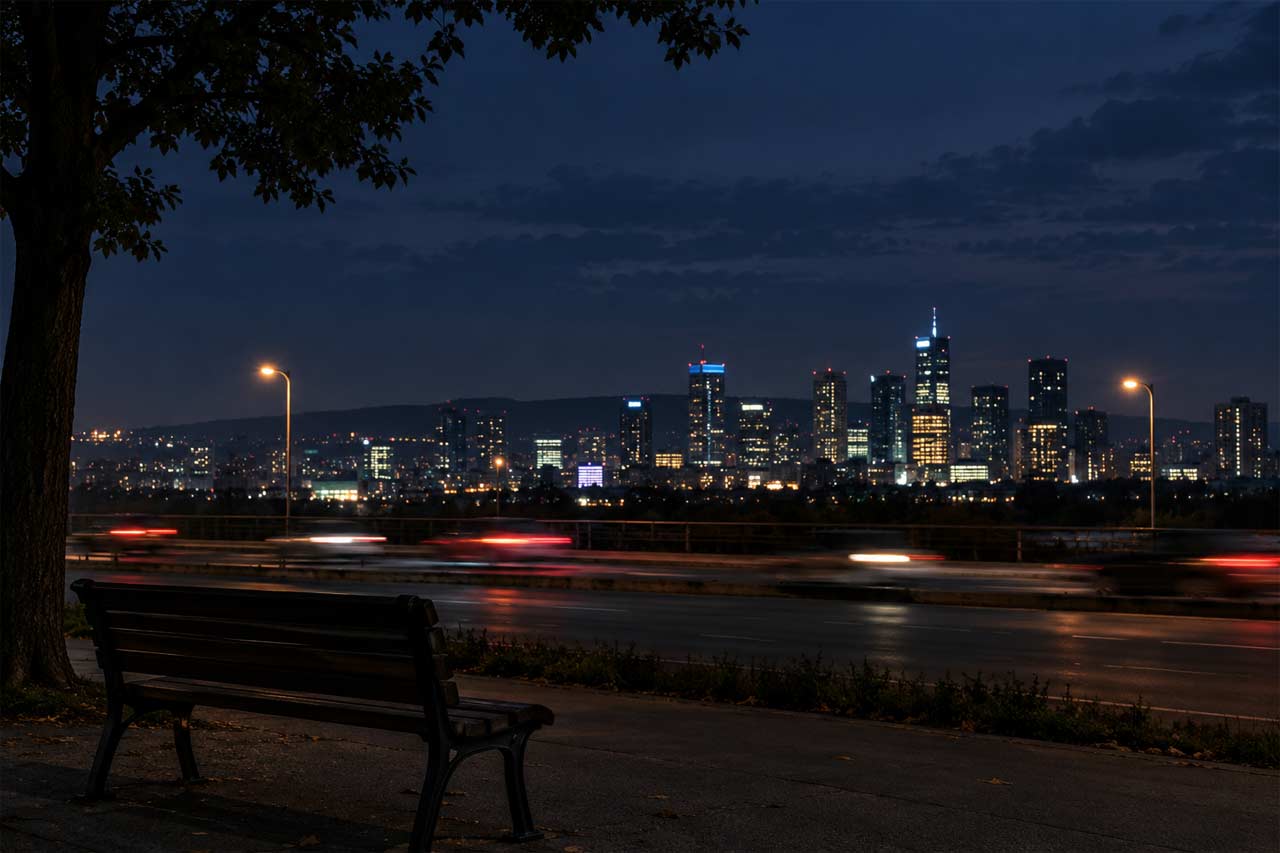
Distant car lights blur softly as they pass in the background, while the foreground remains still. Camera holds static. Motion is slow and continuous. Building lights and sky remain unchanged.
8. Pet / animal
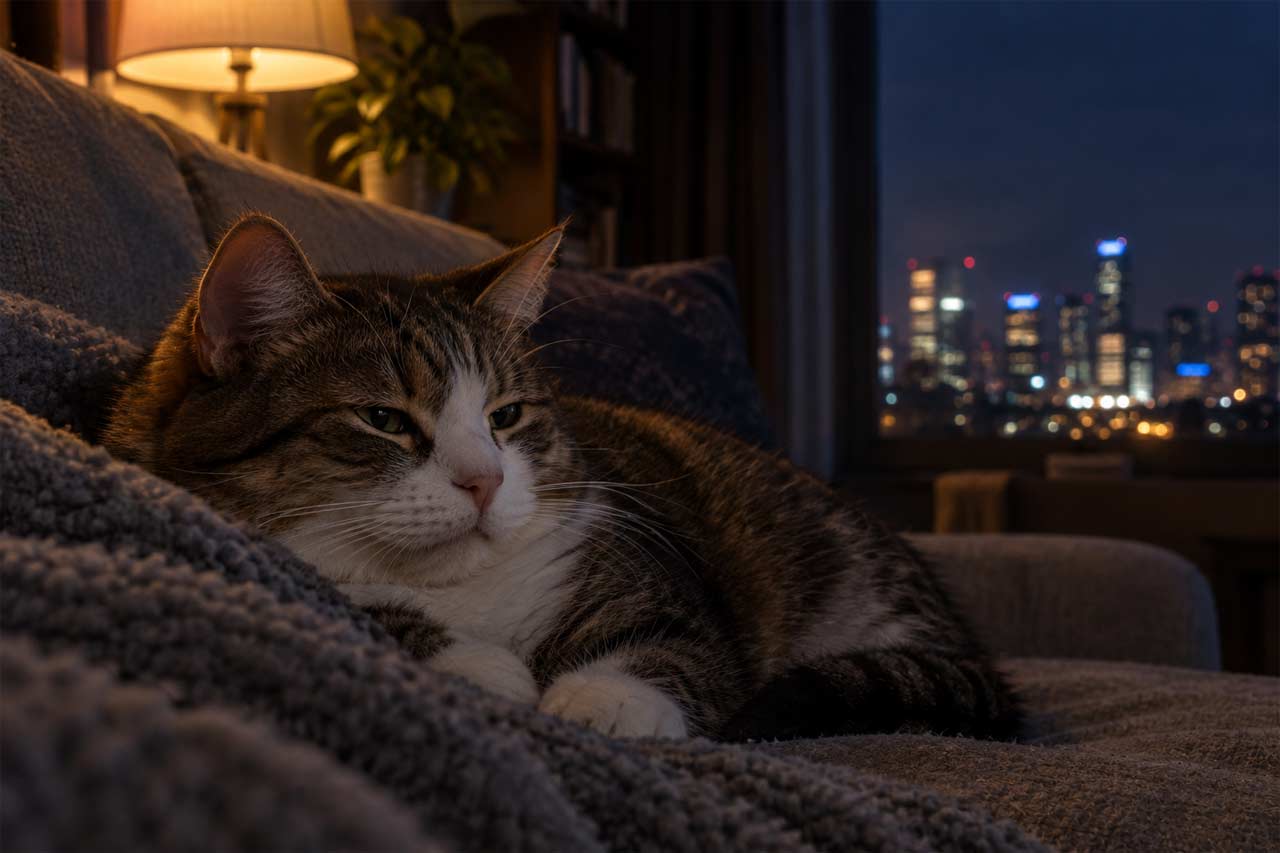
Cat’s ears twitch slightly and its chest rises and falls with a slow breath. Camera remains static. Motion is subtle and natural. Background and lighting stay fixed.
9. Food close-up
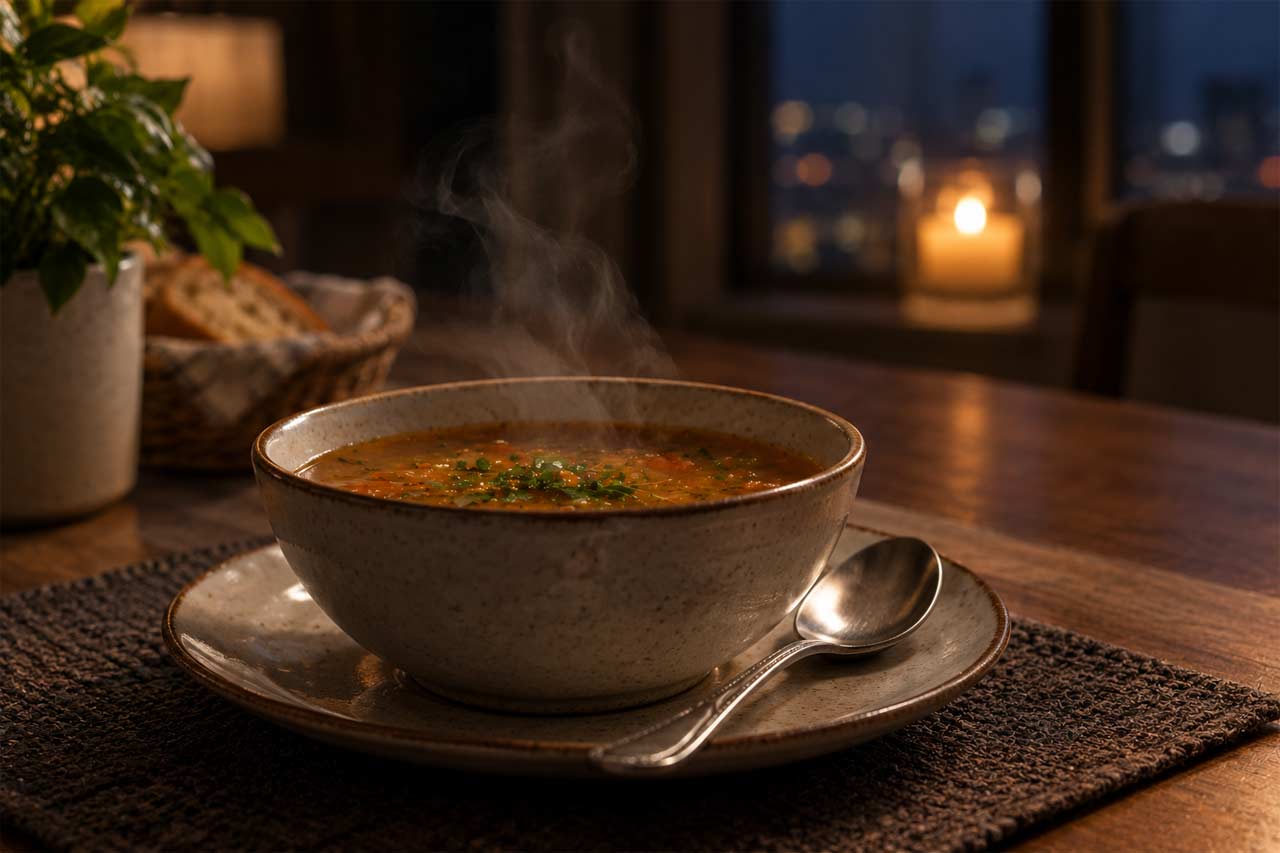
Steam curls slowly upward from the bowl of soup as a spoon rests beside it. Camera holds a very slow, subtle zoom. Motion is gentle and continuous. Plate position and lighting remain unchanged.
10. Candle / cozy interior

Candle flame flickers naturally, casting a soft shifting glow on nearby surfaces. Camera remains static. Motion is slow and continuous. Room background and other objects stay fixed.
11. Rain on window
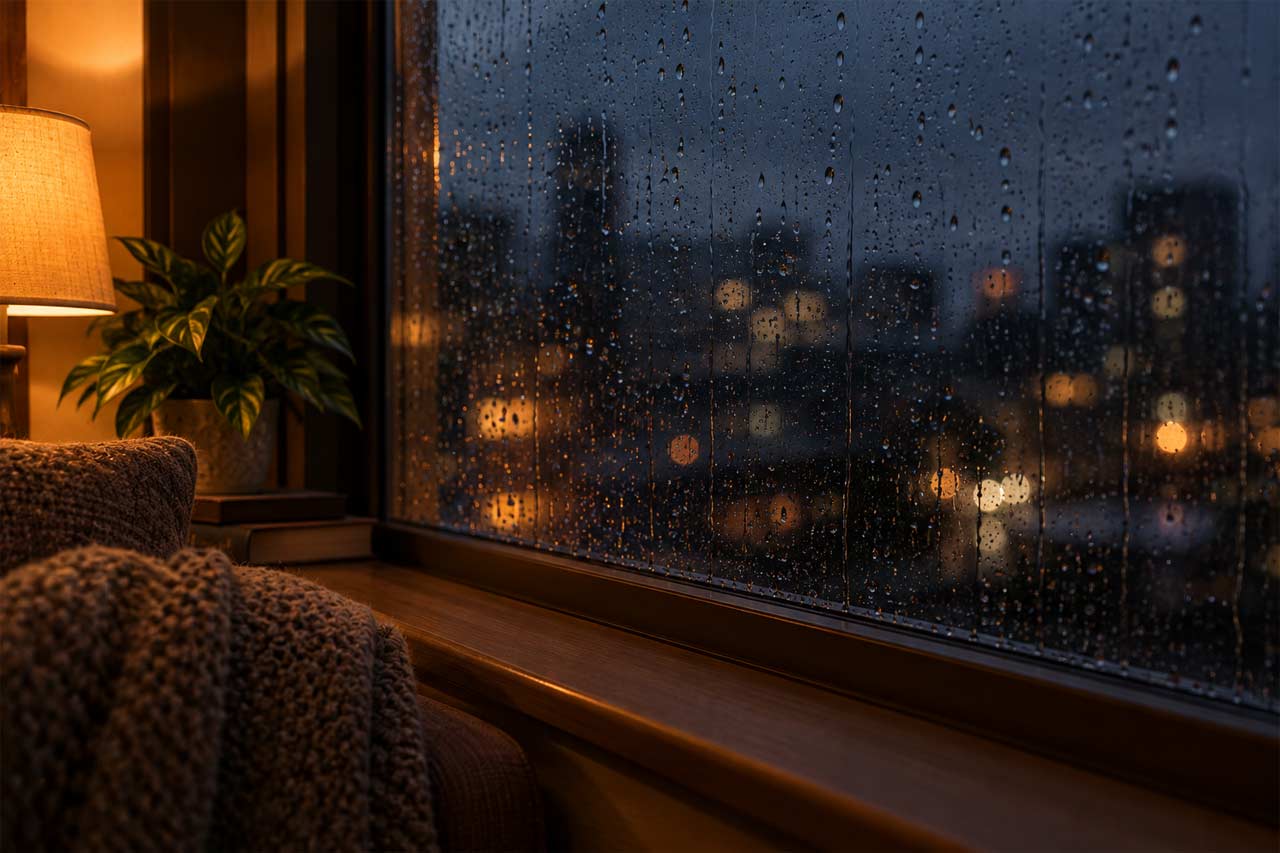
Raindrops slide slowly down the window glass while the scene outside stays blurred and dim. Camera holds static. Motion is slow and continuous. Window frame and interior lighting remain unchanged.
12. Book / reading scene

Pages of the open book ripple slightly as if stirred by a faint breeze. Camera remains static. Motion is subtle and slow. Desk, lighting, and surrounding objects stay fixed.
Common Mistakes That Ruin Output
Overloading the prompt: Five different actions competing for a three-second clip usually means none of them look right.
Describing the image instead of the motion: The model can already see the image repeating its contents wastes prompt space.
Ignoring the camera: An unspecified camera is not a neutral choice; it’s a guess the model makes for you.
Expecting dramatic transformations from short clips: As of 2026, most consumer tools are still working in short time windows, and asking for too much change in that window tends to produce artifacts rather than a coherent scene.
Skipping iteration: Few people get a usable result on the first try. Treat the first generation as a rough draft of the motion, not the final output.
Limitations Worth Knowing
Even a well-built prompt won’t always fix underlying issues with the source image. Cluttered backgrounds, unusual poses, or low-resolution photos tend to produce shakier results no matter how carefully the motion is described. And different tools interpret the same prompt differently a phrase that works well in one platform might need rewording in another. There’s no single universal prompt that performs identically everywhere, so some trial and error is part of the process, not a sign you’re doing it wrong.
FAQ
What makes an AI image to video prompt different from a text to image prompt?
An image-to-video prompt focuses on motion, timing, and camera behavior rather than describing the visual content, since the source image already defines the scene. Text-to-image prompts, by contrast, are mainly about constructing that scene from scratch.
How long should an image-to-video prompt be?
Generally short and specific a sentence or two covering the subject’s motion, the camera, and what should stay fixed works better than a long, descriptive paragraph.
Why does my generated video look distorted or warped?
This usually happens when the prompt asks for too much change in too short a clip, or when the source image has a complex background or pose. Simplifying the motion and adding consistency cues often helps.
Can I control camera movement separately from subject movement?
Yes, and it’s worth doing deliberately. Naming the camera behavior explicitly — static, panning, pushing in — tends to produce more predictable results than leaving it unspecified.
Do the same prompts work across different AI video tools?
Not reliably. Each platform interprets phrasing a little differently, so a prompt that works well in one tool may need adjusting for another.