85+ Genius AI Prompts Teachers Love for Stress-Free Lesson Planning
Discover 85+ proven AI prompts teachers love to save time, boost creativity, and simplify lesson planning.

Teachers today work harder than ever. They rush to make lesson plans and check homework. They handle reports and try to keep every student happy and learning. All of this takes a lot of time. That is why many teachers now turn to AI tools. These tools help them plan faster, think better, and teach with less stress.
In classrooms everywhere, AI is changing the way teachers work. It gives quick ideas, fun activities, and new ways to teach tough topics. Yet many teachers still feel tired because of long planning hours, heavy admin work, and daily classroom needs. This is where AI Prompts for Teachers become the ultimate shortcut.
With simple instructions typed into an AI tool, teachers can get full lesson plans in seconds. They can create quizzes, worksheets, warm-ups, exit tickets, stories, and even classroom rules. And the best part? Teachers stay in control. They choose what fits their students best. Using AI lesson planning prompts, classroom AI prompts, and teacher AI tools, planning becomes quick and fun instead of hard and stressful.
In this blog post, you will discover 85 genius AI prompts that teachers love. These prompts are tested, practical, and perfect for busy classrooms. They help teachers save time, spark creativity, and make learning exciting for every student. Each prompt is easy to copy, paste, and use right away. So get ready! These ideas will help you plan lessons faster, teach with more confidence, and enjoy a stress-free school day.


Let’s dive in and explore the smartest, easiest, and most creative AI prompts made just for teachers.
What Are AI Prompts for Teachers? (Why They’re a Game-Changer)

85 Genius AI Prompts for Teachers (Copy & Paste Library)
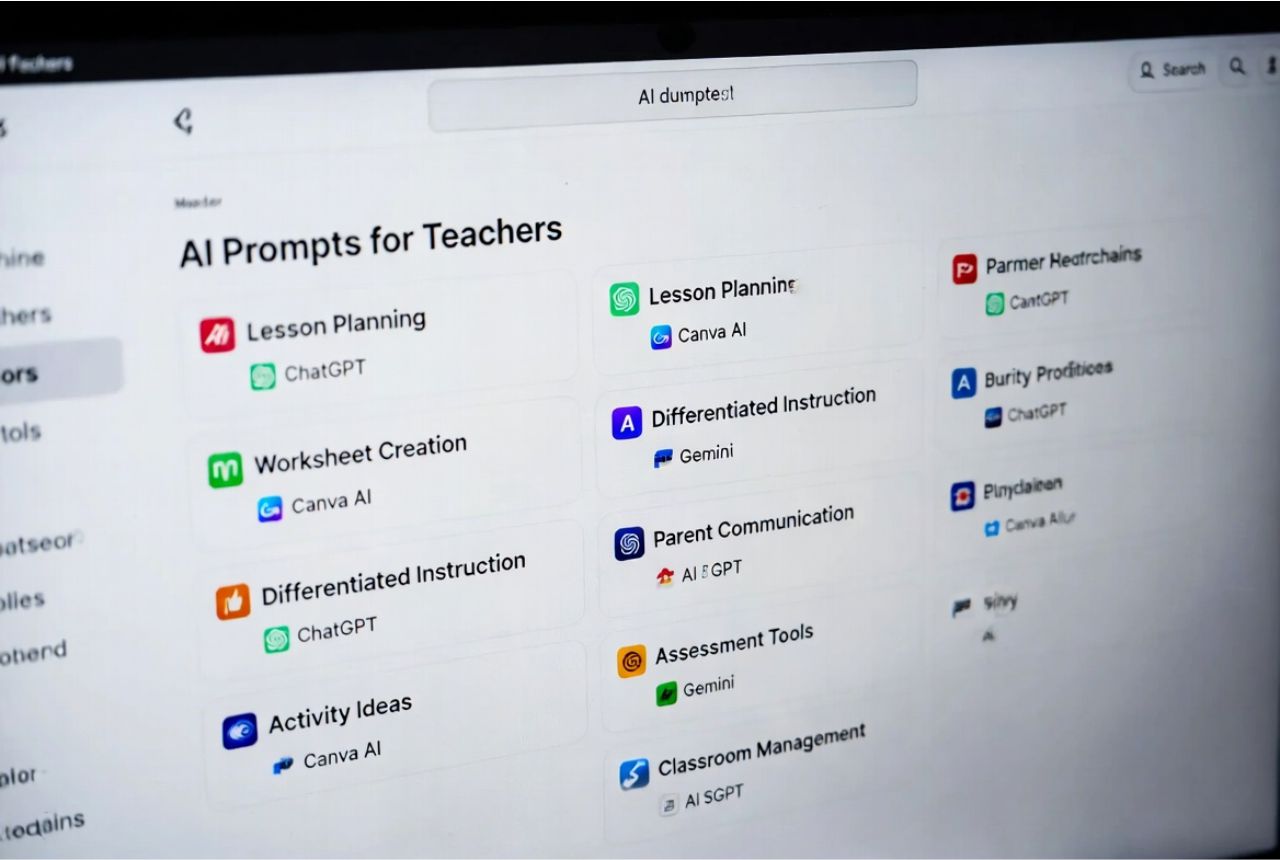
AI Prompts for Lesson Planning (All Subjects)
Planning lessons for different subjects can be time-consuming, but AI Prompts for Teachers make it easy and fun.
With these prompts, you can generate creative lesson ideas, engaging activities, and clear explanations in minutes. They save time, reduce stress, and help teachers stay productive. These 15 prompts are perfect for all subjects and can be copied, pasted, and customized to fit your classroom needs.
- Create a 30-minute lesson plan for [subject] with hands-on activities for grade [X].
- Generate a fun starter activity to introduce [topic] in [subject].
- Write a simple story to explain [concept] for grade [X] students.
- Design a 5-question quiz for [subject] topic [X] suitable for [grade level].
- Suggest three group activities for practicing [skill] in [subject].
- Create a visual diagram or chart to teach [topic] easily.
- Outline a step-by-step experiment for [science topic] for grade [X].
- Provide a list of 10 engaging discussion questions for [subject].
- Design a homework assignment for [subject] that reinforces [topic].
- Write a fun rap or poem to explain [concept] in [subject].
- Suggest online resources and videos for teaching [topic] effectively.
- Create a role-play activity to demonstrate [historical event or concept].
- List five creative ways to introduce [math or science skill].
- Generate a quick exit ticket to check student understanding of [topic].
- Write a real-life example or story to connect [concept] to students’ lives.
These prompts help teachers save time, boost creativity, and make lesson planning stress-free across all subjects.
AI Prompts for Subject-Specific Lesson Ideas
Sometimes, teachers need lessons tailored to a specific subject. AI Prompts for Teachers can create engaging, subject-focused lesson plans in minutes.
These prompts help teachers save time, boost creativity, and keep lessons exciting for every student. Below are 15 powerful prompts across different subjects that can be copied, pasted, and customized for your classroom.
- Create a 20-minute reading comprehension activity using [book/story] for grade [X].
- Write a short story prompt to teach [grammar concept] for [grade level].
- Generate a list of fun vocabulary games for [topic] in grade [X].
- Design a 15-minute hands-on activity to teach [math concept] for grade [X].
- Create a set of word problems that explain [math skill] in real life.
- Suggest three visual aids to teach [topic] for visual learners.
- Plan a simple experiment to demonstrate [science concept] safely.
- Write a step-by-step explanation of [topic] for grade [X] students.
- Suggest five discussion questions about [science topic] to encourage curiosity.
- Create a timeline activity for [historical event] for grade [X].
- Write discussion prompts about [geography or culture topic].
- Generate a project idea connecting [historical concept] to today.
- Design a coding activity to teach [programming concept] for beginners.
- Suggest a fun game to practice [logic or algorithm skill].
- Create a step-by-step guide for students to build a simple program.
These subject-specific prompts help teachers deliver engaging, personalized lessons, saving time and making classrooms more interactive and fun.
AI Prompts for Classroom Activities & Engagement
Keeping students engaged is one of the hardest parts of teaching. AI Prompts for Teachers can spark fun, interactive, and creative activities in minutes. These prompts help teachers save time while designing warm-ups, creative tasks, critical-thinking exercises, and group work. With AI, every lesson becomes more exciting, hands-on, and personalized for your students.
- Create a 5-minute warm-up game to introduce today’s topic for grade [X].
- Design a creative drawing activity that explains [concept] in [subject].
- Write a short story prompt for students to practice [writing skill].
- Suggest three critical-thinking questions about [topic] for group discussion.
- Generate a fun role-play activity to explore [historical or science concept].
- Design a brainstorming session for students to solve [problem].
- Create a team challenge to review [lesson topic] in 10 minutes.
- Suggest an interactive quiz with 5 questions for [subject] today.
- Plan a hands-on experiment for [science concept] in small groups.
- Write a game-based activity to reinforce [math or ELA skill].
- Generate a debate topic for students to discuss in pairs.
- Create a scavenger hunt activity to teach [social studies or science topic].
- Suggest a collaborative project to explore [concept] over one week.
- Design a reflection exercise to help students summarize what they learned.
- Write prompts for students to share real-life examples of [lesson concept].
These prompts turn every lesson into a dynamic, interactive experience, boosting engagement, creativity, and collaboration in the classroom.
AI Prompts for Worksheets, Quizzes & Assessments
Creating worksheets, quizzes, and assessments can take hours, but AI Prompts for Teachers make it simple and fast. With these prompts, teachers can design multiple-choice questions, exit tickets, rubrics, and project-based assessments in minutes. AI helps save time, ensures accuracy, and allows teachers to focus on teaching while keeping students engaged and learning effectively.
- Generate 10 multiple-choice questions on [topic] for grade [X].
- Create a short exit ticket to check student understanding of today’s lesson.
- Design a rubric for grading a [subject] project with clear criteria.
- Write 5 true-or-false questions for [lesson topic].
- Generate a set of fill-in-the-blank questions for [concept].
- Create a multiple-choice quiz with answers for [topic] in [subject].
- Design a quick assessment for [math or science concept] in 10 minutes.
- Write a reflection prompt for students to evaluate their learning.
- Generate a peer-assessment checklist for group projects.
- Create a 5-question comprehension quiz for [reading material].
- Design a hands-on project assessment for [science or social studies topic].
- Write a multiple-choice review quiz for the past week’s lessons.
- Generate an interactive exit ticket with 3 quick questions.
- Create a rubric for assessing creativity in [ELA or art assignment].
- Design a project-based assessment to test [skill] over multiple lessons.
These prompts help teachers create accurate, engaging, and personalized assessments quickly, boosting teacher productivity with AI while ensuring students learn effectively.
AI Prompts for Differentiation & Special Needs Support
Every classroom has learners with different needs. AI Prompts for Teachers can help create lessons that support struggling students, challenge advanced learners, and foster an inclusive classroom. These prompts save time while ensuring every student can learn at their own pace. With AI, differentiation becomes simple, effective, and stress-free for teachers.
- Create a simplified version of today’s lesson for struggling learners in grade [X].
- Generate an advanced activity to challenge high-achieving students.
- Write step-by-step instructions for a hands-on task for students with learning difficulties.
- Design a multiple-choice quiz with tiered difficulty for mixed-ability learners.
- Suggest visual aids and diagrams for students who need extra support.
- Create enrichment questions for advanced learners after completing the main lesson.
- Write a reading passage with guided comprehension questions for struggling readers.
- Generate discussion prompts that include all students in group activities.
- Design a differentiated math problem set for varying skill levels.
- Create a vocabulary-building activity with simple and advanced word options.
- Suggest project ideas that allow students to choose their difficulty level.
- Write prompts for inclusive classroom games that engage all learners.
- Generate tiered writing prompts for struggling and advanced writers.
- Create a scaffolded science experiment with optional challenge extensions.
- Design a reflection activity that helps all students express understanding in their own way.
These prompts help teachers personalize learning, reduce stress, and ensure every student succeeds, making the classroom inclusive, supportive, and engaging.
AI Prompts for Classroom Management & Behavior Support
Managing classroom behavior can be challenging, but AI Prompts for Teachers can make it easier. These prompts help create clear rules, behavior plans, and effective parent communication strategies. With AI, teachers can save time, maintain consistency, and create a positive classroom environment where students feel supported and engaged every day.
- Create a list of clear classroom rules for grade [X] students.
- Generate a step-by-step behavior plan for students who struggle with attention.
- Write a positive reinforcement chart for encouraging good behavior.
- Suggest strategies to manage group work and reduce conflicts.
- Design a behavior tracking sheet for daily student check-ins.
- Write a friendly parent communication email regarding behavior progress.
- Generate prompts for a class discussion on rules and responsibilities.
- Create a reward system for consistent participation and effort.
- Write a script for addressing minor disruptions respectfully in class.
- Generate a checklist for maintaining classroom routines smoothly.
- Create a conflict resolution activity for students in small groups.
- Suggest ways to teach students self-regulation techniques.
- Write prompts for weekly behavior reflections for students.
- Generate an example of a parent-teacher meeting agenda focused on behavior.
- Create a plan for celebrating positive behavior achievements in class.
These prompts help teachers maintain a calm, productive, and positive classroom, improve student behavior, and communicate effectively with parents, all while reducing daily stress.
How to Use AI Prompts for Teachers Effectively
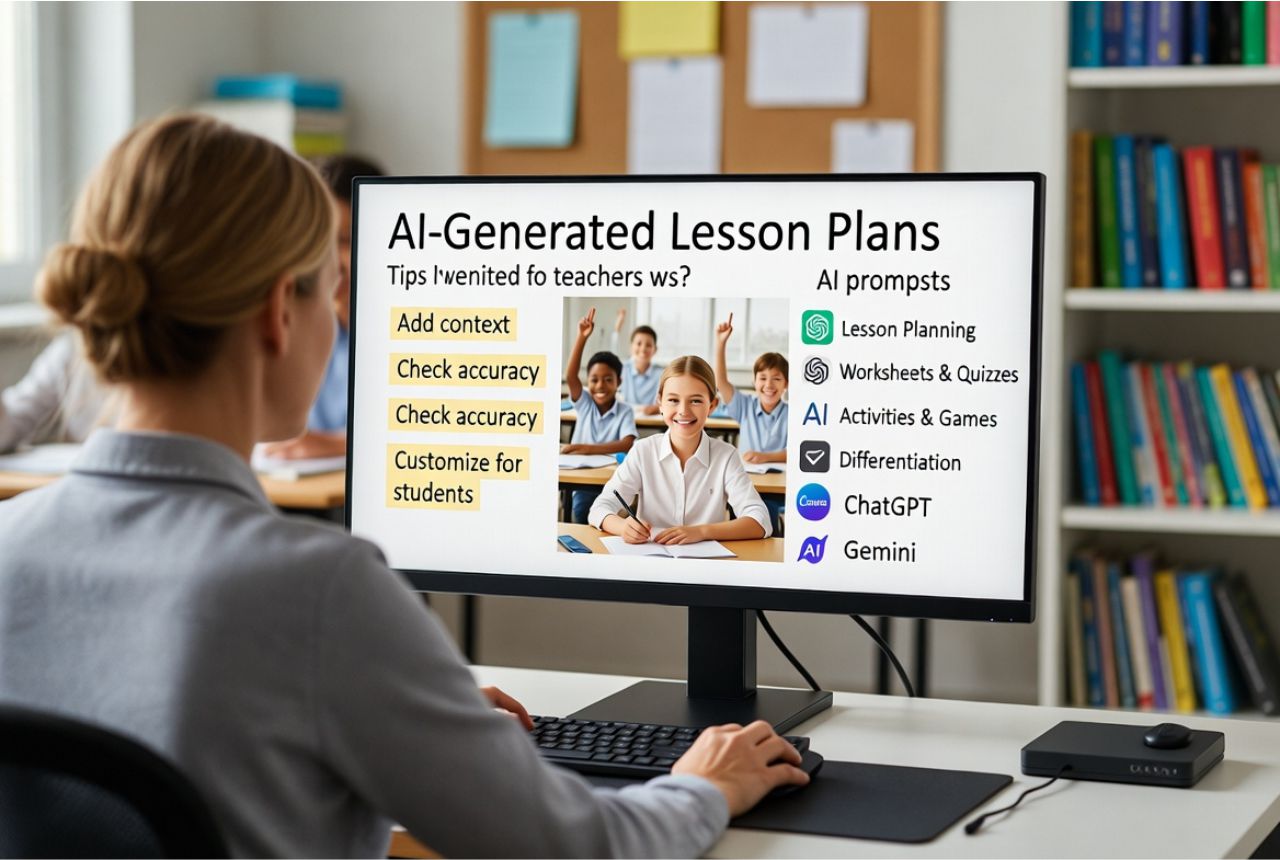
Using AI Prompts for Teachers can save hours and spark creativity, but it works best when you stay in control. To get the most from AI, you need smart strategies and careful use. These tips help you avoid generic results and make lessons truly shine.
First, add context for better output. Tell AI exactly what grade level, subject, or topic you need. The more details you provide, the smarter the suggestions. Then, give AI examples of your teaching style. Show them how you explain concepts or structure activities. This keeps lessons personal and teacher-led.
Next, refine your prompts. Instead of asking general questions, make them specific. For example, instead of “Write a lesson plan,” ask, “Create a 30-minute science lesson with hands-on experiments for grade 5 students.” This produces precise and creative outputs every time.
Always review AI suggestions for accuracy and grade-level fit. Even the smartest AI can make mistakes. Checking ensures your lessons are safe, correct, and appropriate for students.
Finally, follow AI classroom tips and teacher AI tools best practices. Treat AI as a helper, not a replacement. Use it to save time, spark ideas, and reduce stress, while you guide the learning.
By following these strategies, you can use AI prompts to make planning faster, more creative, and highly personalized. The 85 genius prompts in this guide will work best when paired with these tips, helping teachers teach smarter and students learn better every day.
Benefits of Using AI Prompts for Teachers (Real Classroom Wins)
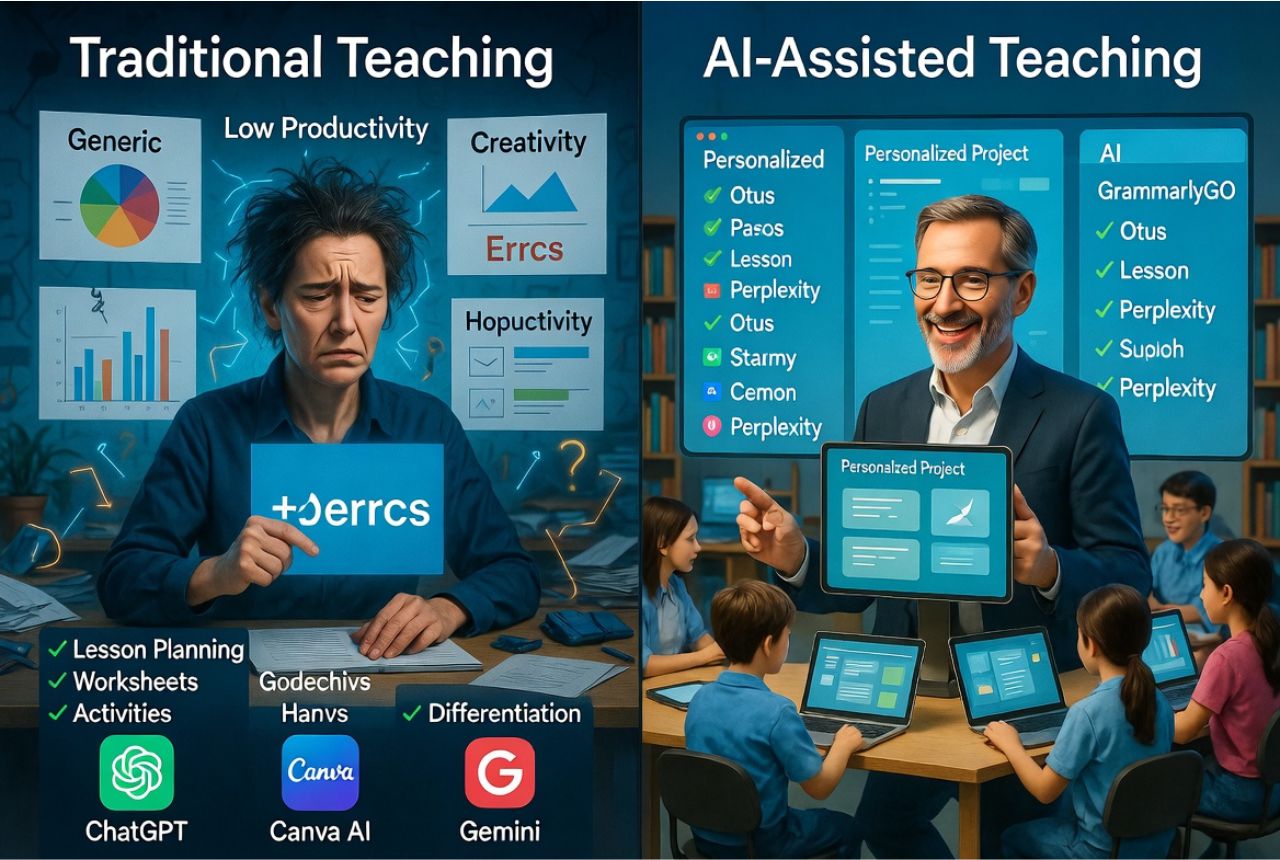
Using AI Prompts for Teachers can change your classroom for the better. These prompts save hours of weekly planning. Instead of spending long nights creating lessons, teachers can get ideas in seconds. This extra time means less stress and more energy for teaching.
AI also provides endless creativity. It suggests new activities, games, and lesson formats. Teachers can try fresh ways to explain hard topics. This keeps lessons exciting and students curious every day.
Another big benefit is personalized learning. AI helps teachers adjust lessons for each student. Struggling learners get extra help, while advanced students stay challenged. This means better differentiated instruction without extra work.
Using AI reduces mental fatigue. Teachers no longer worry about planning every detail or repeating the same exercises. Instead, they can focus on guiding students, answering questions, and creating a fun learning environment.
Finally, AI prompts improve student engagement. Lessons become more interactive, creative, and hands-on. Activities feel new and exciting, keeping students focused and motivated.
In short, the benefits are clear:
- Time savings: spend less time planning and more time teaching
- Better differentiated instruction: meet each student’s unique needs
- More engaging lessons: spark curiosity and participation
When teachers use AI lesson planning prompts, classrooms feel energized. Students learn better, and teachers enjoy their work more. These 85 genius prompts make planning faster, smarter, and more fun. With AI as a partner, teaching becomes easier, creative, and stress-free.
Common Mistakes Teachers Make Using AI Prompts
Using AI Prompts for Teachers can save time and make lesson planning easy. But sometimes teachers make small mistakes that stop them from getting the best results. Knowing these mistakes helps you use AI the right way. These are the most common AI mistakes teachers make and how to fix them fast.
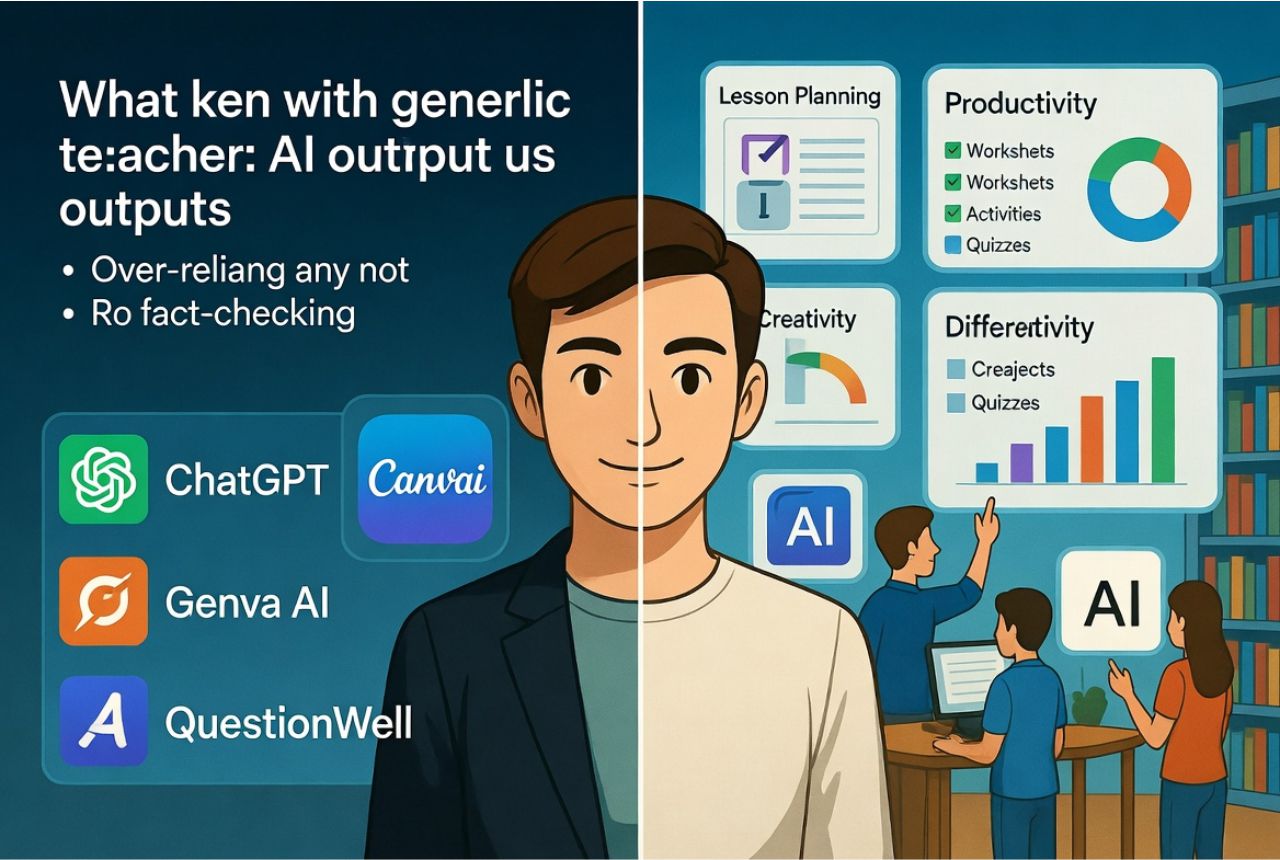
One big mistake is over-relying on generic AI responses. AI gives quick answers, but they are not always perfect. Always add your own ideas. This keeps your lessons fun and personal.
Another mistake is not fact-checking. Even smart AI tools can get dates, facts, or numbers wrong. So always check important information before sharing it with students. This keeps your teaching safe and correct.
Teachers also sometimes forget to align lessons with the curriculum. AI may give creative ideas, but they must match your grade level and school goals. Use AI as a helper, not the boss.
A common issue is a lack of personalization. AI does not know your students as you do. So you should adjust the activities for different needs. Think about reading levels, learning styles, and class behavior. Then edit the AI response to fit your students better.
When you avoid these mistakes, AI becomes an amazing teaching partner. It helps you plan smarter, teach with confidence, and save hours every week. Use these tips with the 85 prompts to get the best results from every AI tool you try.
Best AI Tools for Teachers to Use With These Prompts
To make the most of these AI Prompts for Teachers, you need tools that are simple, smart, and built for real classrooms. The good news is that many AI platforms today help teachers plan lessons fast, create worksheets, and boost creativity. Here are the best tools to use with the prompts in this guide.
ChatGPT is one of the easiest tools for teachers. It writes lesson plans, creates quizzes, and explains hard topics in simple words. Pros: fast, flexible, and great for K–12 and higher ed. Cons: needs clear prompts to stay accurate.
Gemini by Google works well for teachers who want visuals, summaries, or quick facts. It is strong in research and gives clean lesson ideas. Pros: great for fact-checking and simple explanations. Cons: Sometimes gives fewer creative options than others.
Canva AI is perfect for teachers who want worksheets, posters, or classroom slides. It turns your ideas into colorful designs in seconds. Pros: easy to use and great for visual learners. Cons: needs internet and can feel slow on old devices.
QuestionWell, MagicSchool, and Eduaide are education-focused AI tools. They help teachers with quizzes, rubrics, lesson plans, and classroom activities. Pros: built for real schools and simple for beginners. Cons: Free versions have limits.
Each tool fits different teaching levels. Canva AI and MagicSchool work great for K–12 teachers. ChatGPT and Gemini fit both K–12 and higher education teachers who want deeper ideas.
Use these tools with the 85 prompts to plan faster, teach better, and enjoy stress-free lessons every day.
Final Thoughts: Make Lesson Planning Easier, Faster, and More Fun
You’ve now seen how powerful AI Prompts for Teachers can be. They help you plan lessons faster and spark new ideas. They make teaching easier and more fun. With AI, you can save time, reduce stress, and create lessons that your students will love. Yet even with all this help, you stay in full control. AI is not the teacher—you are. It simply gives you support, ideas, and tools so you can teach with confidence.
These 85 genius AI prompts are ready for you to use right now. You can turn them into full lesson plans, worksheets, quizzes, activities, or anything you need. And best of all, they start working the moment you try them. You don’t need extensive training or extra tools. Copy and paste, and let the magic happen.
So now is the perfect time to take action. Try one or two prompts today and see how fast and easy your planning becomes. Then, tell me how it goes! I’d love to hear your ideas, questions, or suggestions. Comment below and tell me which prompts you want more of!
If you want to save time even faster, you can:
- Download the free prompt list and keep it handy.
- Share this blog with fellow teachers who need stress-free lesson planning.
- Explore more AI tools for educators to make your daily teaching smoother.
Teaching should feel joyful—not overwhelming. And with the right AI prompts, it can be fun again. So go ahead, use these prompts, enjoy your stress-free planning, and make every class brighter and easier for you and your students. Your best teaching days start now!