Wireless charging feels like magic – just place your phone down and it powers up without cables. This convenience comes with a physical reality: all wireless chargers generate some heat through electromagnetic induction. When electricity flows through the charger’s coil, it creates a magnetic field that induces current in your phone’s receiver coil. About 20-30% of this energy converts to heat rather than battery power, which is why your device warms up. While mild warmth is normal, excessive heat can degrade your battery’s lifespan or, in rare cases, become a safety hazard. In this article, we’ll explore how to distinguish safe operation from dangerous overheating and share practical solutions for every scenario.
1. Normal vs. Dangerous Heat Levels
Understanding temperature thresholds helps prevent unnecessary panic or complacency. A properly functioning wireless charger will make your phone feel warm to the touch (about 95-104°F/35-40°C), similar to sunlight heating your skin on a summer day. You should become concerned if the device becomes uncomfortably hot (above 113°F/45°C) – the point where holding it for more than a few seconds feels painful. Watch for warning signs like sudden battery percentage drops, charging speed slowing dramatically, or error messages about temperature. Most smartphones automatically reduce charging speed or stop charging altogether at 122°F/50°C to prevent damage. If your phone case feels hot enough to make plastic slightly flexible or emits a chemical smell, remove it from the charger immediately.
2. Primary Causes of Overheating
Poor charger-phone alignment
The number one cause of excessive heat is improper alignment between your phone’s charging coil and the charger’s transmitter coil. When these coils don’t overlap perfectly, the system works harder to maintain connection, generating more waste heat. Modern chargers with multiple coil designs help but aren’t foolproof. You’ll often notice misalignment problems when your phone charges intermittently or the charger makes faint buzzing sounds. Thicker phones (over 0.35 inches/9mm) particularly struggle because their coils sit farther from the charger’s surface. Some users worsen the problem by stacking objects between the phone and charger or placing the charger on uneven surfaces. A good test: if your phone slides easily off the charging pad, the angle probably isn’t optimal.


Thick phone cases blocking airflow
While most wireless chargers claim to work through cases, reality is more nuanced. Cases thicker than 5mm (about two stacked credit cards) force the coils farther apart, reducing efficiency and increasing heat generation. The worst offenders are rugged cases with metal plates or magnetic mounts that interfere with electromagnetic fields. Even non-metallic cases trap heat like a blanket, preventing natural cooling. Leather and silicone cases tend to insulate heat more than hard plastic ones. If you notice your phone runs significantly hotter in its case, try charging without it occasionally to compare temperatures.
Simultaneous heavy usage while charging
Wireless charging already generates heat, and adding processor-intensive tasks creates a perfect storm. Gaming, video streaming, or GPS navigation during wireless charging pushes your phone’s temperature into the danger zone because both activities produce heat independently. The backlight alone can raise screen temperature by 15-20°F. Background processes compound the problem – automatic cloud backups or app updates often trigger during charging sessions. Even seemingly light tasks like video calls become problematic because they keep the screen and cameras active. If you must use your phone while charging, switch to wired power which delivers energy more efficiently.
3. Immediate Cooling Strategies
When your phone feels dangerously hot, act quickly but carefully. First, unplug the wireless charger from its power source rather than just removing your phone – this prevents residual current from causing sparks. Place the phone on a cool, flat surface like a ceramic tile or glass table (metal surfaces conduct heat poorly for this purpose). Avoid drastic temperature changes – never put an overheated phone in the refrigerator as condensation can damage internal components. Instead, position it near a gently blowing fan at room temperature. If available, remove the case immediately to allow heat dissipation. Resist the temptation to use ice packs or cold water; thermal shock can crack screens or warp internal components. Your phone will cool naturally within 10-15 minutes if left undisturbed.
4. Long-Term Prevention Methods
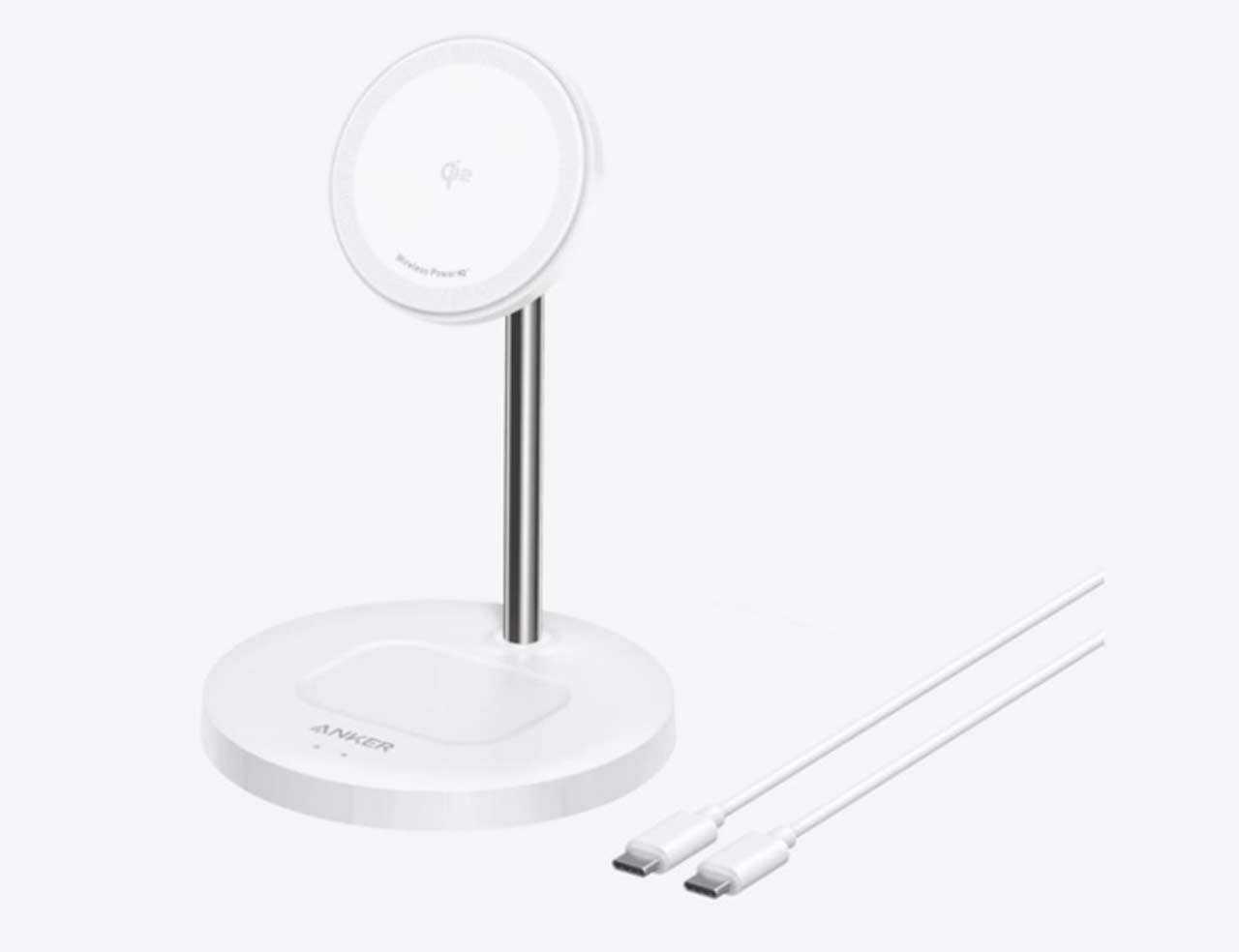
Developing smart charging habits significantly reduces overheating risks. Start by choosing open, well-ventilated surfaces for your wireless charger – avoid placing it on carpet, beds, or inside closed cabinets. Many users find vertical charging stands help because they expose more phone surface area to air circulation. Consider using lower-power wireless chargers (5W instead of 15W) for overnight charging since slower charging generates less heat. Schedule charging sessions when your phone is idle – most devices reach peak temperatures when wireless charging and active use combine. Regularly clean your charger’s surface and phone case to prevent dust buildup that traps heat. For frequent wireless charging users, investing in a charger with built-in cooling fans or thermal sensors adds valuable protection.
5. When to Seek Professional Help
Certain overheating scenarios require expert intervention rather than DIY fixes. If your phone consistently overheats across multiple wireless chargers (including basic 5W models), the problem likely lies in the phone’s battery or charging circuitry. Persistent error messages about temperature after the phone has cooled suggest sensor malfunctions. Physical symptoms like a bulging battery compartment or distorted screen indicate dangerous battery swelling needing immediate replacement. Likewise, if your wireless charger itself becomes hot enough to discolor surfaces or emit burning smells, stop using it immediately – faulty voltage regulation could pose fire risks. For less obvious cases, check your phone’s battery health in settings; capacities below 80% often correlate with heat management issues.
Conclusion
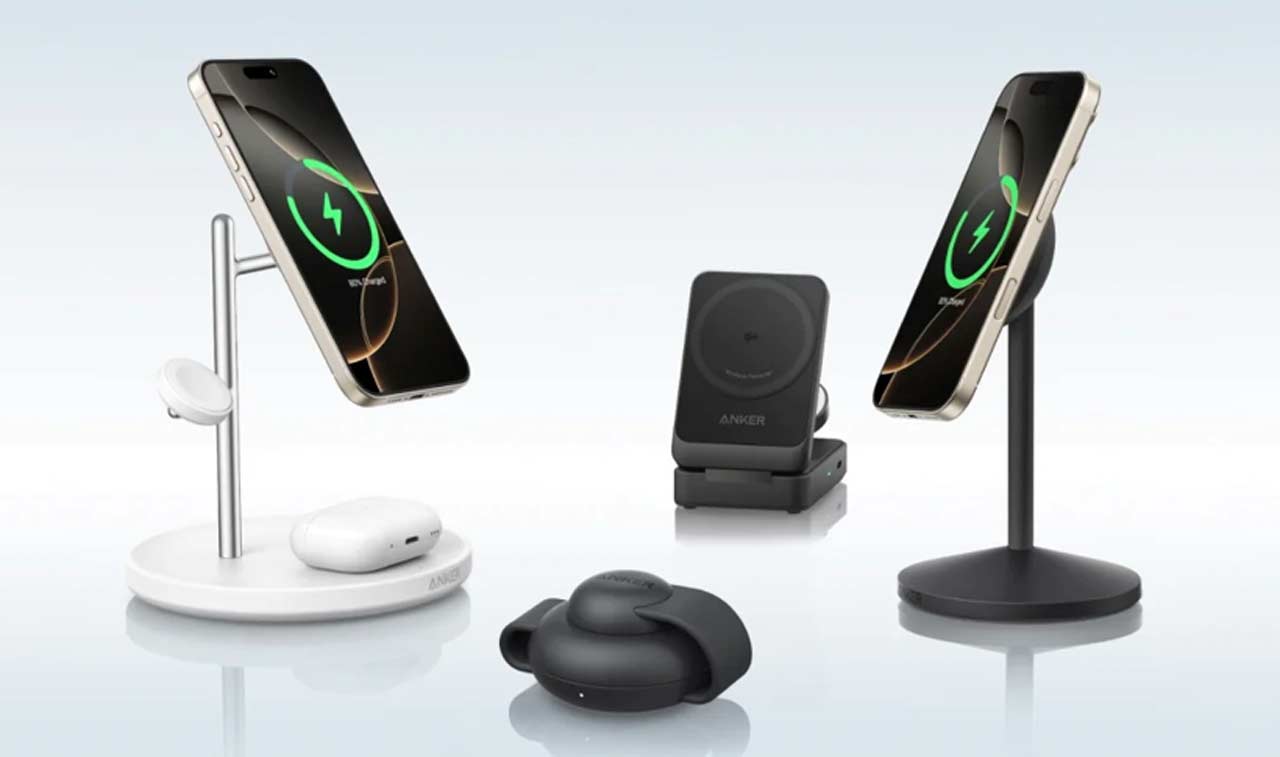
Wireless charging offers unparalleled convenience when used responsibly. By understanding normal heat ranges, addressing common overheating causes, and implementing cooling strategies, you can enjoy cable-free charging without compromising your phone’s health. Remember that occasional warmth is normal, but pain-level heat signals a problem needing attention. For those shopping for a new wireless charger, consider reliable options like Anker’s wireless chargers which incorporate temperature monitoring and optimized coil alignment to minimize heat buildup. With proper care, your wireless charging setup can provide years of safe, efficient service – keeping your devices powered without burning them out.