Summary : Learn how to configure Cursor and Xcode for full-stack iOS application development, covering Swift setup, MCP integration, repository workflows, AI coding rules, and build-test cycles. This article also covers the impact on iOS developers and adoption strategies for decision-makers.
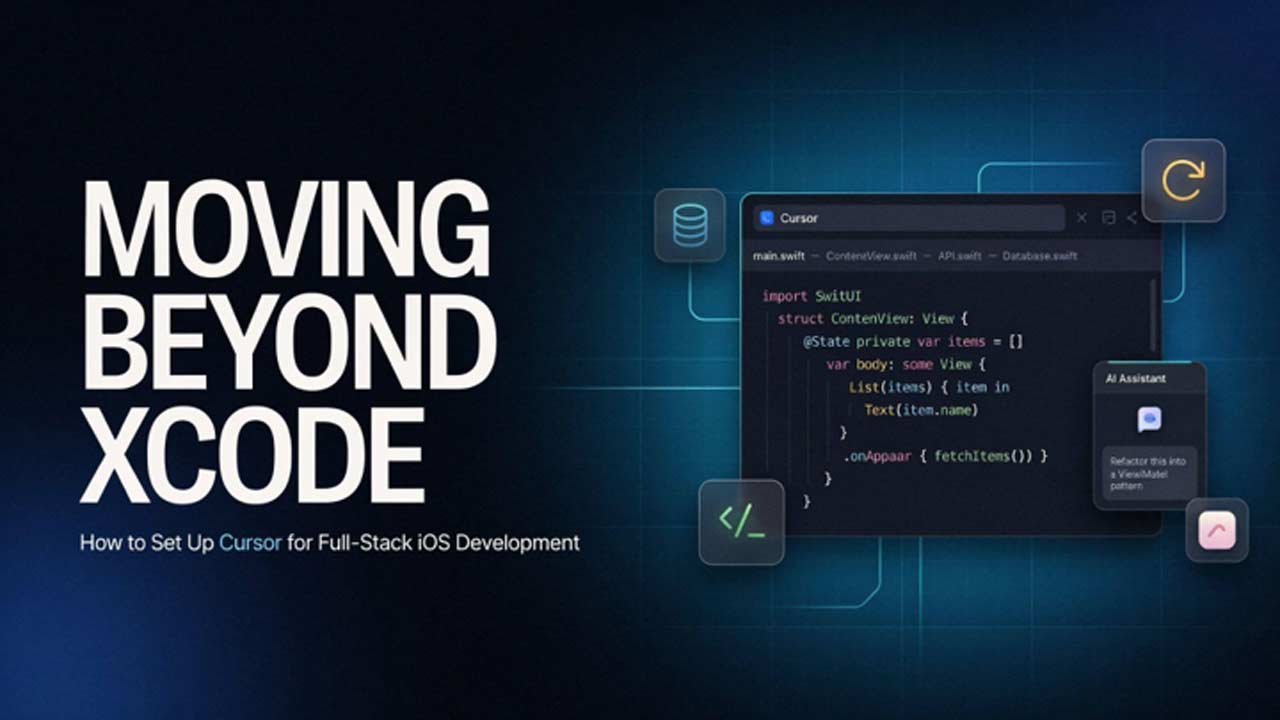
AI coding agents are now the default for most developers, with over 70% relying on one and Cursor accounting for a meaningful share of daily coding sessions. But iOS developers spent years without their assistance, since Apple’s closed toolchain made Xcode mandatory and earlier AI-native alternatives like AppCode never gained enough traction to last.
That changed in 2026 when Apple and Swift.org extended official Swift tooling to Open VSX–based editors like Cursor, effectively decoupling Swift development from the proprietary Apple ecosystem. Xcode remains the essential tool for compilation, simulation, low-level debugging, and App Store deployment, but primary code creation is increasingly moving to AI-integrated IDEs.
How to Configure a Connected Cursor-Xcode Workflow?
The following steps walk through connecting Cursor and Xcode from the ground up.

1. Establishing the Prerequisites
To establish the Cursor-Xcode workflow, first prepare the required development environment. Firstly, install Xcode 26.3 or later to enable native MCP support, set up Homebrew for required supporting tools, and update Cursor to a version with Open VSX extension support. Then, make sure your iOS project includes a valid .xcodeproj or .xcworkspace file.
2. Opening the Full Repository
Open the repository root in Cursor, including application, backend, and shared code together, instead of the iOS folder alone, since its indexing and context operate at the folder level. Since Cursor builds context at the workspace level, this allows it to trace dependencies across the stack. After indexing, verify the connection by asking a question that links both sides, such as how an API response maps to specific SwiftUI components.
3. Configuring Swift Support
Enable Swift support by installing the Swift extension through Cursor’s Open VSX–based Extensions panel. Then generate a buildServer.json file using either SweetPad or the xcode-build-server config command, allowing SourceKit-LSP to power language features outside Xcode.
4. Connecting Cursor and Xcode via MCP
On Xcode 26.3 and later, the MCP server is enabled under Settings > Intelligence > Model Context Protocol, after which Xcode can be added as a detected tool source within Cursor’s settings. Once connected, Cursor’s AI Agent can build the project, run tests, capture SwiftUI previews, or search Apple’s documentation without leaving the editor.
5. Defining Project-Specific Rules
Create a .cursorrules file that gives the agent persistent, project-specific context by defining the architecture pattern, such as MVVM with a Features/Core/UI/Resources folder structure. Also define language preferences like protocol-oriented design and async/await. The file should also set naming conventions, UI standards such as SwiftUI-first design and Dynamic Type support, and the project’s preferred state- and dependency-injection patterns.
6. Running the Daily Build-Test-Debug Cycle
Run builds through the MCP-connected agent or SweetPad’s command palette, streaming output through xcbeautify, then debug directly within Cursor using breakpoints and the Debug View. It is better to use the Swift extension’s built-in Test Explorer to run tests, which supports both XCTest and Swift Testing.
How Moving Beyond Xcode Affects iOS Mobile App Developers
This section examines how Apple’s September 2026 update covering the Cursor-Xcode shift reshapes iOS developers’ daily work and skill set, while covering which iOS-specific expertise remains untouched by AI tooling.
1. A New Development Workflow
For most iOS developers, the immediate change is moving SwiftUI and UIKit coding, cross-file reasoning, and refactoring into Cursor, while Xcode continues handling simulators, rendering, debugging, and submission workflows. The result is a connected workflow instead of constant switching between isolated tools.
2. AI-Assisted Software Development Becomes a Core Skill
As AI becomes integrated into development workflows, guiding it effectively becomes a valuable engineering skill. Writing accurate .cursorrules instructions helps ensure AI-generated changes follow project architecture and coding standards. iOS application developers working across back-end services and APIs also gain an advantage by understanding the complete application ecosystem.
3. Xcode Expertise Remains Essential
AI tooling does not replace specialized iOS development expertise. Debugging with LLDB, performance analysis with Instruments, provisioning, capability management, and App Store submission remain critical skills. The core shift is in time allocation, where iOS experts spend less effort on repetitive coding tasks and more on architecture, review, optimization, and platform-specific decisions.
Key Takeaways for Decision Makers Before Adopting Cursor for iOS Development
As the article shows, the shift from Xcode to a Cursor-driven environment is a deliberate workflow optimization not a full platform replacement. By offloading repetitive implementation tasks to agentic coding tools, engineering teams can reallocate their focus toward high-impact priorities like system architecture, full-stack integration, and rigorous code reviews. Consequently, adopting this shift hinges entirely on how systematically an enterprise executes the transition, from establishing robust tooling guardrails to training mobile app developers in AI-assisted workflows.
This implementation hurdle, in turn, directly highlights an organization’s underlying talent and expertise pipeline. When scaling multiple iOS projects under tight delivery deadlines, building these complex AI workflows internally from scratch can create costly bottlenecks. As a result, many mature organizations hire mobile app developers to bridge the AI-powered iOS development skills gap without interrupting ongoing delivery cycles. Ultimately, organizations that extract maximum value from AI coding agents like Cursor proactively align their talent strategy with their technical roadmap.