15 Powerful Kanban Board Templates That Instantly Organize Your Workflow in 2026
Discover 15 ready-to-use kanban board templates to organize tasks, improve focus, and boost productivity in 2026.

Work in 2026 can feel very messy. People work from home. People do many tasks at once. AI tools, messages, and deadlines pop up all day. Because of this, work can quickly turn into workflow chaos. You may forget tasks. and feel confused. You may feel tired. That is why learning a better way to organize work is very important. And this is where a kanban board template helps.
A kanban board template is a simple visual board. It shows work in clear columns like To Do, In Progress, and Done. Each task moves step by step. This makes work easy to see and easy to finish.
Even better, kanban board templates save time. You do not need to start from zero. You pick a ready-made template and start working. As a result, you spend less time planning and more time doing.
This blog post is for everyone who works. It is for teams who want to work together better, for freelancers who manage many clients, and for managers who track projects. And it is for creators who plan content and ideas. In other words, if you want a simple workflow, this guide is for you.


In this post, you will discover 15 powerful Kanban board templates. Each one helps you stay calm and organized. You will get better focus because you know what to do next. You will get clear visibility, because all tasks are easy to see. And most importantly, you will boost productivity, step by step.
So now, let’s turn busy work into smart work—one kanban board at a time.
What Is a Kanban Board Template and How Does It Work?
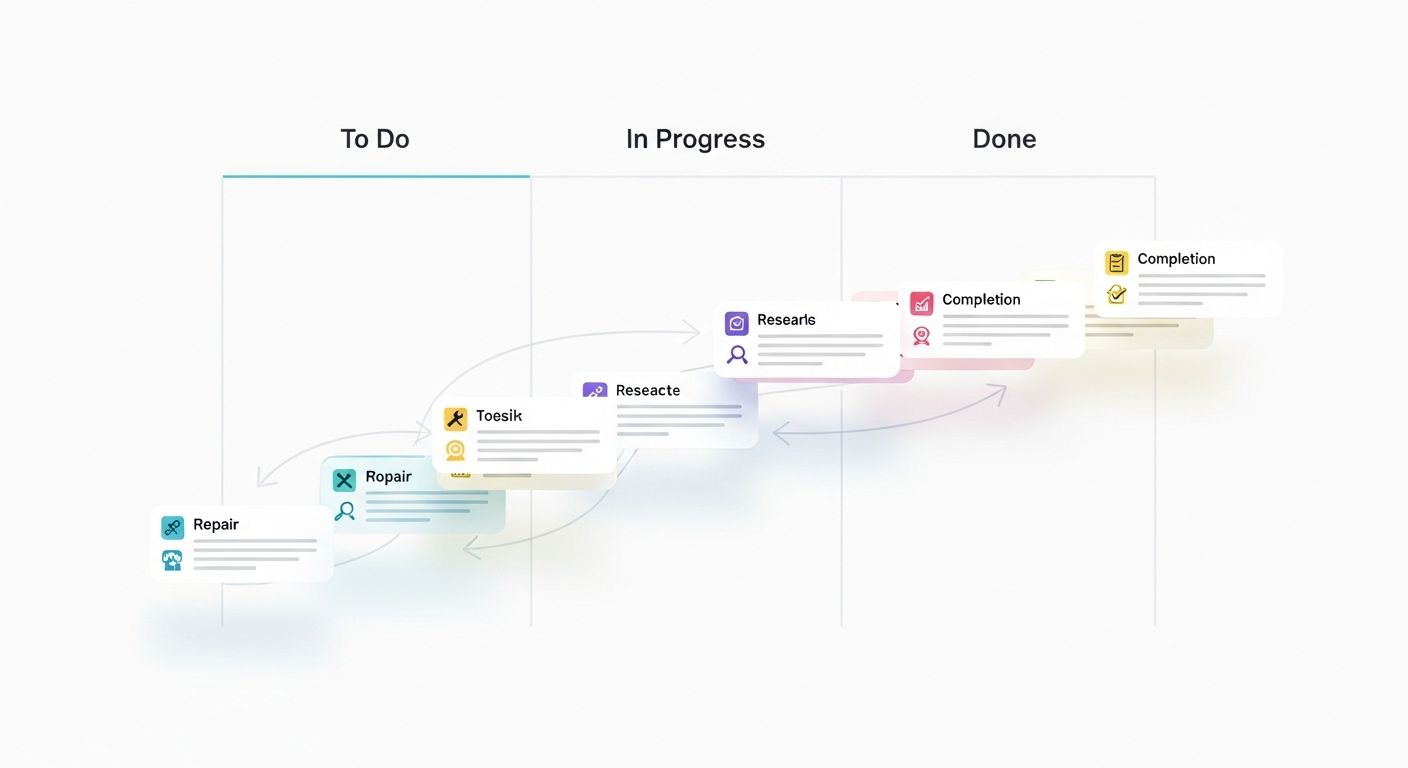
A kanban board template is a simple and smart way to organize work. It comes from the Kanban method, which means “signboard” in Japanese. This method helps you see your work instead of keeping it in your head. Because of this, tasks feel lighter and easier to finish. Even an 8-year-old can understand it.
So how does it work? A kanban board template shows tasks on a board. The board has clear steps. First, you see what you need to do. Next, you see what you are working on. Finally, you see what is finished. As a result, your workflow becomes clear and calm. You always know what comes next.
This is why visual workflow management is so powerful. When you see your tasks, your brain feels happy. You do not forget things. You do not feel confused. Instead, you stay focused. You move tasks step by step. This helps boost productivity and saves time every day. Also, it works well for teams, freelancers, managers, and creators.
Another great thing is this. A kanban board template is ready to use. You do not need to build it from scratch. You just add tasks and start working. Because of this, you spend less time planning and more time doing real work.
Core Elements of an Effective Kanban Board Template
Every good kanban board template has simple parts. These parts make work easy and fun.
First, there are columns. The most common ones are To Do, In Progress, and Done. Tasks move from left to right. This shows progress in a clear way.
Next, there are task cards. Each card is one small job. You can also set WIP limits, which means “work in progress.” This stops you from doing too many tasks at once. As a result, you work better and faster.
Finally, there are workflow stages and ownership. Each task has a step and a person. This builds responsibility and teamwork. Everyone knows who is doing what.
Why Using a Kanban Board Template Is Essential in 2026
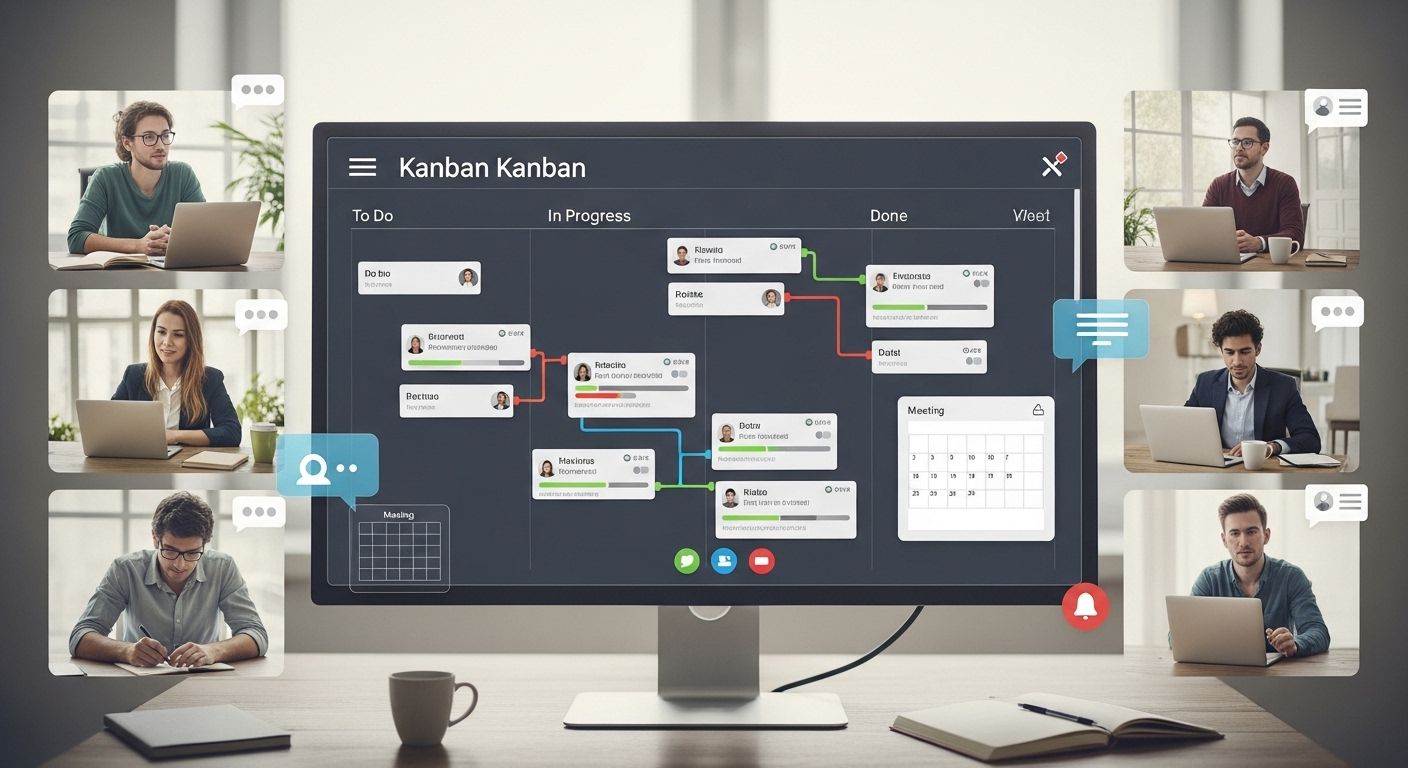
Work in 2026 moves very fast. Many people work from home. Teams live in different cities. Deadlines come quickly. Messages never stop. Because of this, work can feel loud and confusing. That is why a kanban board template is not just helpful—it is essential.
A kanban board template helps you see your work clearly. It shows tasks in one place. You do not need to remember everything in your head. Instead, you look at the board and know what to do next. This is perfect for remote teams, busy workers, and anyone facing fast deadlines. As a result, work feels calmer and more organized.
Another big benefit is speed. Ready-made kanban board templates save time. You do not start from a blank page. You do not waste time thinking about where to place tasks.
Everything is already set up for you. Because of this, you avoid decision fatigue, which means feeling tired from making too many choices. You simply add tasks and begin. Easy and fast.
Also, templates grow with you. You can change columns and move tasks, and can improve your kanban workflow little by little. This makes workflow management simple and fun, even on busy days.
Kanban Board Template vs Traditional Task Lists
A kanban board template works better than a normal task list. A task list goes straight down. It hides progress. It feels boring. But a visual workflow board shows tasks moving from start to finish. This gives visual clarity and builds confidence.
Kanban boards are also flexible. Tasks update in real time. Everyone sees changes right away. This helps teams work together better. People know who is doing what. This creates accountability and trust.
Most importantly, kanban boards improve collaboration. Teams share one board. Freelancers track many clients. Managers see progress clearly. As a result, work flows smoothly, and mistakes are reduced.
Key Features to Look for in a Powerful Kanban Board Template
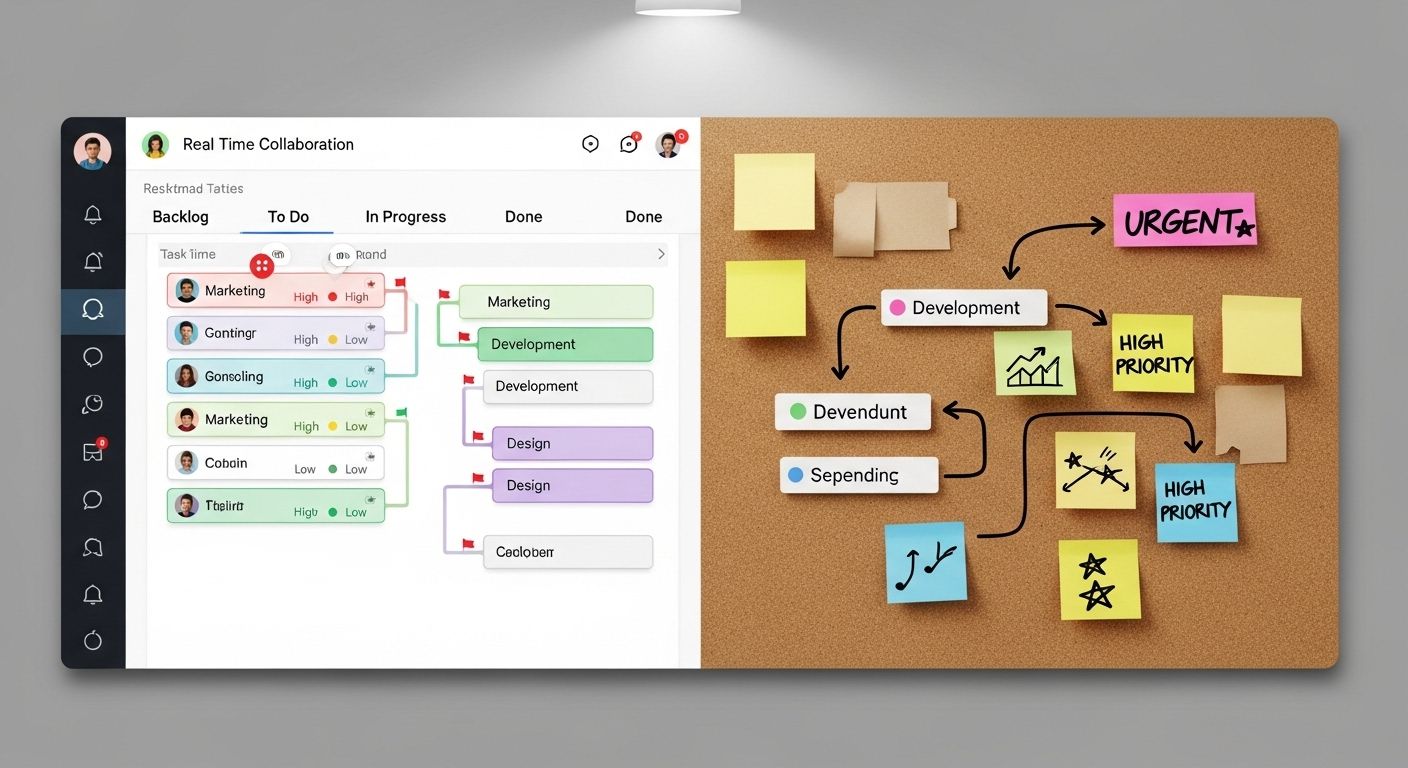
Not all boards are the same. A kanban board template should make work easy and clear. It should help you move tasks step by step. It should also help you stay happy while working. So, before you choose one, look for these powerful features.
First, the board must have customizable workflow stages. This means you can change columns anytime. You can rename them. You can add or remove steps. Because of this, the board fits your work style. As a result, your kanban workflow feels natural and smooth.
Next, look for easy task prioritization. A good kanban board template helps you see what is important. You can place urgent tasks at the top. You can use colors or labels. This helps your brain focus. It also saves time and reduces stress. Small changes bring big results.
Another key feature is collaboration and visibility. A strong visual workflow board lets everyone see the work. Teams know what is happening. Managers track progress. Freelancers manage clients. Because tasks are visible, work feels fair and clear. This improves teamwork and builds trust.
Also, think about the future. A powerful kanban board template must support scalability. This means it should grow with you. It should work for small tasks today and big projects tomorrow. Whether you are one person or a large team, the board should still work well.
Digital vs Physical Kanban Board Templates
Now let’s choose the type of board. Digital kanban boards are great for modern work. They update in real time. They work well for remote teams and also store many tasks without a mess. Because of this, digital boards are perfect for fast and busy workflows.
However, physical kanban boards still have value. They work well in classrooms, homes, or small offices. Sticky notes feel fun and real. For simple daily tasks, a physical board can still help.
15 Powerful Kanban Board Templates to Instantly Organize Your Workflow
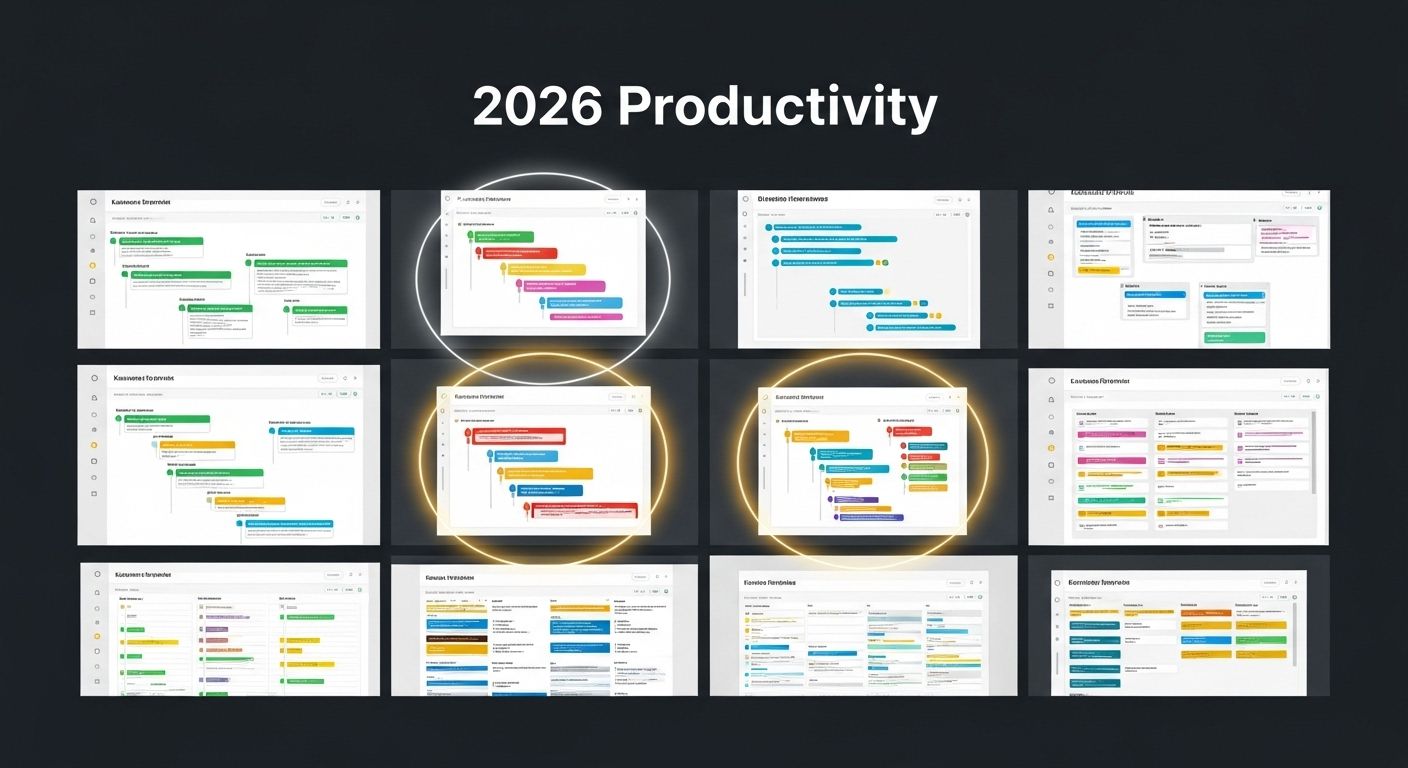
If you’re looking to organize your work, projects, or personal goals in 2026, a kanban board template is the perfect tool.
From beginners to large teams, from freelancers to creative agencies, there’s a template for everyone. These boards make your workflow clear, visual, and manageable, helping you track tasks, deadlines, and progress effortlessly.
Whether you want to boost productivity, improve collaboration, or stay on top of your habits, the right kanban board template can transform chaos into clarity. Below, we’ve compiled 15 powerful kanban board templates, each with its key features and ideal use cases, so you can choose the one that fits your workflow perfectly.
1. Simple Task Kanban Board Template
This template is perfect for beginners or anyone who wants a clear view of their daily tasks. It keeps work simple and focused, making it easy to get started immediately.
Key Features: Columns: To Do, In Progress, Done, minimalist design, focus on daily tasks, easy to maintain.
Ideal Use Case: Beginners, personal productivity, simple daily workflows.
2. Agile Project Kanban Board Template
Designed for agile teams, this template helps you track sprints, tasks, and progress efficiently. It makes team collaboration smoother and keeps projects on schedule.
Key Features: Columns: Backlog, Sprint, In Progress, Review, Done, supports sprint planning, tracks team velocity.
Ideal Use Case: Software development teams, agile projects, and sprint planning.
See Also: Best 15 Agile Project Management Tools for Your Success
3. Remote Team Kanban Board Template
Perfect for distributed teams, this digital board ensures everyone stays on the same page. Tasks update in real time, helping remote teams collaborate seamlessly.
Key Features: Digital board, real-time updates, member-specific columns, and supports virtual check-ins.
Ideal Use Case: Remote teams, virtual collaboration, distributed workflows.
4. Personal Productivity Kanban Board Template
This template helps individuals focus on their daily and weekly goals. It’s simple, visual, and perfect for managing personal projects or studies.
Key Features: Columns: Today, This Week, Upcoming, labels for priorities, and visual progress tracking.
Ideal Use Case: Freelancers, students, individuals managing daily tasks.
5. Marketing & Content Kanban Board Template
Designed for content creators and marketing teams, this board helps you track ideas, drafts, and publishing schedules in one visual space.
Key Features: Columns: Ideas, Writing, Editing, Scheduled, Published, content labels, task deadlines.
Ideal Use Case: Marketing teams, content creators, and campaign planning.
6. Startup & Small Business Kanban Board Template
Ideal for small teams, this template allows tracking multiple projects and responsibilities. It keeps workflows organized and reduces confusion.
Key Features: Columns: Ideas, Planning, Execution, Feedback, Completed, multi-role task tracking, flexible workflow.
Ideal Use Case: Startups, small businesses, multi-task project tracking.
7. Software Development Kanban Board Template
Made for developers, this board tracks features, bugs, and releases efficiently. It helps teams focus on priorities and deliver software on time.
Key Features: Columns: Backlog, Development, QA, Testing, Released, bug & feature tracking, WIP limits.
Ideal Use Case: Development teams, coding projects, product releases.
8. Design & Creative Workflow Kanban Board Template
This template keeps design projects organized, tracking everything from concepts to final approvals. Perfect for creative teams handling multiple revisions.
Key Features: Columns: Concept, Draft, Review, Final, visual task cards, feedback tracking.
Ideal Use Case: Designers, creative teams, and design revision management.
9. Client Project Kanban Board Template
Designed for agencies, this board tracks client projects from start to finish. Tasks, deadlines, and approvals are all visible in one place.
Key Features: Columns: Pending, In Progress, Review, Client Approved, Completed, task assignment, progress visibility.
Ideal Use Case: Agencies, client management, project tracking.
10. Advanced Customizable Kanban Board Template
This template is fully flexible, perfect for large teams or complex workflows. You can adjust columns, labels, and priorities to match any project.
Key Features: Fully flexible columns, custom labels & priorities, scalable for teams.
Ideal Use Case: Large teams, complex workflows, advanced project tracking.
11. Event Planning Kanban Board Template
Track every step of an event, from ideas to the big day. This board ensures nothing is forgotten and responsibilities are clear.
Key Features: Columns: Ideas, Tasks, Vendors, Setup, Event Day, responsibility assignment, deadlines.
Ideal Use Case: Event managers, party planning, corporate events.
12. Sales & CRM Kanban Board Template
Manage your sales pipeline efficiently with this board. Track leads, proposals, and deals in one place for better performance.
Key Features: Columns: Leads, Contacted, Proposal, Negotiation, Closed, sales pipeline tracking, assign reps.
Ideal Use Case: Sales teams, CRM management, lead tracking.
13. Education & Classroom Kanban Board Template
This board is perfect for teachers and students. Track assignments, submissions, and grades visually to stay organized in classrooms.
Key Features: Columns: Assignments, In Progress, Submitted, Graded, deadline tracking, and visual classroom management.
Ideal Use Case: Teachers, students, and classroom task tracking.
14. HR & Recruitment Kanban Board Template
Track hiring processes easily from applicants to hired employees. Keeps recruitment organized and transparent for HR teams.
Key Features: Columns: Applicants, Screening, Interview, Offer, Hired, recruitment pipeline, task assignment.
Ideal Use Case: HR teams, recruitment tracking, hiring processes.
15. Personal Habit & Goal Tracking Kanban Board Template
Perfect for personal growth, this board tracks daily habits, goals, and progress in a visual and motivating way.
Key Features: Columns: Planned, In Progress, Achieved, color-coded labels, and motivation tracking.
Ideal Use Case: Individuals, habit tracking, personal goal management.
How to Choose the Best Kanban Board Template for Your Workflow
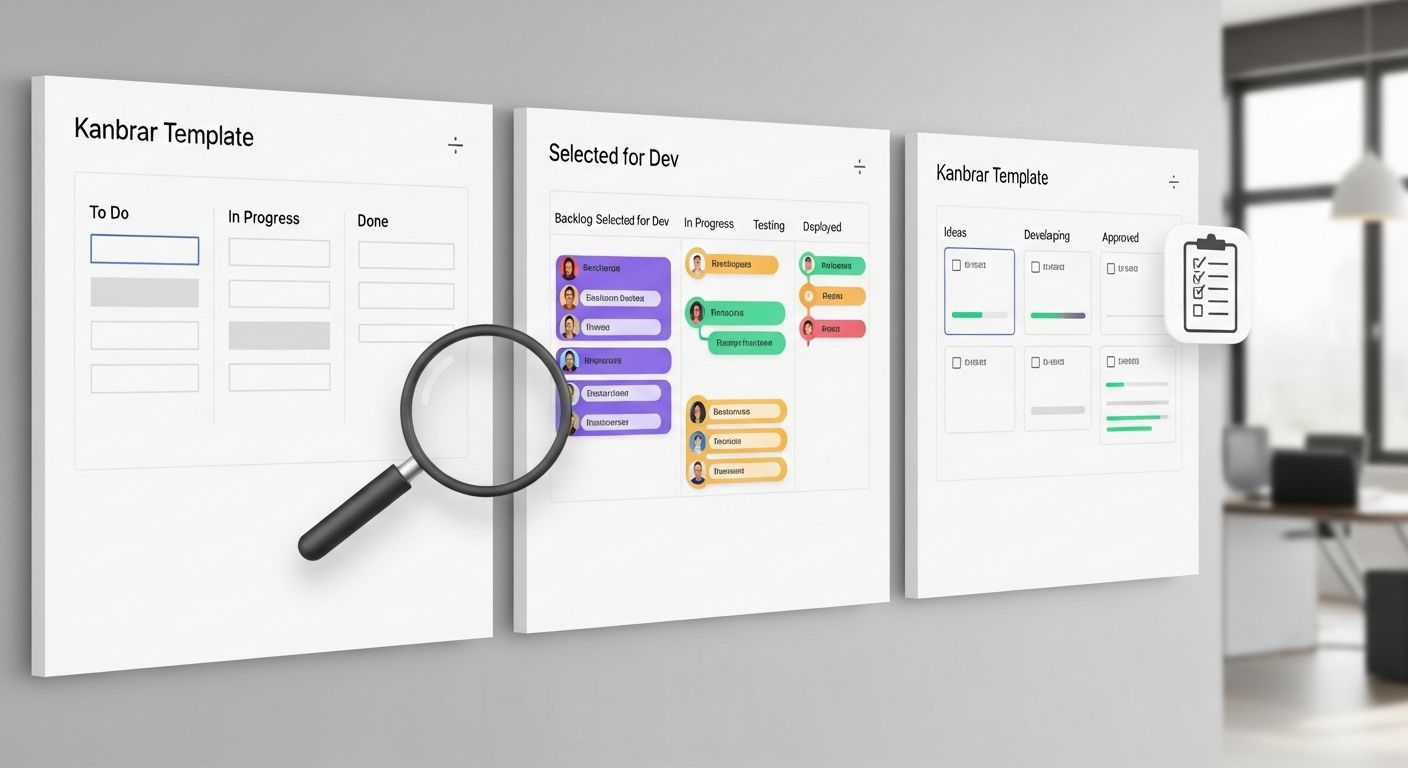
Choosing the right kanban board template is very important. The right board makes work easy. The wrong board makes work hard. So, before you start, take a moment and think. What do you really need? This small step saves time and keeps your workflow clear.
First, match the template with your goals and team size. If you work alone, choose a simple kanban board template. Use fewer columns. Keep tasks small. But if you work in a team, pick a board that supports sharing and teamwork. Bigger teams need more space. This helps everyone see the work and stay connected.
Next, think about workflow complexity. Some work is simple. Some work has many steps. A good visual workflow board should match your process. Do not add extra stages just because they look nice. Instead, add only what you use. This keeps your kanban workflow clean and easy to follow.
Also, remember this tip: simple boards work best. Too many rules can slow you down. Too many colors can confuse you. A powerful kanban board template helps you focus, not feel stressed. As a result, work feels smooth and fun.
Common Mistakes to Avoid When Using Kanban Board Templates
Many people make small mistakes. But you can avoid them easily.
First, do not use too many columns. When there are many steps, tasks move slowly. You may forget where to place them. Keep columns clear and few, like To Do, In Progress, and Done.
Second, do not ignore WIP limits. WIP means “work in progress.” If you start too many tasks at once, none get finished. A good kanban board template helps you focus on fewer tasks. This builds speed and confidence.
Finally, always update the board regularly. A board only works when it is fresh. If tasks are old, the board lies. Update it daily or weekly. This keeps workflow management honest and useful.
How to Customize a Kanban Board Template for Maximum Productivity
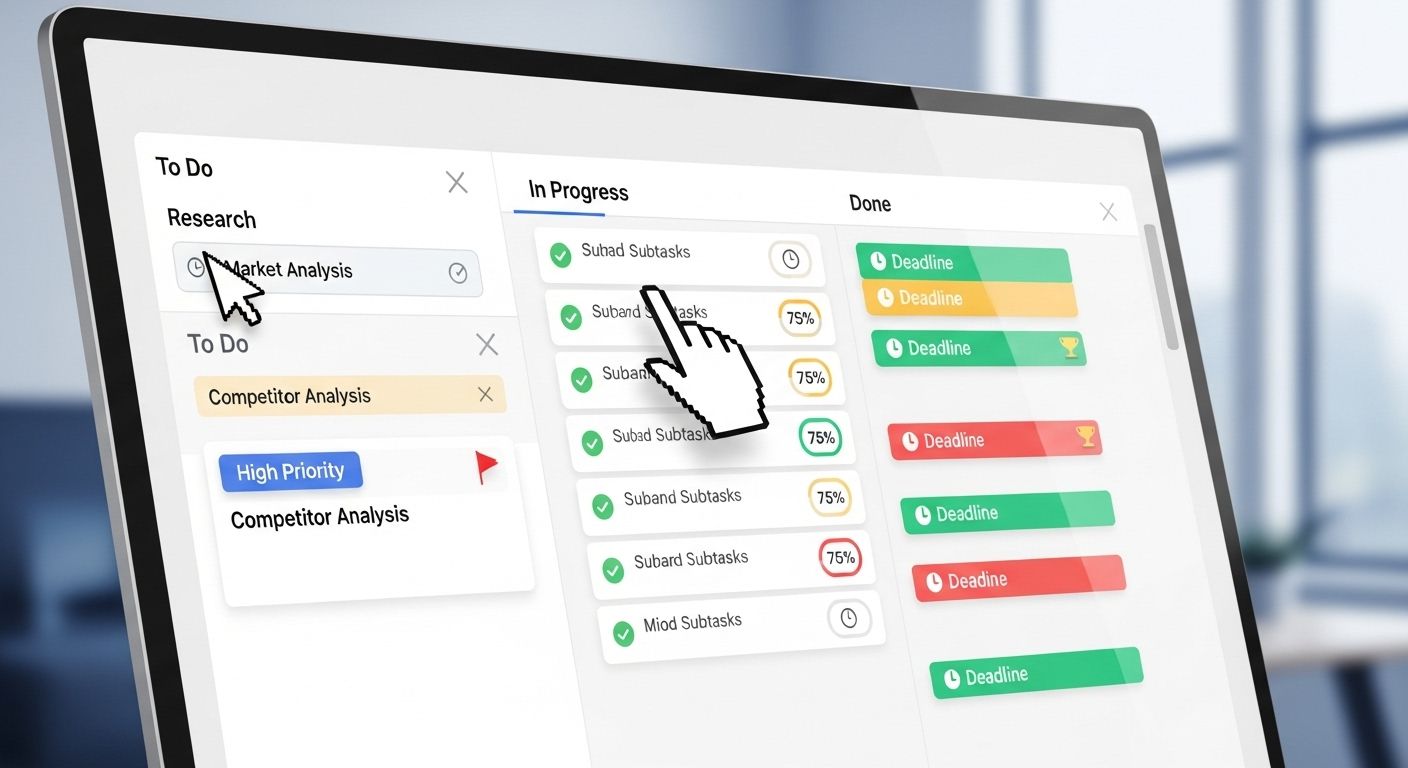
A kanban board template works best when it fits your workflow. Every team, freelancer, or creator works differently. That is why customizing your board is very important. When you adjust it to your needs, work becomes easy, fun, and productive.
First, adapt templates to real workflows. Don’t use columns you don’t need. Add steps that match your tasks. For example, if you write stories, add a “Draft” column. If you make videos, add “Editing” or “Publishing.” This makes your visual workflow feel natural.
Next, name columns based on process stages. Clear names help everyone see what to do next. Common names are To Do, In Progress, and Done. You can also use Review, Waiting, or Approved. Short, simple names make the board easy to read.
Also, use labels, priorities, and deadlines. Labels can show task types. Priorities tell you what is most important. Deadlines keep tasks on track. This way, you stay focused, organized, and stress-free. A clear kanban workflow helps you finish work faster.
Best Practices for Long-Term Kanban Success
To get the most out of your kanban board template, follow these tips.
Weekly reviews are important. Check your board once a week. Move tasks, update statuses, and remove finished tasks. This keeps your workflow accurate.
Next, have a continuous improvement mindset. Look for small ways to improve the board. Maybe a column needs renaming. Maybe tasks need better priority labels. Small changes make a big difference over time.
Finally, keep the board clean and focused. Don’t clutter it with too many tasks. Keep only active work visible. When the board is simple, it is easy to use. Everyone on your team or project can see progress clearly.
Your Next Step to a Calm and Happy Workflow
Now you know how the right kanban board template can change your work life. It helps you see tasks clearly. It helps you stay calm. And most of all, it helps you finish work on time. When you use a visual workflow board, work stops feeling scary and starts feeling fun. That is a big win.
The best part is this. Kanban board templates save time. You do not need to plan from the start. You do not need to guess what comes next. Instead, you follow a clear path. Because of this, your brain feels light. Your work feels simple. And your productivity board keeps everything in one place. This brings better focus and strong workflow clarity every day.
Also, remember this. There is no “perfect” board. You can try one kanban board template today. Then you can change it tomorrow. Add a column. Remove a step. Move tasks around. This is called continuous improvement, and it helps you grow. So, keep testing. Keep learning. And keep improving your kanban workflow.
Now it’s your turn to act. Choose one kanban board template and start using it today. Do not wait. Small steps bring big results. If this guide helped you, bookmark this post so you can return anytime. Also, feel free to share it with your team or friends who need help with task management.
Finally, explore more productivity and workflow tips on our website. And don’t forget to follow us on Instagram for daily ideas, simple hacks, and visual planning tips. Let’s build a smarter workflow—together.