Why Your Smart Home Stopped Talking: A Guide to Fixing IoT Compatibility Headaches
Solve Smart Home Compatibility Issues and Make Your Devices Talk Again

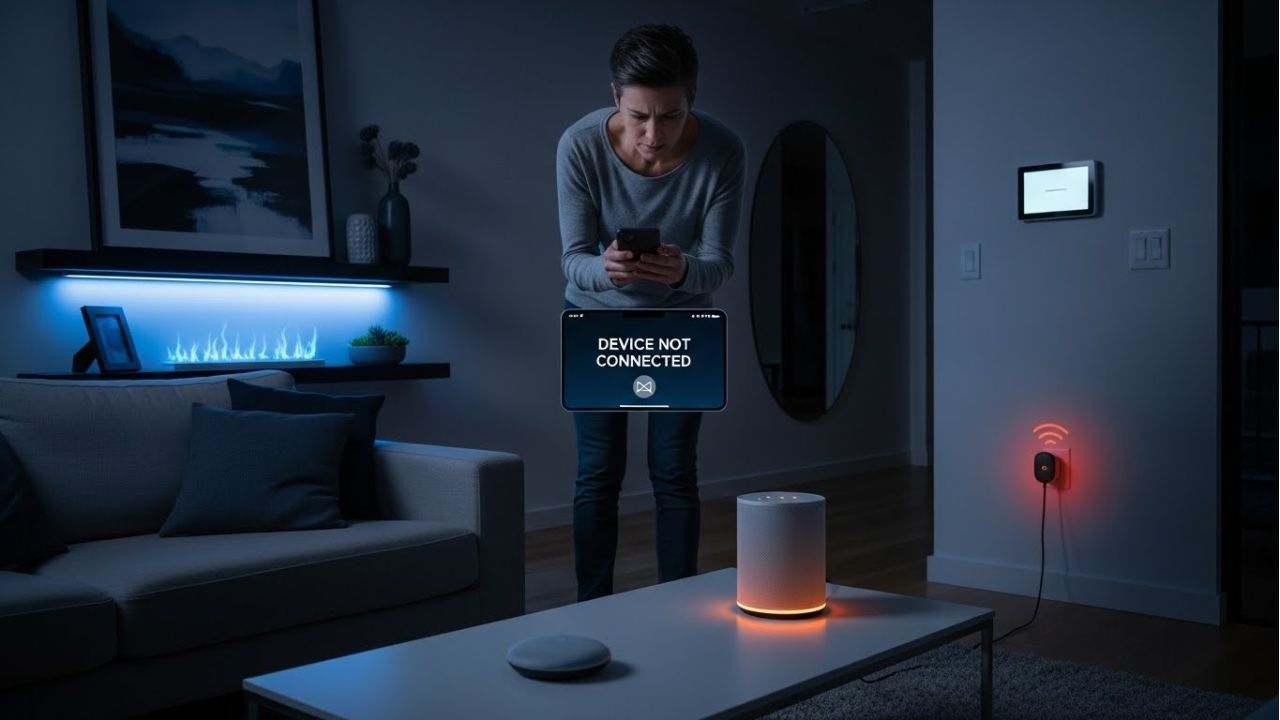
Your smart home was supposed to make life easier.
But one day, it suddenly goes quiet.
The lights no longer respond.
The speaker ignores your voice.
The smart plug works… but only sometimes.
Sound familiar?
Just yesterday, everything worked perfectly. Today, your smart home devices are not connecting and act like strangers. This moment is confusing, annoying, and honestly a little stressful. You might even wonder, “Did I break something?” Don’t worry—you didn’t.


This occurs due to smart home compatibility issues. In simple terms, your devices are still smart, but they are no longer speaking the same language. Different brands, apps, updates, hubs, and IoT communication protocols can cause IoT device communication problems. As a result, your connected home stops feeling connected.
Here’s the good news: this problem is very common—and it is fixable.
Many homeowners face smart home automation failure, device pairing problems, or smart home hub issues, especially after updates or when adding new devices. Even experts deal with IoT connectivity problems. You are not alone.
In this guide, you’ll learn why smart home devices stop working together and what really causes IoT device conflicts. Step by step, we’ll show you how to fix smart home connection problems using simple actions anyone can follow. You’ll also discover how to avoid future headaches and build better home automation compatibility.
Most importantly, this guide uses easy words, short sentences, and clear examples. No tech jargon. No confusion.
By the end, your smart home will start talking again.
And this time, it will listen too.
What Does “Smart Home Compatibility” Really Mean?
Smart home compatibility issues sound complex, but the idea is very simple.
It means your smart devices can talk, listen, and work together without problems. When devices understand each other, your home feels truly smart. When they don’t, things break.
Think of it like a team. If everyone speaks the same language, the job is easy. But if they speak different languages, nothing works. That’s exactly how IoT device communication problems happen in a smart home.
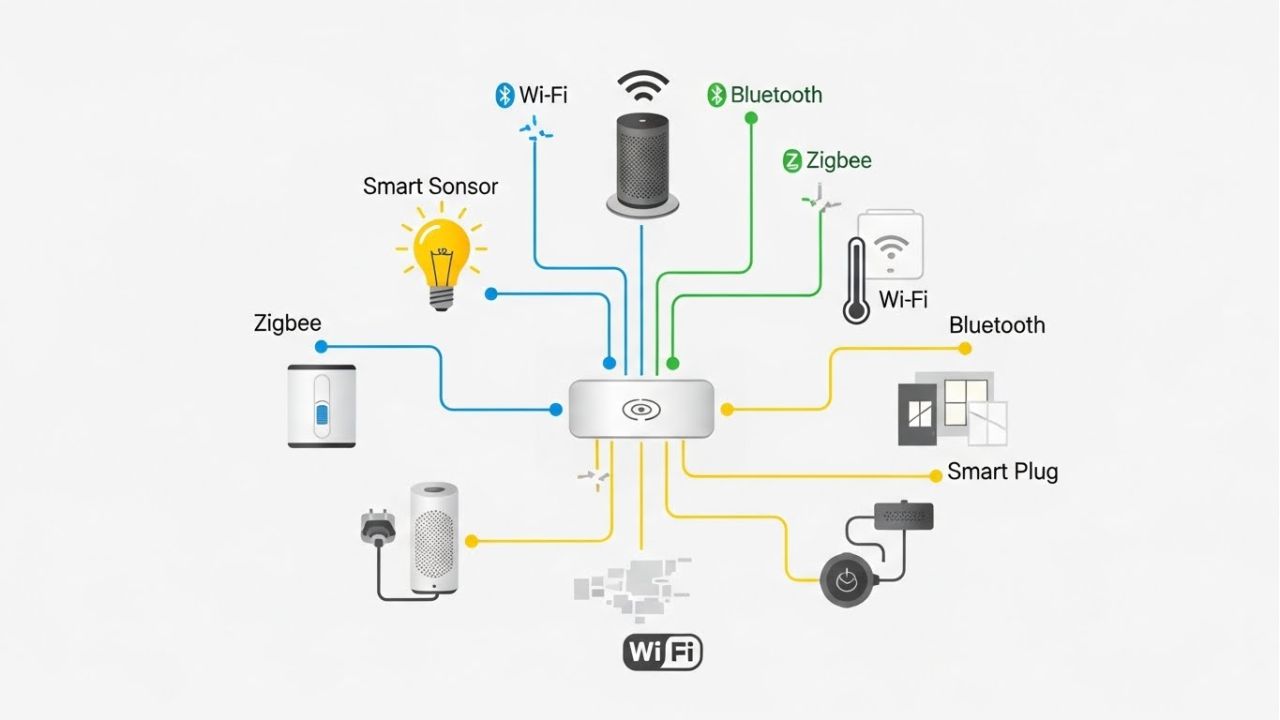
Smart home devices talk in three main ways.
- First, they use apps on their phones.
- Second, they may use smart home hubs like Alexa or Google Home.
- Third, they use smart home communication protocols such as Wi-Fi, Zigbee, or Bluetooth. If even one part fails, you may see smart home devices not connecting or responding late.
Now, here’s something important. Basic connectivity is not the same as smart home interoperability. A device may connect to Wi-Fi, but that doesn’t mean it can work with other devices. True smart home interoperability means your lights, speakers, and sensors work together smoothly. That’s what enables reliable automation.
Compatibility also depends on ecosystems. Google Home, Amazon Alexa, and Apple HomeKit each have their own rules. Some devices work only inside one system. This creates IoT platform compatibility issues and causes frustration.
In short, compatibility keeps your smart home automation stable, reliable, and stress-free. When devices work together, your smart home finally feels smart again.
Common Reasons Smart Home Devices Stop Talking to Each Other

When your smart home goes quiet, it can feel confusing. But smart home compatibility issues usually have clear causes. Let’s break them down in a simple way.
First, software updates often cause trouble. An app or device updates overnight. Suddenly, old connections break. This leads to IoT device communication problems and smart home automation failure. Updates are helpful, but they don’t always play nicely.
Next, many people mix different brands. This sounds smart, but it can backfire. Some devices have limited cross-platform support. They may work alone but fail together. This creates IoT platform compatibility issues and device pairing problems.
Another big reason is outdated firmware. Devices need updates to stay friendly with others. If a device is no longer supported, it may stop talking at all. This causes smart home system errors and random disconnects.
Then there’s the network. Weak Wi-Fi or network conflicts confuse devices. When signals drop, you see smart home devices not connecting or responding late. A crowded network can also trigger IoT connectivity problems.
Cloud services matter too. Many smart devices depend on the cloud. If the service goes down, devices stop working. This is a common cause of connected home technology failure.
Finally, hub overload or aging hardware can slow everything down. Too many devices on one hub cause smart home hub issues.
The good news? These problems are common—and fixable. Understanding them is the first smart step.
The Hidden Role of IoT Protocols in Compatibility Problems
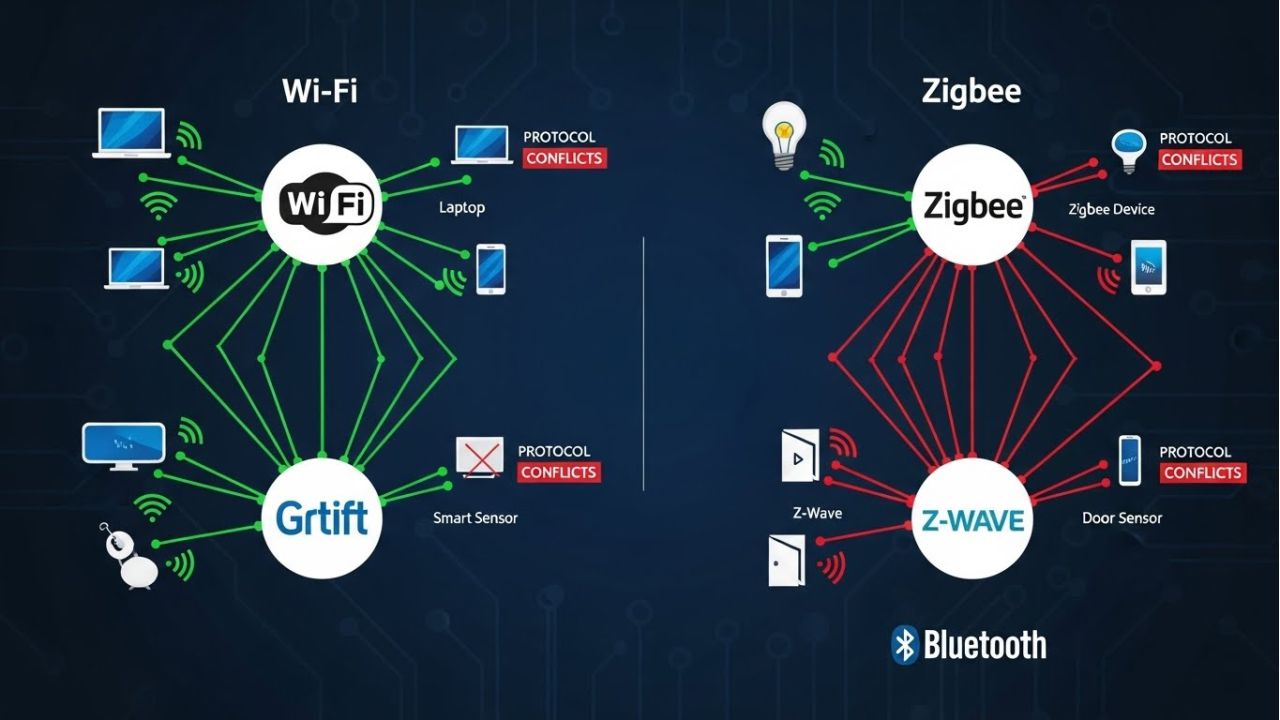
Smart home compatibility issues often hide in a place most people never check—IoT communication protocols. These are the rules that devices use to talk. If the rules don’t match, devices stay silent.
Let’s keep it simple.
- Wi-Fi is fast and common. Many devices use it.
- Bluetooth works at short range. It’s easy but limited.
- Zigbee and Z-Wave are made for smart homes. They save power and work well with hubs.
The problem starts when these protocols mix. Different protocols don’t always play nicely together. A Wi-Fi bulb may not understand a Zigbee sensor. This creates IoT device communication problems and smart home devices not connecting.
Because of this, protocol mismatches cause real trouble. Automations fail. Commands get lost. You see smart home automation failure even when devices seem fine on their own. This is a major reason smart home systems fail to communicate.
To fix this, a new standard called Matter was created. Matter aims to solve smart home compatibility issues by helping devices speak one common language. It promises better smart home interoperability across brands and platforms. This is a big step forward, but it’s still growing.
Some homes use protocol bridges to connect everything. These bridges can help by translating messages. However, they can also hurt. Too many bridges create delays and smart home system errors.
The key lesson is simple. Choose protocols wisely. Fewer languages mean fewer problems—and a smarter, happier home.
How Smart Home Hubs Can Fix (or Create) Compatibility Headaches
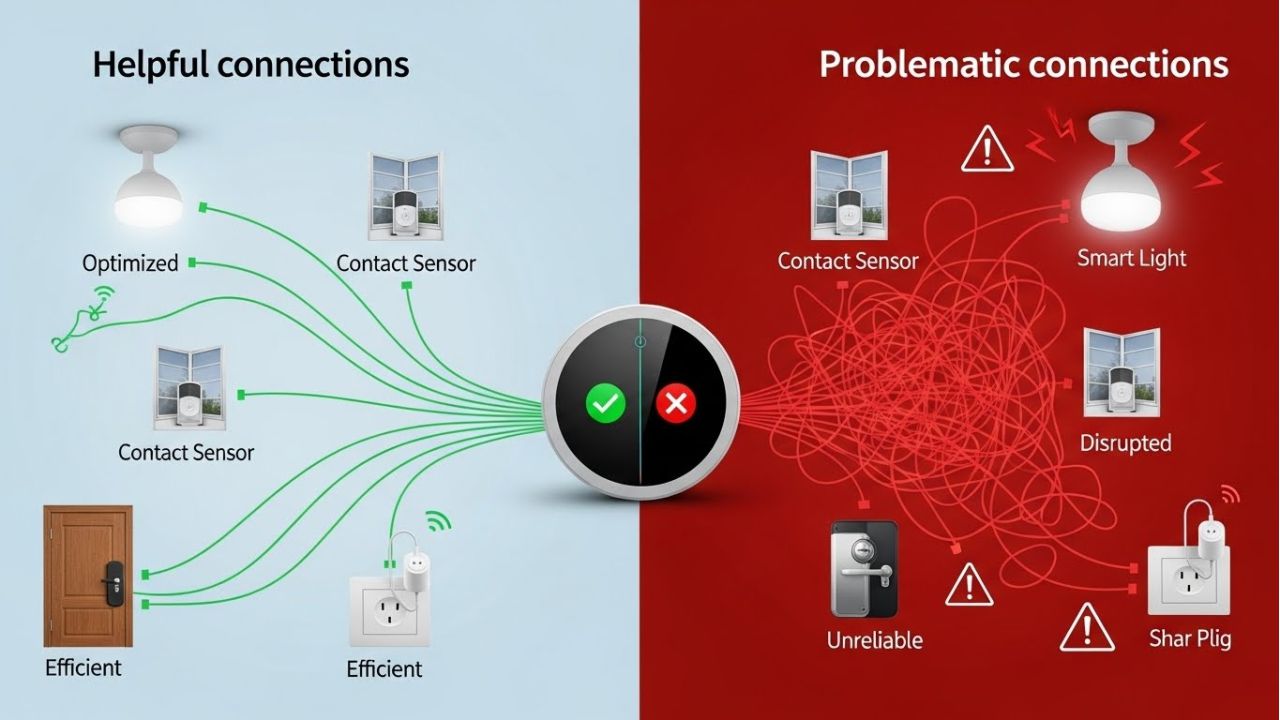
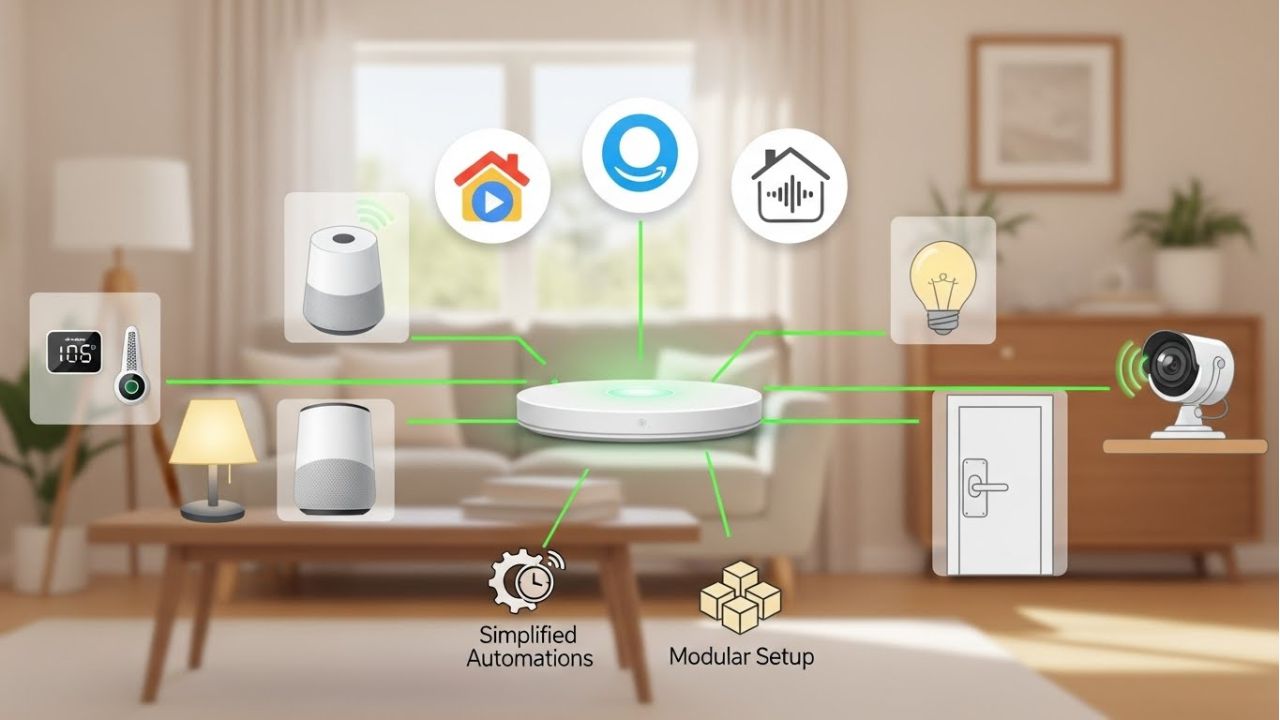
A smart home hub is like the brain of your home. It helps devices talk, listen, and work together. When used right, hubs reduce smart home compatibility issues. But when used incorrectly, they can cause more trouble.
So, what do hubs actually do?
A hub connects many devices into one system. It helps manage IoT device communication problems by sending messages between lights, sensors, and speakers. This makes smart home interoperability possible, especially for devices using Zigbee or Z-Wave.
When you use one good hub, life gets easier. A hub can simplify integration by bringing mixed devices under one roof. Commands become faster. Automations become smoother. This often fixes smart home automation failure and device pairing problems.
However, too many hubs can cause chaos. Each hub wants control. They fight for attention. This leads to smart home hub issues and IoT device conflicts. Devices may respond late or stop working altogether.
Choosing the right hub matters a lot. If you use mixed brands, pick a hub that supports many devices and IoT standards and protocols. Popular ecosystems like Alexa, Google Home, and Apple HomeKit work well with certain hubs. Always check compatibility first.
Some homes use hub-free setups. These rely on Wi-Fi and apps only. They are simple but less stable. Hub-based smart homes offer better control and reliability.
The lesson is clear. One smart hub is helpful. Too many create headaches. Choose wisely for a peaceful, smart home.
Step-by-Step Guide to Fixing Smart Home Compatibility Issues
Fixing smart home compatibility issues may feel tricky, but it becomes simple when you follow the right steps. With a little patience, your smart home devices will start talking to each other again.
Step 1: Audit your devices and platforms.
Check every device, hub, and app in your home. Make a list of what works, what doesn’t, and which platforms they belong to. This helps identify IoT device communication problems and smart home automation failures.
Step 2: Update everything.
Firmware, apps, and hubs should always be on the latest version. Updates often fix smart home system errors and improve IoT connectivity.
Step 3: Reconnect and re-pair devices properly.
Sometimes devices lose connection. Unpair them and pair them again following the manufacturer’s instructions. This clears device pairing problems and restores smooth communication.
Step 4: Optimize Wi-Fi and network settings.
Make sure your Wi-Fi is strong and stable. Avoid overcrowded networks. Devices respond faster when the network is healthy, reducing smart home hub issues.
Step 5: Use safe reset strategies.
Some devices allow partial resets that don’t erase all settings. This is helpful before trying a full reset.
Step 6: Know when to remove and re-add devices.
If a device still doesn’t work, remove it from your ecosystem and add it back. This often solves stubborn IoT platform compatibility problems.
By following these steps, you can fix smart home connection problems and prevent future IoT device conflicts. A little routine maintenance makes your connected home technology reliable, smooth, and stress-free.
Preventing Future IoT Compatibility Problems
Are Universal Standards Like Matter the Future of Smart Homes?
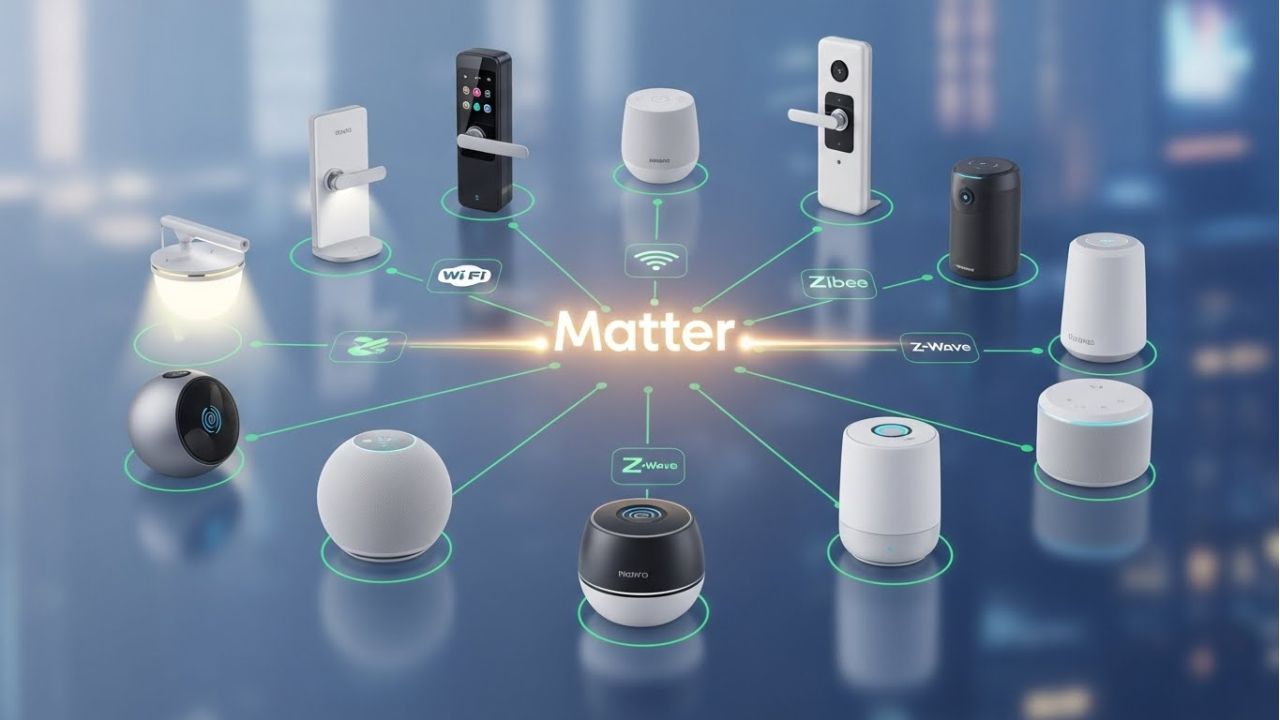
Smart home compatibility issues have long frustrated homeowners. Different brands, protocols, and hubs often lead to IoT device communication problems. That’s where Matter comes in—a new universal standard designed to make devices talk the same language.
So, what is Matter, and why does it matter? Simply put, Matter is a common set of rules for connected home technology. It allows devices from different brands to work together more smoothly. Lights, sensors, locks, and speakers can understand each other, even if they come from different companies. This promises to solve many smart home system errors caused by protocol conflicts or platform mismatches.
However, Matter isn’t perfect yet. Current limitations include partial support for older devices and delayed adoption by some brands. Not all ecosystems fully support it right now. That means your smart home devices may still face IoT connectivity problems in the short term.
Over time, though, Matter could reduce smart home compatibility issues dramatically. As more devices adopt the standard, device pairing problems and smart home automation failures will become rarer. Homes with mixed brands will communicate more reliably, and troubleshooting will be simpler.
In short, Matter represents the future of smart home interoperability. It’s a step toward truly seamless smart homes where IoT platform compatibility is no longer a headache. While adoption is gradual, embracing Matter-ready devices today can make your connected home technology smarter, easier, and more reliable tomorrow.
With Matter, the days of silent, uncooperative smart devices may finally be over.
Your Smart Home Can Talk Again—Here’s the Smart Way Forward
If your smart home suddenly stopped working, take a deep breath. You are not the problem.
Most smart home compatibility issues happen because of system-level changes, not user mistakes. Updates, weak networks, mixed brands, and broken IoT communication protocols often cause IoT device communication problems. That’s why smart home devices stop working together, even when you did nothing wrong.
Let’s quickly recap.
Your devices may fail due to smart home hub issues, device pairing problems, or IoT connectivity problems. Sometimes, the network struggles. Other times, platforms don’t agree. These smart home system errors are common in today’s connected homes. The good news? Simple fixes work. Updating firmware, checking hubs, improving Wi-Fi, and choosing compatible devices can solve most smart home automation failures.
Most importantly, smart homes work best with a plan. Instead of adding random devices, think ahead. Choose brands that support home automation compatibility. Check IoT standards and protocols before buying. Keep your setup simple. This strategic approach reduces IoT device conflicts and builds true smart home interoperability.
Now it’s your turn
Did your smart home stop responding?
Are your devices not talking to each other?
Share your smart home problems in the comments. Your story might help others.
For more easy, friendly guides like this, follow us on Instagram and stay updated with smart home tips made simple.
And finally, share this post with anyone struggling with smart home troubleshooting. A quiet smart home doesn’t have to stay silent. With the right steps, your connected home can feel smart again—every single day.